Desync
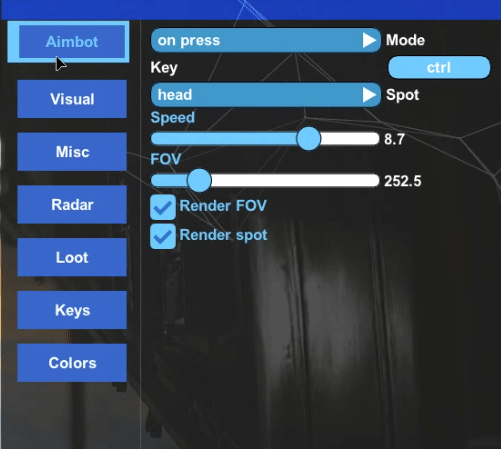
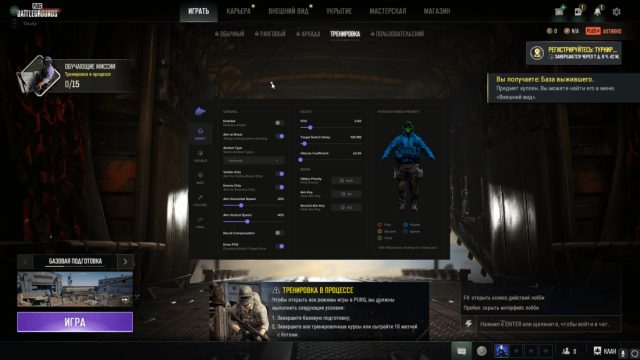
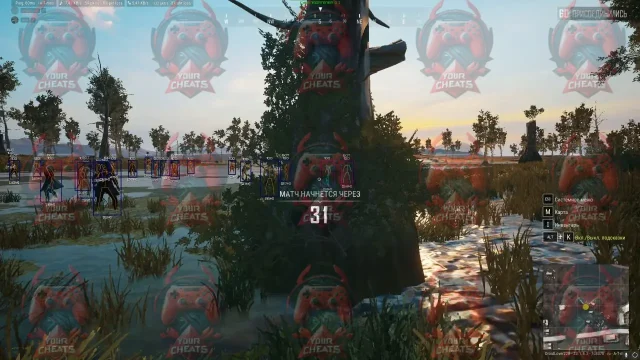
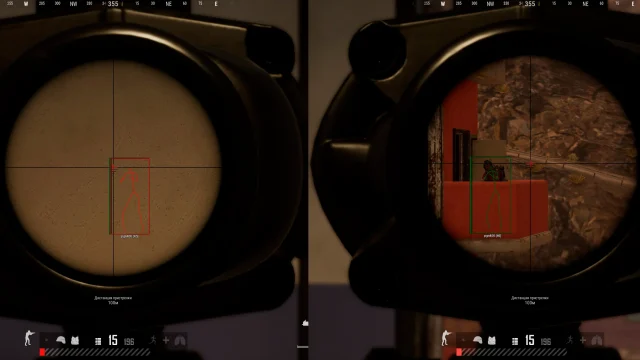
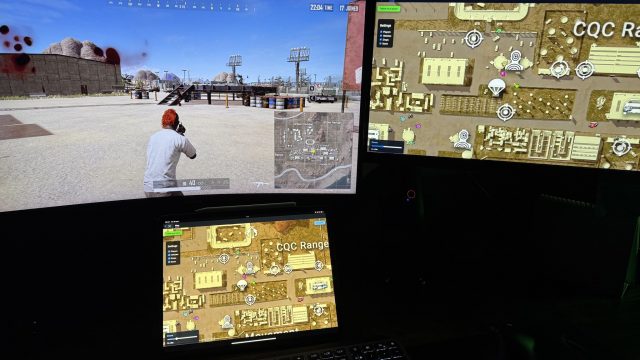
Desync redefines precision in PUBG: PerfectSync™ tech aligns your actions with server ticks in real-time, smart aimbot adjusts for target ping/movement, ESP with “Tactical Overlay” exposes campers without visual clutter, while ZeroTrace encrypts network packets to bypass BattlEye – dominate CQC in Pochinki, win long-range fights in Miramar, and top leaderboards with buttery-smooth gameplay where every shot is server-perfect.
How to install
⚠️ Mandatory to Read
READING THIS INSTRUCTION IS MANDATORY!
Failure to follow it may result in denial of support.
🔧 Pre-launch Setup
💻 Automatic setup via BAT file
Use the included BAT file to simplify setup. Running it will partially automate the pre‑launch configuration and let you skip steps 4–5 in the “Pre‑launch Setup” section.
How to use:
2) Place it in a convenient location (not on the desktop).
3) Run it as Administrator.
4) Wait for the script to finish and restart your PC.
Important: The BAT file does not replace the entire guide — complete the remaining steps manually.
-
Download the loader archive
Password: 123 -
Rename and place the archive in a convenient location (🚫 not on the desktop)
Install required libraries and frameworks: -
Uninstall antivirus, disable protection and remove anti-cheats (mandatory)
Remove or disable virtual machines and sandboxes (optional)
Also disable virtualization in BIOS and run:
bcdedit /set hypervisorlaunchtype off
-
➡ Then restart your PC
-
Configure BIOS and Windows settings (optional)
-
Disable Secure Boot
-
Enable UEFI (if Legacy BIOS is used)
-
Move the Start menu to the bottom (as default)
-
Restart your PC after completing all steps
🚀 Cheat Launch Instructions
💡 It’s recommended to launch the cheat from a USB stick.
Once the cheat is launched (before entering the game) — remove the USB stick.
🔹 First-time launch only:
-
Run the cheat
-
Wait for automatic reboot
-
Continue to the next section
🔹 Main Launch:
-
Run the loader
-
Select PUBG
-
Check the “Enable spoofer” box (optional)
-
Click “Launch Cheat”
-
Enter the game
-
Press F2 in the lobby (inject)
-
Press Home or Insert to open the menu
❗ What to do if you receive a HWID ban
-
👤 Create a new Windows user account
-
Manually: Settings → Accounts
-
Or automatically via loader
-
(You can delete the old account if needed)
-
🔄 Restart your PC
-
🧹 Log in under the new user and clean PUBG traces
⚠️ Make sure you log in only under the new user -
🛡 Activate the spoofer
-
Do not use “previous configuration” if you’ve been banned
-
🎮 Log into the game with a new account
-
It must not be linked to the banned one
Once logged in — you can play
What to do if the software does not work?:
To ensure the software works correctly, follow these steps:
1. Using DControl, disable Windows Defender + completely remove all other antiviruses. Necessarily!!!
2. Disable UAC. Necessarily!!!
3. Disable all items in the Exploit Protection tab [DEP, ASLR, CFG, etc.] In rare cases, for some cheats.
4. Disable Smart Screen. Necessarily!!!
5. Disable Firewall. Necessarily!!!
6. Install DirectX and Microsoft Visual C++
Microsoft Visual C++
DirectX
7. Disable kernel isolation. Necessarily!!!
8. Remove Faceit and Valorant [Vanguard] anti-cheat. [Do not remove Vanguard if the cheat is intended for the game Valorant]. Necessarily!!!
9. Faceit - [Open a command prompt as administrator and type [sc stop faceit] ]. Necessarily!!!
Vanguard - [Open a command prompt as administrator and type [sc delete vgc] + [sc delete vgk] ]. Necessarily!!!
11. Restart your computer. If you have uninstalled your antivirus, Vanguard or Faceit. Necessarily!!!
Write a review