WH
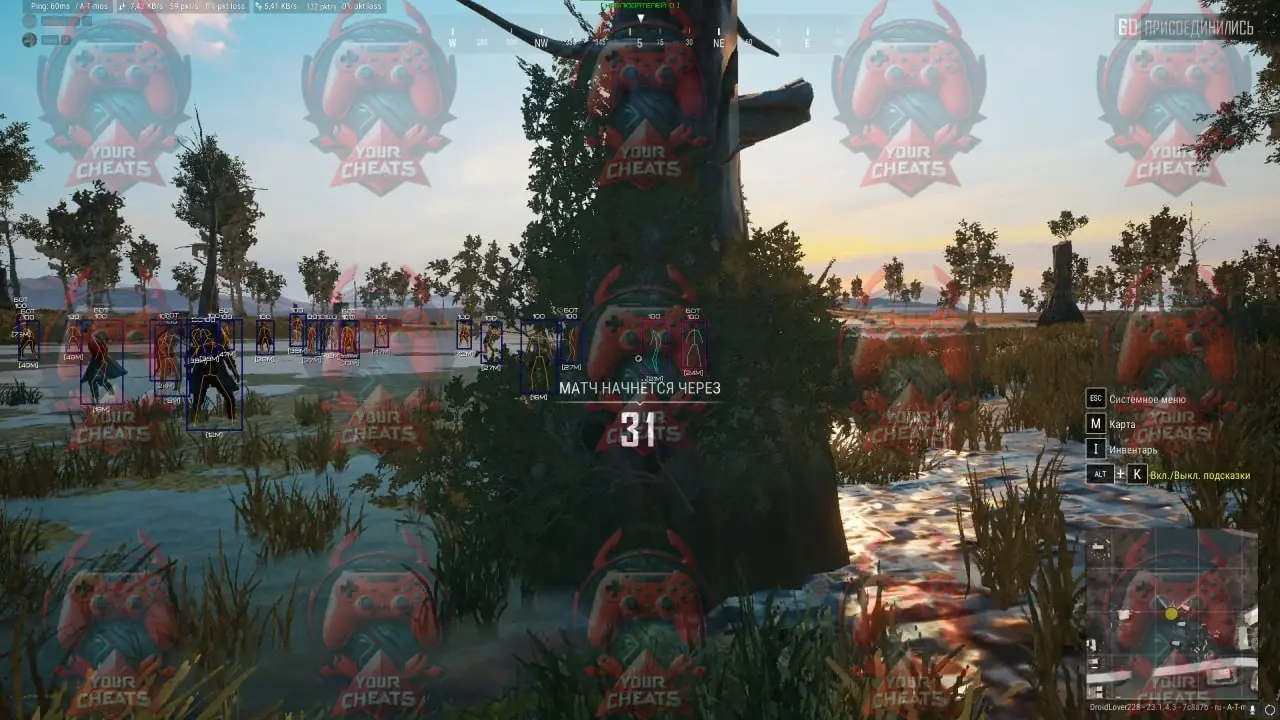
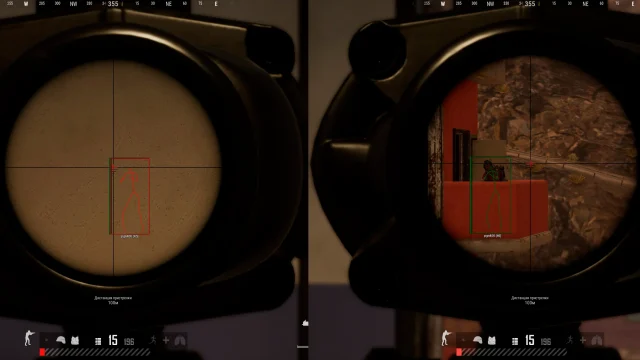
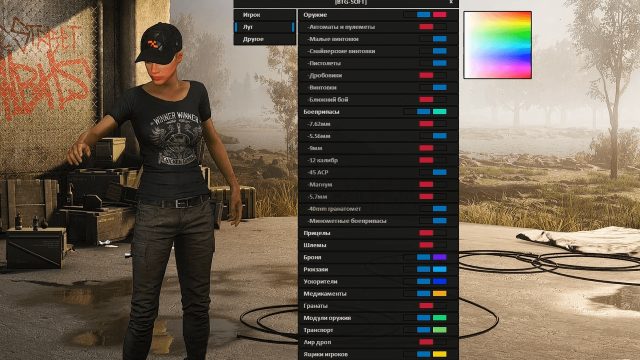
To buy a WH cheat for PUBG means to provide yourself with an undeniable advantage! This program helps you see what is hidden and anticipate the actions of your rivals. With WH, wins become part of your game.
How to install
- 1. After payment you will receive a license key to activate the product.
- 2. Before starting, you need to make sure that everything is ready for this:
- Direct X 11 must be selected in the game settings;
- Remove Faceit Anti-Cheat and Riot Vanguard(Valorant Anti-Cheat) using software uninstalling;
- Antivirus and Windows Defender must be disabled, as this may block the cheat from loading and starting.
- Direct X 11 must be selected in the game settings;
- 3. Now download the cheat loader from this link . Archive password - 1.
- 4. Run the downloaded file. Antivirus must be disabled. Run it as administrator.
- 5. To activate the key click on the "Activation key" button and enter the key received after purchase.
- 6. Make sure that the game is closed. Select PUBG from the list of available games and click Load.
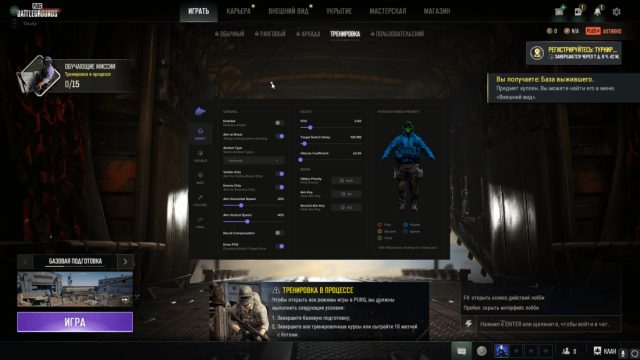
- 7. After Game will be opened Menu will be opened in game. Cheat menu - Insert key.
What to do if the software does not work?:
To ensure the software works correctly, follow these steps:
1. Using DControl, disable Windows Defender + completely remove all other antiviruses. Necessarily!!!
2. Disable UAC. Necessarily!!!
3. Disable all items in the Exploit Protection tab [DEP, ASLR, CFG, etc.] In rare cases, for some cheats.
4. Disable Smart Screen. Necessarily!!!
5. Disable Firewall. Necessarily!!!
6. Install DirectX and Microsoft Visual C++
Microsoft Visual C++
DirectX
7. Disable kernel isolation. Necessarily!!!
8. Remove Faceit and Valorant [Vanguard] anti-cheat. [Do not remove Vanguard if the cheat is intended for the game Valorant]. Necessarily!!!
9. Faceit - [Open a command prompt as administrator and type [sc stop faceit] ]. Necessarily!!!
Vanguard - [Open a command prompt as administrator and type [sc delete vgc] + [sc delete vgk] ]. Necessarily!!!
11. Restart your computer. If you have uninstalled your antivirus, Vanguard or Faceit. Necessarily!!!
Write a review