COVCHEG
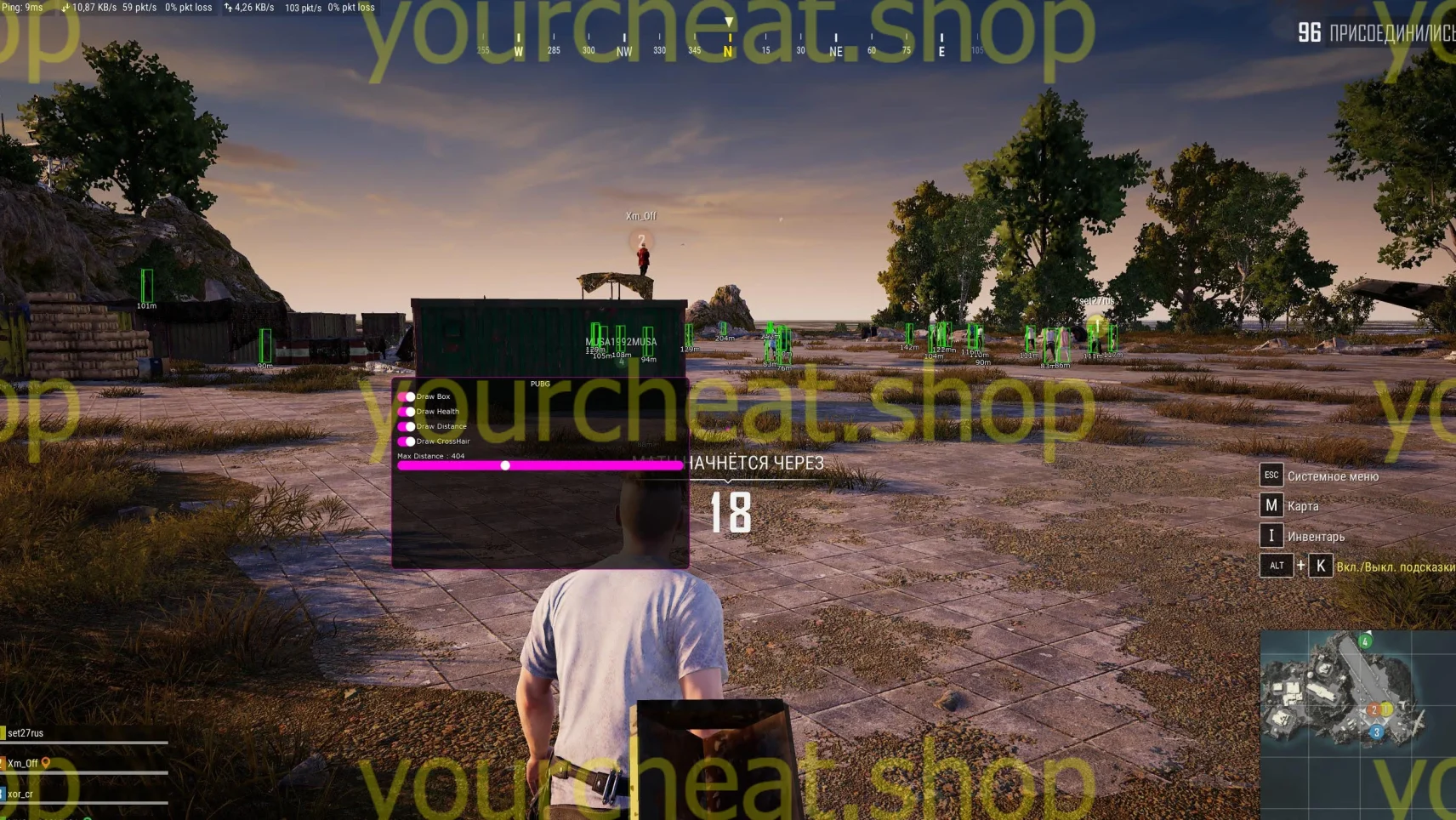
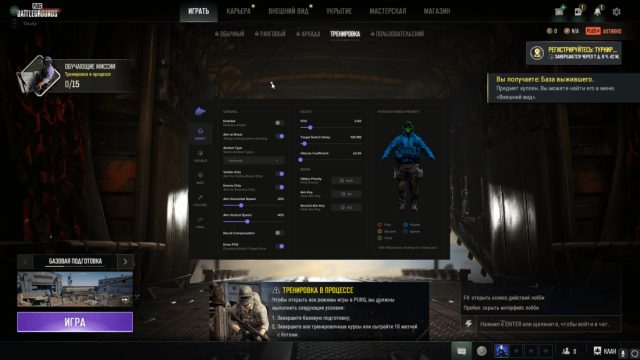
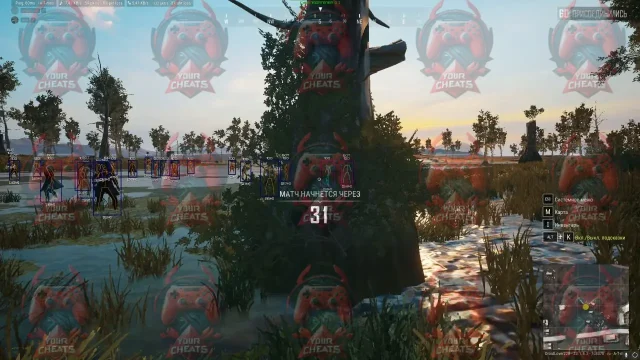
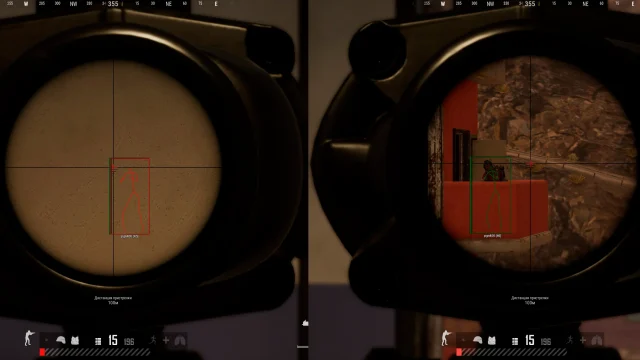
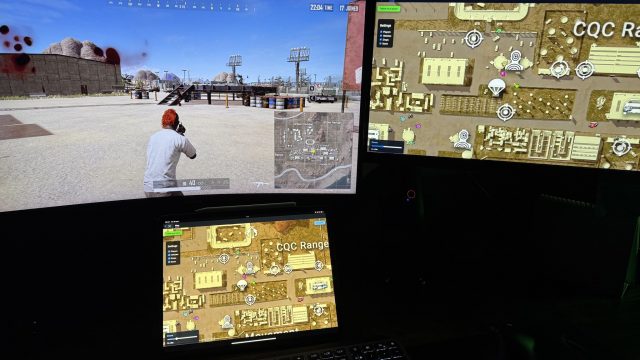
COVCHEG is a private software for PUBG that provides all the necessary tools for a successful game. It includes functions for displaying illuminated opponents, information about their health, distance and position, as well as checking for teammates. Regardless of your skill level, KOVCHEG will help you achieve outstanding results and confidently dominate the battlefield.
How to install
Content:
Software launch process:
Install the Overwolf program follow the link .
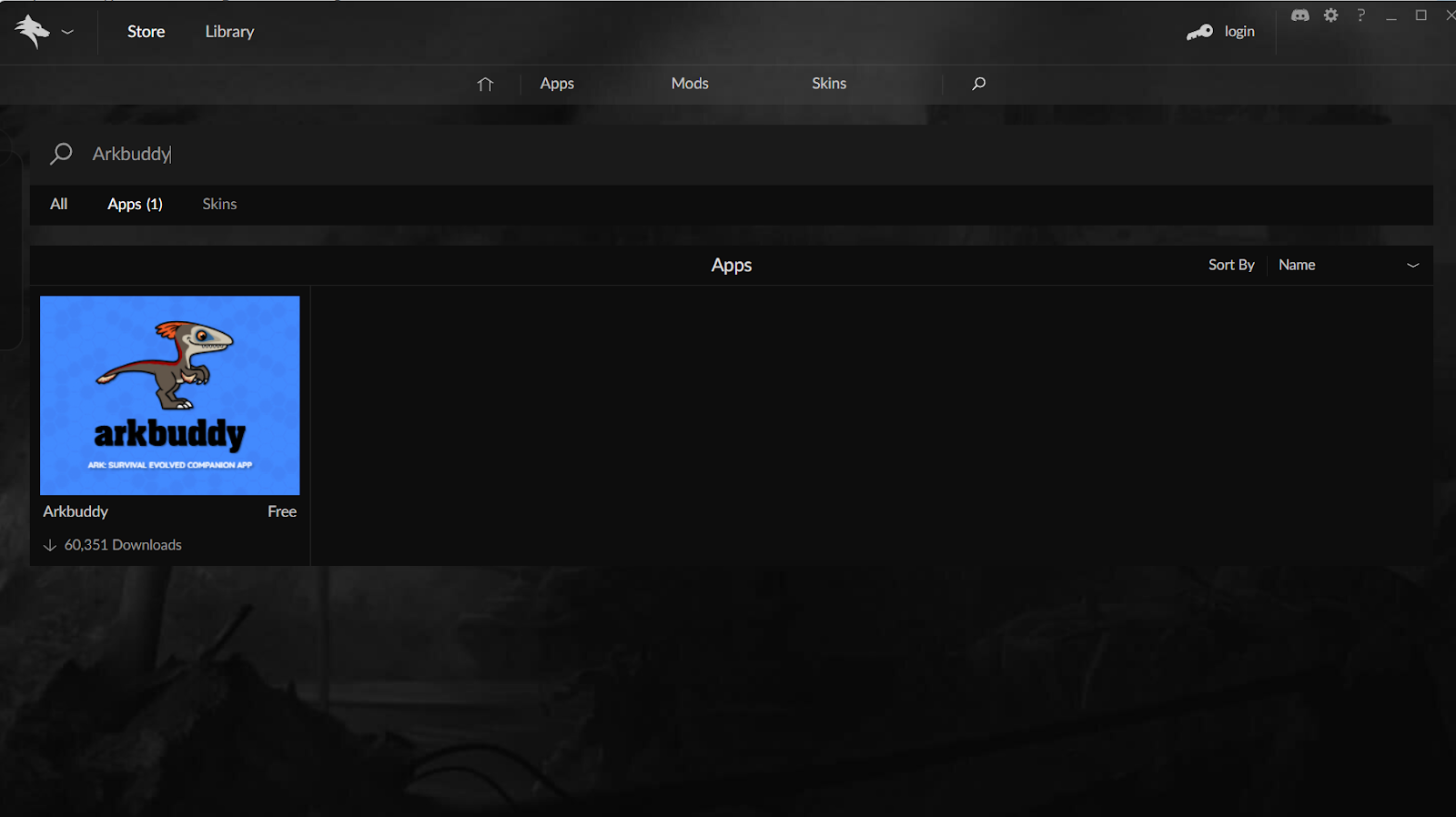
- In the Overwolf application library, you need to find and install an application called Arkbuddy. After installation, run it.
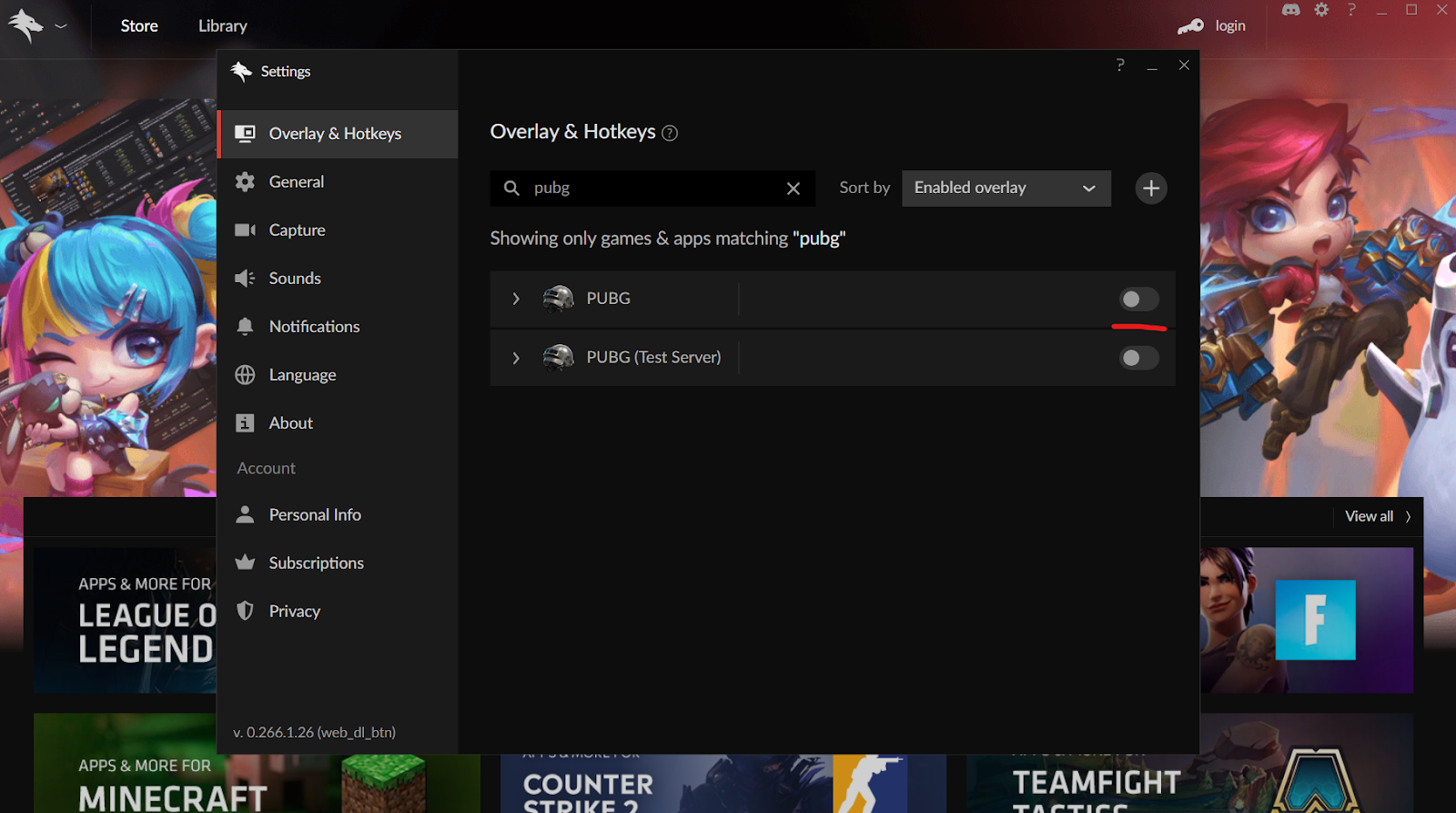
- Go to the Overwolf program settings. In the Overlay & Hotkeys tab, make sure that the in-game overlay is disabled for the PUBG game as shown in the screenshot below.
- Launch the loader and enter the key. After the loader menu appears, go to the Configs tab and prepare your system for startup.
- After preparing the system, click on the inscription “System is not ready, click to restart” in the upper right corner of the loader and wait for the system to reboot.
- After the system has rebooted, run the loader again. The text at the top right should change to “System is ready”. If this does not happen, please contact technical support.
- Make sure that you are not currently running the game itself, or any anti-cheats or antiviruses. After that, move the cursor over the game icon in the loader and click “Start”.
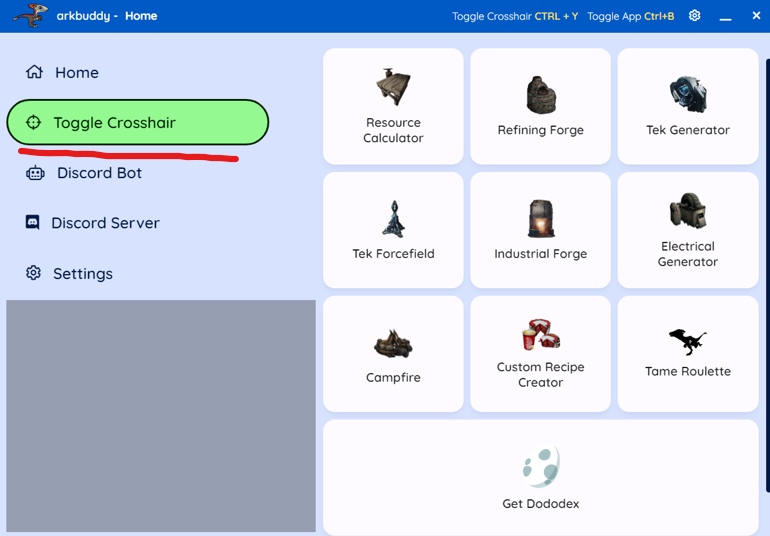
- When the loader says “Open Arkbuddy Crosshair and Press F5”, you should go to the Arkbuddy app and click on the “Toggle Crosshair” button. Make sure that the crosshair from this application appears on your screen. After that, press F5 and wait for the product menu to appear.
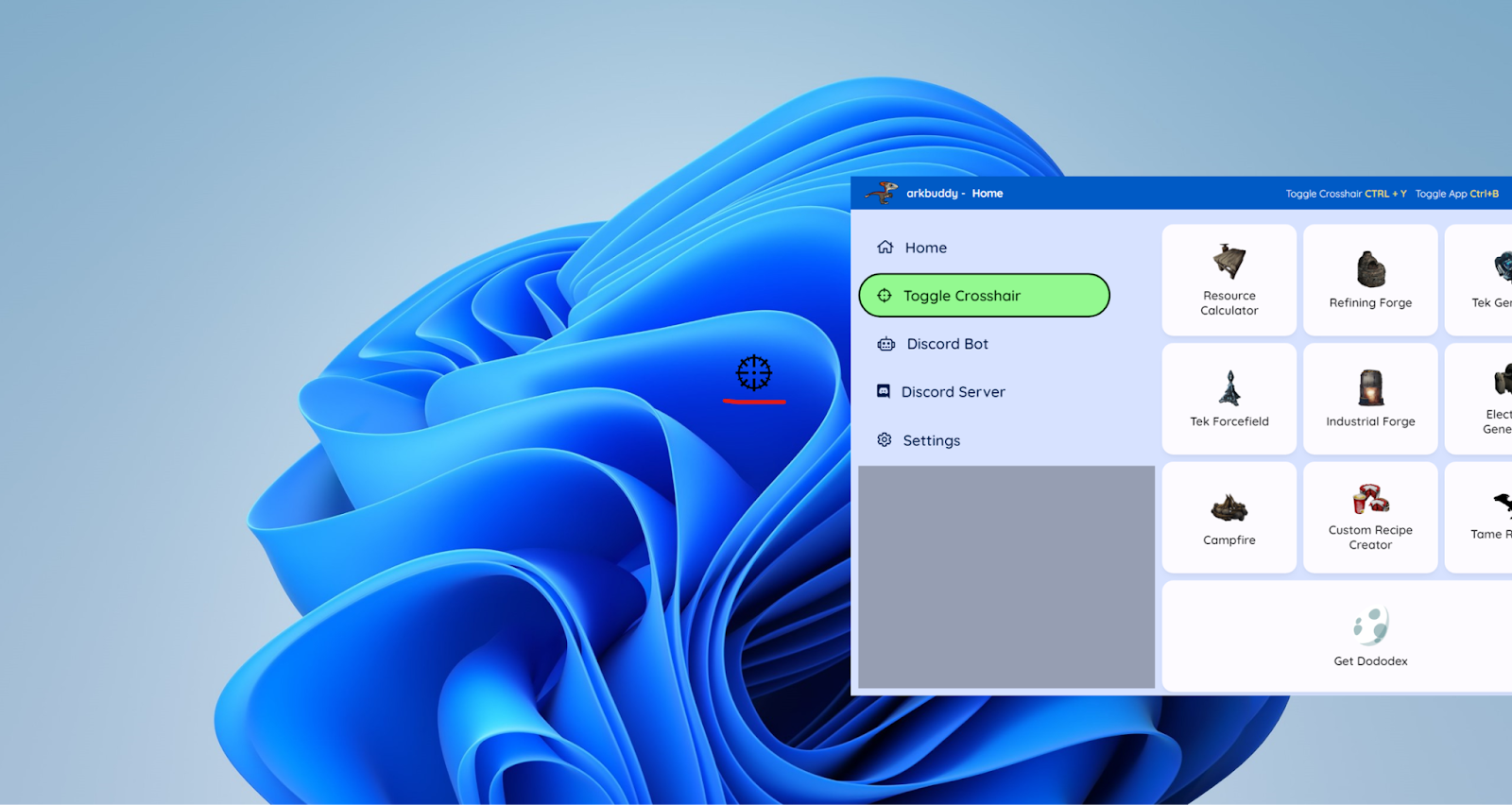
- After completing step 5, the loader should notify you that the product has been successfully loaded. A function menu should appear in the upper left corner. After this, you can launch the target game and use the product. If the menu does not appear or the loader displays an error, please contact product support.
To properly and stable disable the software after use, we recommend using the F10 key, as indicated in the product functions menu!
System preparation:
1.Make sure you have a supported version of Windows:
Press the Win+R key combination and enter winver in the pop-up window, then press the Enter key. Pay attention to the underlined fields in the window that appears:
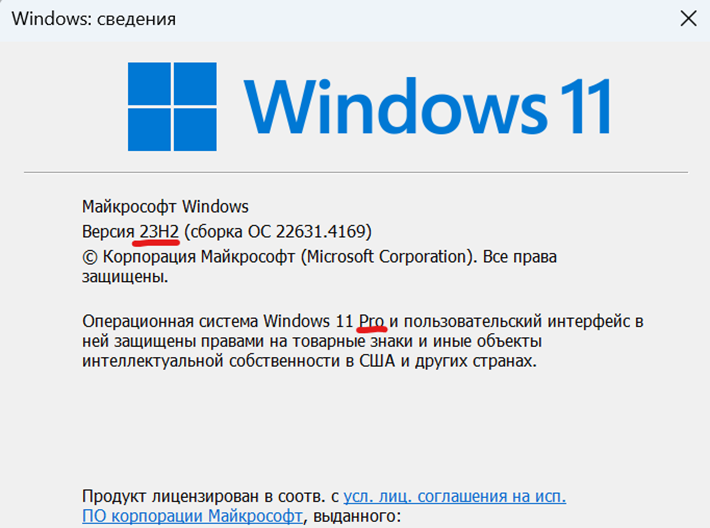
Supported Versions:
Windows 10 [2004-22H2] [Pro, Enterprise]
2. Virtualization must be enabled in the BIOS.
Instructions for turning on: https://youtu.be/LQIyowZMiY8
Check its status in the task manager.
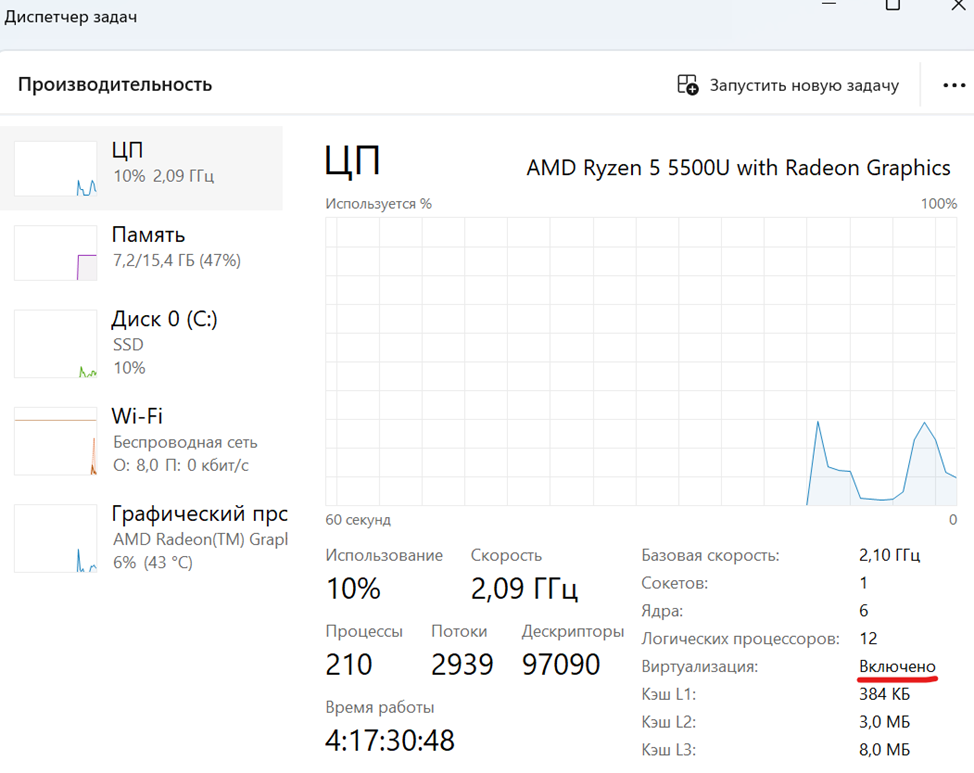
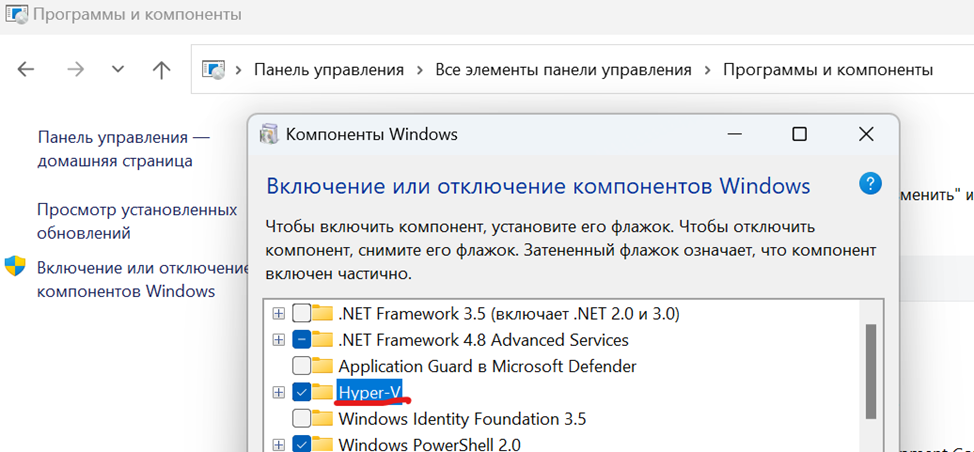
3. Enable Hyper-V in Control Panel. Reboot your PC when the system prompts you to do so.
4. Check that the disk on which the system is installed is in GPT format.
Instructions on how to check: https://remontka.pro/gpt-or-mbr-disk
If the disk is MBR format, you will need to reinstall Windows.
5. The boot mode in the BIOS must be set to UEFI.
Instructions:
https://remontcompa.ru/zhestkiy-disk/3240-kak-vkljuchit-uefi-v-biose.html
6. Secure Boot must be disabled in the BIOS.
Instructions:
https://remontcompa.ru/zhestkiy-disk/392-kak-otklyuchit-secure-boot.html
At this stage, system configuration is complete. To check, you can launch the loader and go to the Configs tab. If you have configured everything correctly, the main components should light green. If any parameter lights up red, contact your technical support.
If for some reason you are unable to complete one of the steps, please contact technical support.
For the software to work, it is important to fulfill all the above points!
Now you can move on to point launching software.
Write a review