Crusader
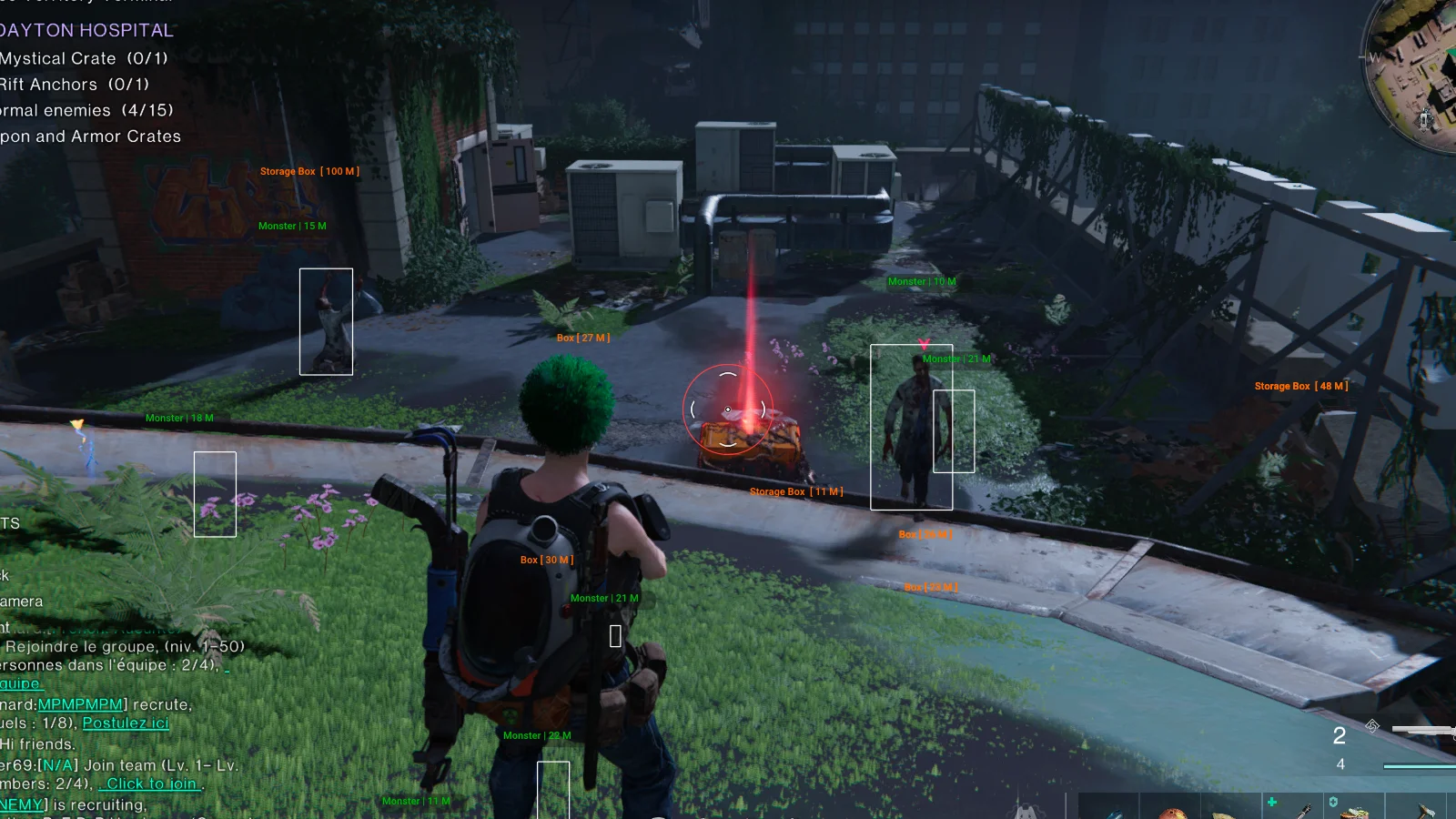
What you get
- ESP игроков с дополнительной информацией
- ESP монстров, животных и трупов персонажей
- ESP ящиков с лутом, ящиков для хранения и неопознанных объектов
- Линии и дистанция до целей
- Ограничение дальности ESP
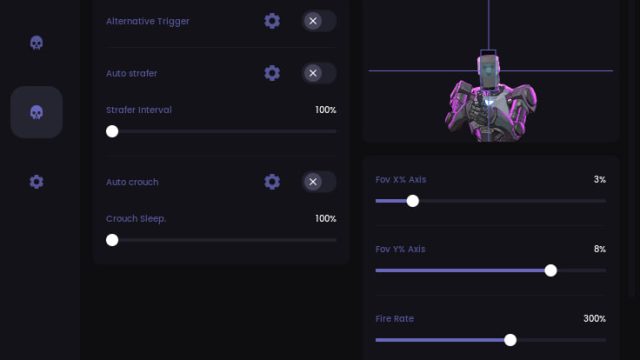
- Аимбот на удержание клавиши с выбором кости (Bone)
- FOV Size и Draw FOV
- Sensitivity для скорости доводки
- Mark Target и Skip Zombies
- Статичный прицел
- Телепорт к боссам, Securement Silos и в города
- Телепорт к ящикам из ESP, трупам с лутом, монстрам, животным и игрокам
Crusader — your absolute key to dominating Once Human, offering a full set of professional features, including a smart aimbot with an adaptive algorithm for any weapon, ESP with visibility of all loot through walls and instant teleportation to any point on the map, all powered by a unique protection system that updates its signatures hourly and uses a hardware disguise layer, making you are completely invisible to any anti-cheat systems, while ensuring smooth operation even on weak PCs thanks to optimized code and minimal system load., This makes Crusader an ideal choice for both solo players and large clans seeking unconditional control over the game world without the slightest risk to their account.
How to install
How to download and run Crusader correctly?
Step-by-step instructions for running the software:
- After payment, you will receive a key to activate access to the software.
- Download the loader using this link. The password for the archive is 123.
- Extract the files from the archive and place them in a separate folder. The folder name should be written in English letters, it is recommended to place this folder in the root of the C drive.
- Run the cheat loader as administrator.
- Insert your key into the "Serial Key" field and click "Sign In".
- After a short loading, you will see the Once Human icon.
- Click the "Start Injection Process" button.
- The message "Please Open Once Human" will appear, it's time to launch the game.
- When the game starts, press the "Insert" key while in the main menu.
- The cheat menu will appear in front of you. The key to close/open the menu is Insert.
What to do if the software does not work?:
To ensure the software works correctly, follow these steps:
1. Using DControl, disable Windows Defender + completely remove all other antiviruses. Necessarily!!!
2. Disable UAC. Necessarily!!!
3. Disable all items in the Exploit Protection tab [DEP, ASLR, CFG, etc.] In rare cases, for some cheats.
4. Disable Smart Screen. Necessarily!!!
5. Disable Firewall. Necessarily!!!
6. Install DirectX and Microsoft Visual C++
Microsoft Visual C++
DirectX
7. Disable kernel isolation. Necessarily!!!
8. Remove Faceit and Valorant [Vanguard] anti-cheat. [Do not remove Vanguard if the cheat is intended for the game Valorant]. Necessarily!!!
9. Faceit - [Open a command prompt as administrator and type [sc stop faceit] ]. Necessarily!!!
Vanguard - [Open a command prompt as administrator and type [sc delete vgc] + [sc delete vgk] ]. Necessarily!!!
11. Restart your computer. If you have uninstalled your antivirus, Vanguard or Faceit. Necessarily!!!
Write a review