WeGame
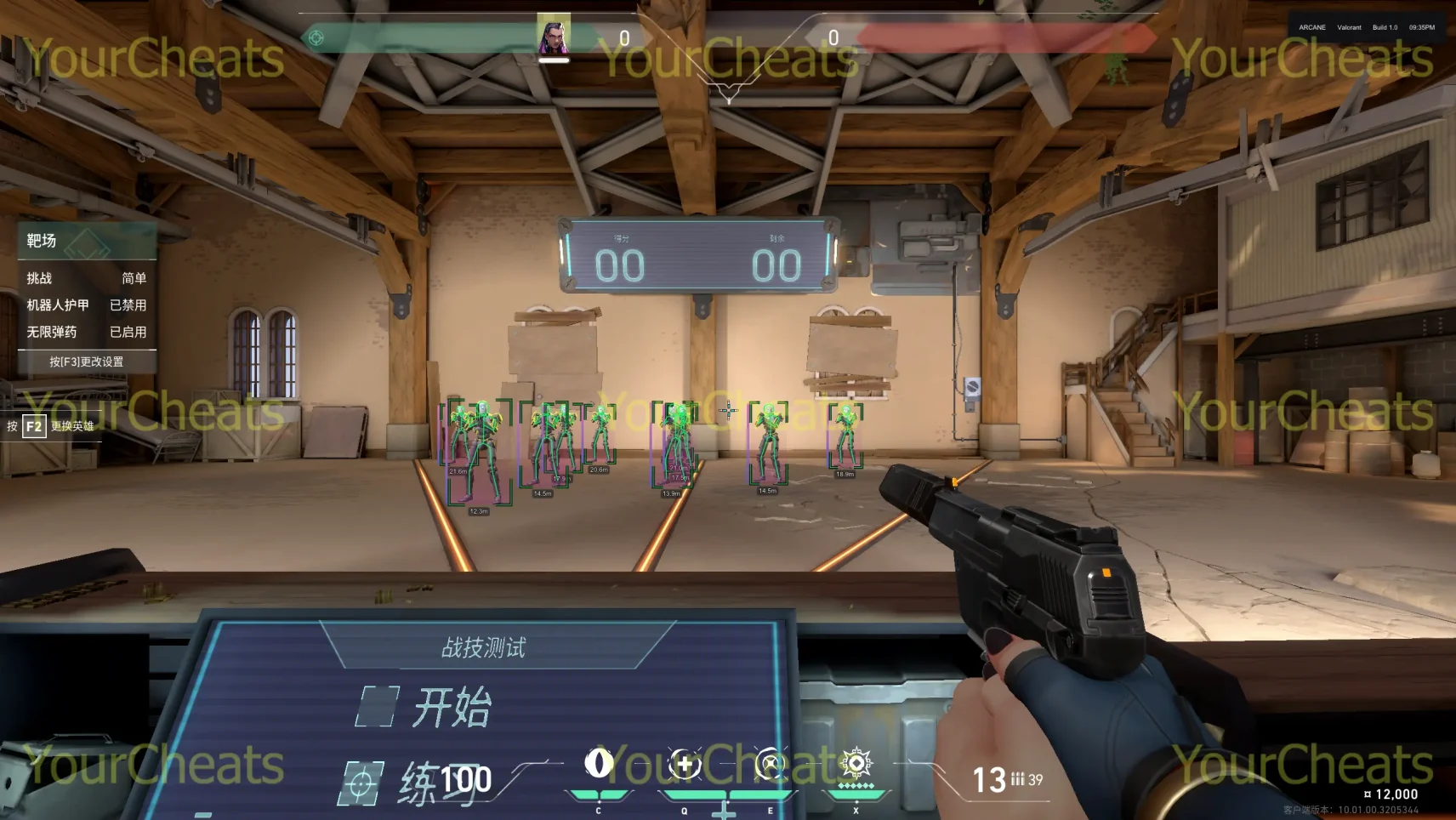
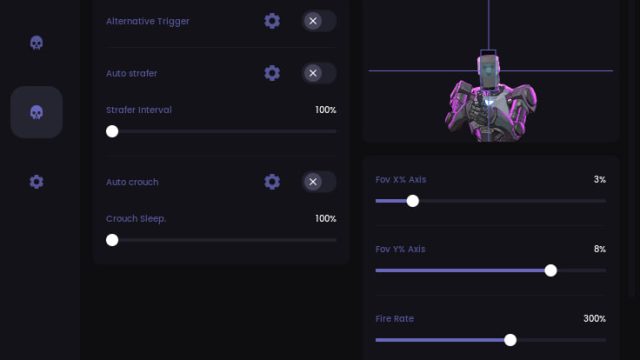
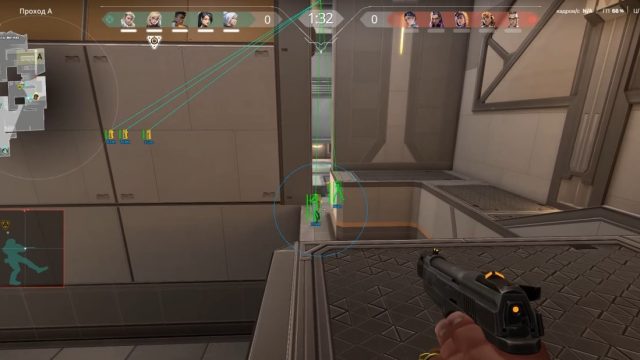
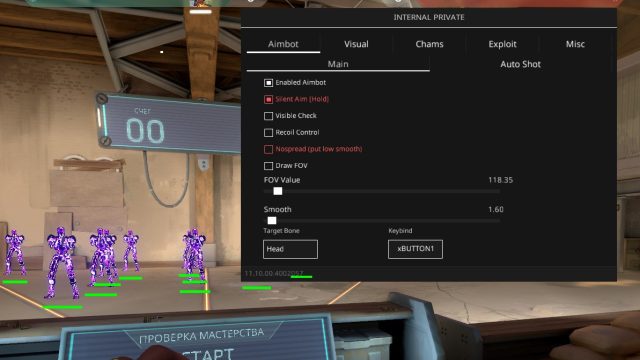
Buy cheat for WeGame Valorant — a private Chinese cheat for Valorant that provides maximum advantage in the game. It is an exclusive software designed for precision, invisibility and stability, offering the best features for dominance.
How to install
重要信息 - 请务必阅读!
激活密钥前的要求:
加载器:下载链接
- 安装此程序:链接
- 请仔细阅读使用说明
- 在运行软件之前重新启动计算机(必须)
- 请注意,使用此类软件始终存在风险!
您购买软件的行为完全由自己承担风险。
"Undetected" 状态并不保证 100% 免封(任何游戏的任何软件都有封禁风险)。
如果游戏更新,请等待软件更新。
使用任何游戏软件均由您自行承担风险。
必须关闭或删除以下内容:
- 删除所有杀毒软件
- 关闭 SmartScreen
- 关闭 Windows Defender
激活密钥前的准备工作:
确保您使用的是 Nvidia 或 AMD 显卡。
如果您使用 Nvidia:
- 安装 Geforce Experience(Nvidia App 无法使用,如有请删除)
- 进行账号登录
- 安装最新的显卡驱动程序
- 启用 Nvidia 叠加层
如果您使用 AMD:
-
安装 AMD Software: Adrenalin Edition(PRO 版无效)
-
安装最新的显卡驱动程序
-
在设置中启用游戏内叠加层
-
在“性能”选项卡中,启用性能显示
-
在 BIOS 中禁用 Intel Rapid Storage Technology
-
安装此程序:链接
启动指南:
- 下载加载器并放置在任意文件夹(建议单独创建一个文件夹存放加载器)
- 以管理员身份运行软件文件
- 等待加载器更新后重新启动
- 输入您的密钥并按 "Enter"(在 CMD 加载器中输入密钥时,右键粘贴)
- 如果需要清除封禁痕迹,点击 "是"
- 如果需要使用欺骗程序(spoofer),点击 "是"
- 加载完成后,加载器会自动关闭
- 运行游戏
- 菜单会自动出现
- 使用 "Home" 或 "Insert" 键打开/关闭菜单
- 特殊情况:
- Unturned:使用 "DEL" 键打开菜单
- PUBG:使用 "Insert" 键,菜单仅在比赛中可见,游戏大厅中不可见
- 在菜单中可使用方向键进行操作
- 按 "END" 键卸载软件
常见错误及解决方案:
1. 加载器关闭但无错误提示:
- 安装此程序:链接
2. 游戏中菜单出现,但无法操作:
- 以管理员身份运行叠加层(参考上方说明)
3. Windows 10 报错 "Make sure all antiviruses are disabled":
- 删除所有第三方杀毒软件
- 关闭实时保护
- 关闭 SmartScreen
4. Windows 11 报错 "Make sure all antiviruses are disabled":
- 下载以下两个文件:链接
- 运行 Turn_ON,确认修改注册表,重启电脑
- 然后运行 Turn_OFF,确认修改注册表,重启电脑
- 若问题未解决,请确保所有杀毒软件已删除,实时保护已关闭
5. 其他加载器错误:
- 截图错误信息并发送至网站客服(右下角),下载 Anydesk 并将 ID 发送给客服
6. 菜单可见但无法点击:
- 以非管理员模式运行 Steam
- 关闭所有第三方叠加层,仅保留 Nvidia 或 AMD 叠加层
7. 游戏内菜单消失或视觉功能无效:
- 若游戏更新,请等待软件更新
- 验证游戏文件完整性,若问题持续,建议重装游戏
- 若问题仍未解决,请联系客户支持
8. 菜单在游戏中无法交互/偶尔打不开:
- Steam 用户:不要以管理员模式运行 Steam
- EA App 用户:关闭 EA App 叠加层
9. AES instruction set is not supported:
- 说明您的处理器不支持 AES 指令集,此问题无法修复,请联系支持申请退款
10. Please enable Intel VT-X in the BIOS:
- 进入 BIOS,找到 "Intel virtualization technology" 或 "Intel VT-X" 并启用
11. Please enable AMD-V in BIOS:
- 进入 BIOS,找到 "AMD-V" 或 "SVM mode" 并启用
12. Please disable secure boot in the BIOS:
- 进入 BIOS 并禁用安全启动(Secure Boot)
13. Unsupported firmware:
- 使用 Windows 自带工具 mbr2gpt 或其他磁盘管理工具,将操作系统磁盘转换为 GPT 格式
14. Secure boot keys are incorrect and need to be enrolled:
- 进入 BIOS 启用 Secure Boot,保存设置,进入 Windows PowerShell,输入 "Confirm-SecureBootUEFI"
- 若返回 "True",重启电脑,再次进入 BIOS 关闭 Secure Boot
15. VMX/SVM is not supported:
- 打开“控制面板” → “程序和功能” → “启用或关闭 Windows 功能”
- 确保“虚拟机平台” 和 “Hyper-V” 关闭
- 若问题仍未解决,管理员模式打开 CMD,输入以下命令并按 Enter:
vbnet
bcdedit /set hypervisorlaunchtype off- 之后重启电脑

Write a review