Udp is your ideal software for absolute dominance in ARC RAIDERS
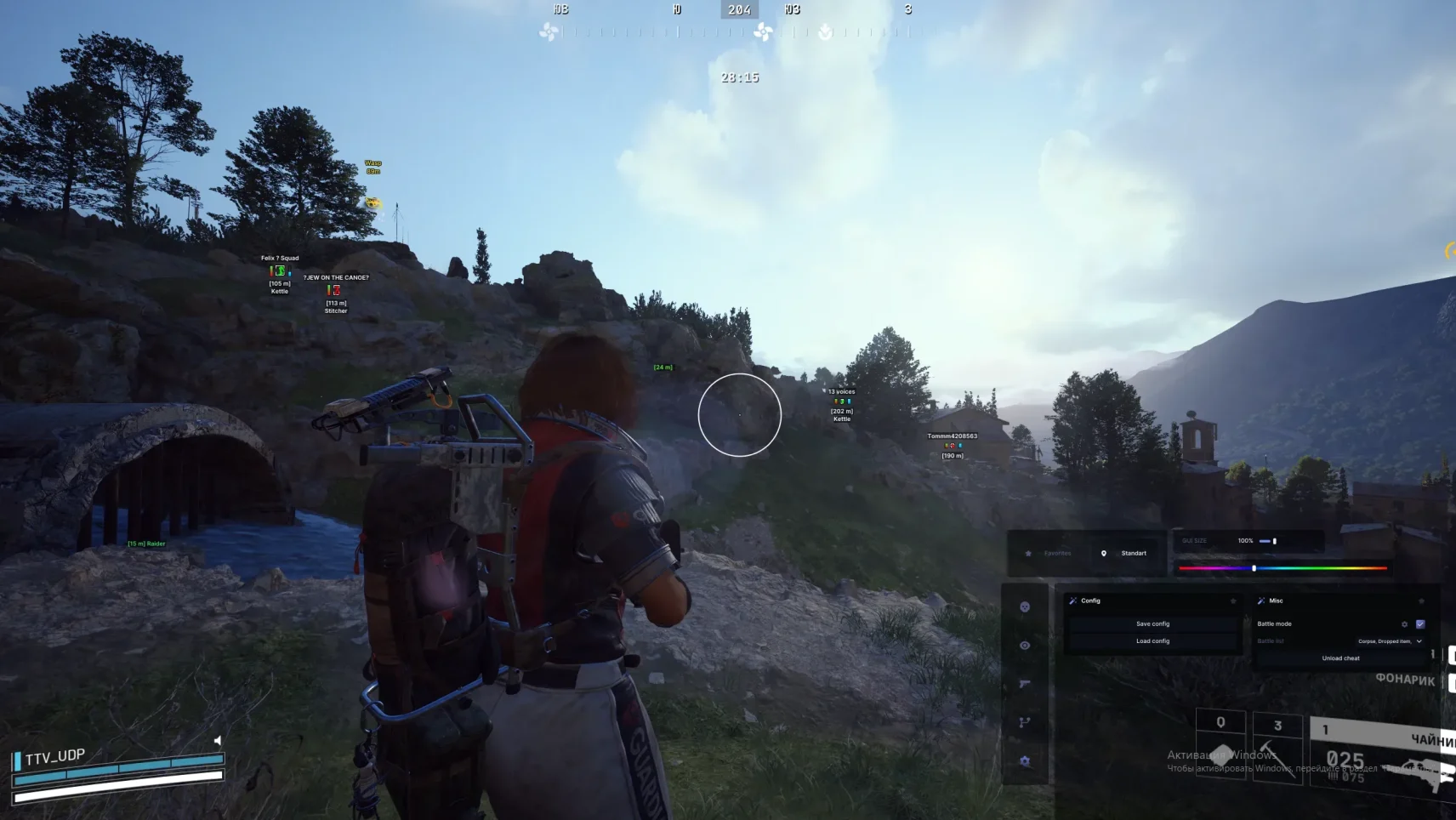
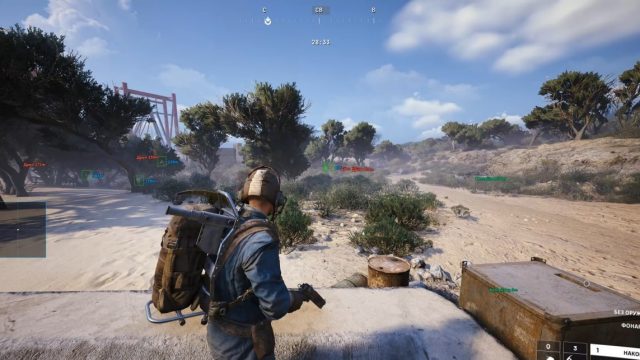
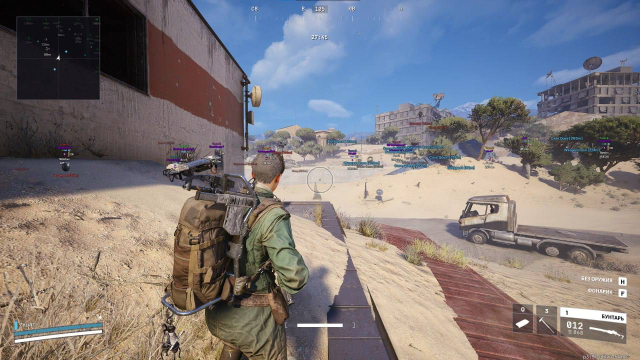
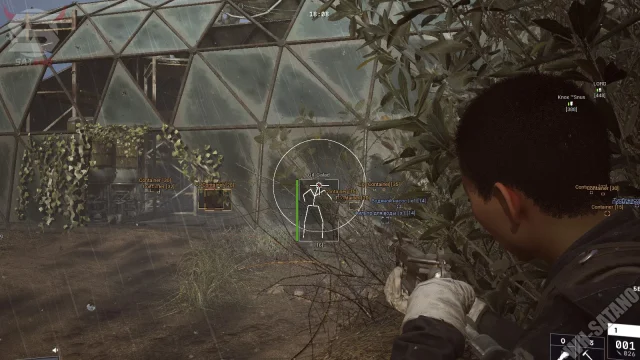
ARC RAIDERS from Embark Studios is a hard PvPvE extraction game where every mistake can cost you your entire gear. Do you want to always be one step ahead, know where the enemies are hiding, and never miss in a shootout? Meet Udp is a professional tool created for those who are used to winning.
[EN] Enable GeForce Experience IN-GAME overlay for NVIDIA GPU or SteelSeries GG Sonar overlay for AMD GPULink.
Advanced Settings for SteelSeries GG overlay:
Enable GG overlay in the SteelSeries settings in the General, GG Services Sonar tab
Turn off the SteelSeries GG overlay in an instant, and display the game overlay tab in the settings. Enable SteelSeries GG overlay in the Sonar tab, Display overlays and Display hardware triggered overlays in the settings
Be sure to link the "volume up" button in the SteelSeries GG overlay settings in the Sonar tab in Shortcuts so that the loader sees the SteelSeries overlay.
[EN] Run the loader as admin. If you're using loader first time, it might reboot your PC once, open loader again after reboot and continue. Keep focus on monitor that you need to have overlay on.
[EN] Enter your license key by pressing "Right Mouse Button" and click the "Enter" button on your keyboard.
[EN] We have in-built "Cleaner" and "Spoofer". Loader will ask if you need them every launch.
[EN] Launch the game once CMD is closed. Menu key: Insert.
A note for the series External
[EN] All our External products requires GeForce Experience In-Game overlay (NVIDIA GPU) | SteelSeries Sonar overlay (AMD GPU) to be enabled. To make SteelSeries Sonar overlay work, open settings tab, enable Sonar in General Settings then set a shortcut key for Sonar, press it each time before launching the loader.
What to do if the software does not work?:
To ensure the software works correctly, follow these steps:
1. Using DControl, disable Windows Defender + completely remove all other antiviruses. Necessarily!!! 2. Disable UAC. Necessarily!!! 3. Disable all items in the Exploit Protection tab [DEP, ASLR, CFG, etc.] In rare cases, for some cheats. 4. Disable Smart Screen. Necessarily!!! 5. Disable Firewall. Necessarily!!! 6. Install DirectX and Microsoft Visual C++ Microsoft Visual C++ DirectX 7. Disable kernel isolation. Necessarily!!! 8. Remove Faceit and Valorant [Vanguard] anti-cheat. [Do not remove Vanguard if the cheat is intended for the game Valorant]. Necessarily!!! 9. Faceit - [Open a command prompt as administrator and type [sc stop faceit] ]. Necessarily!!! Vanguard - [Open a command prompt as administrator and type [sc delete vgc] + [sc delete vgk] ]. Necessarily!!! 11. Restart your computer. If you have uninstalled your antivirus, Vanguard or Faceit. Necessarily!!!
Write a review