Private
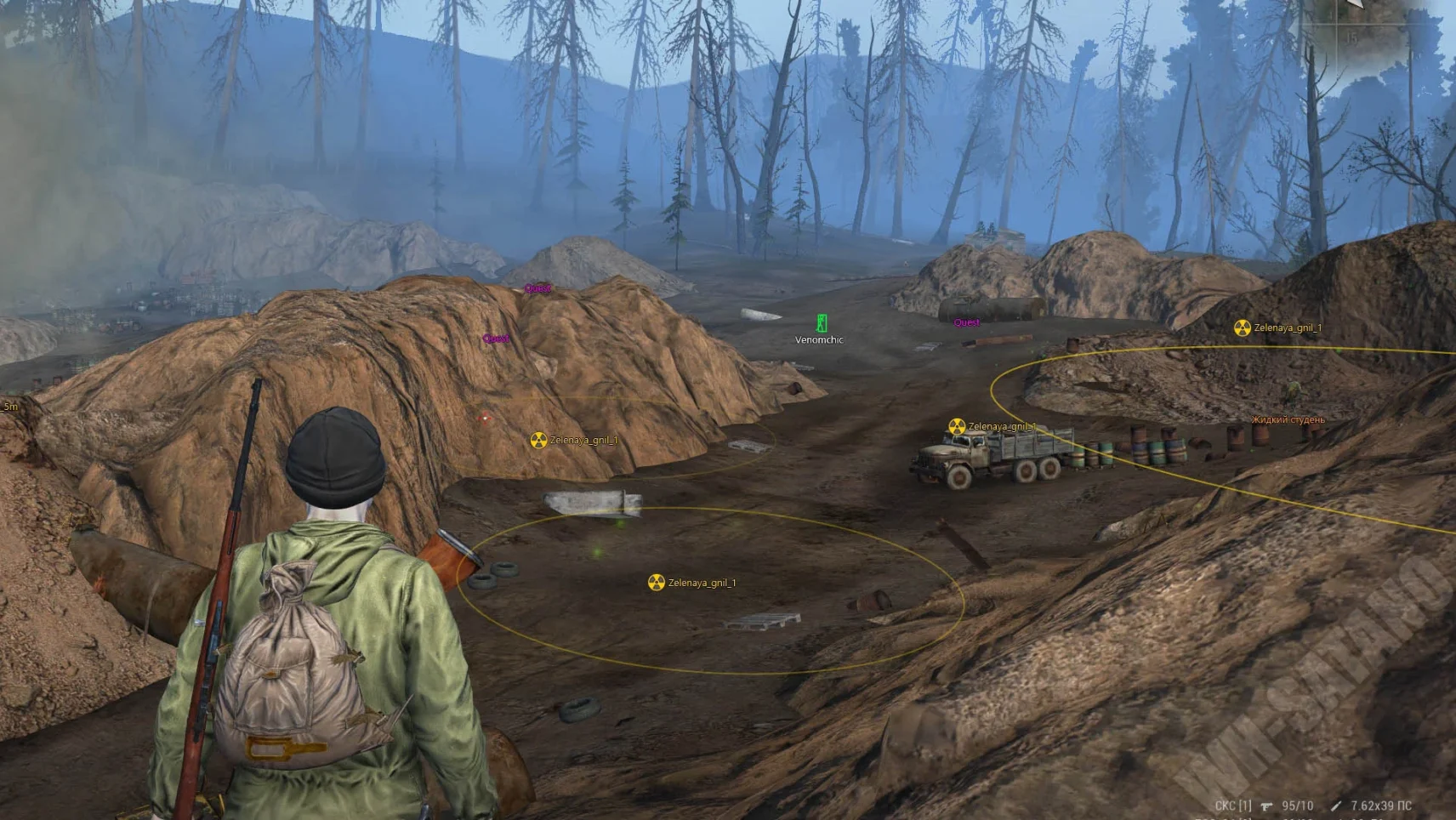
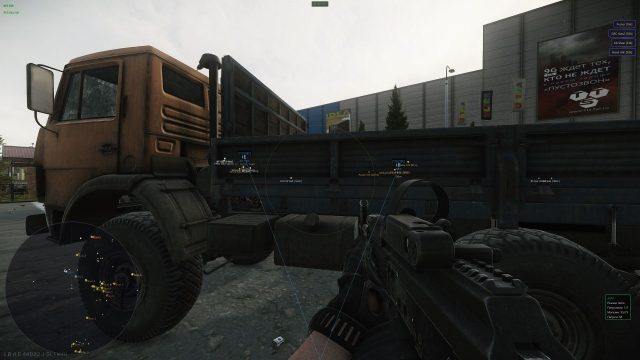
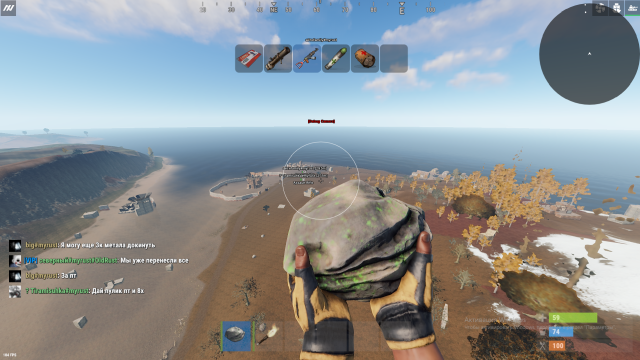
Private is an elite Stay Out solution for select players, combining advanced aimbot with adaptive ballistics, ESP with intelligent object filtering and a revolutionary protection system powered by hardware virtualization for absolute invisibility, making it the ideal choice for professional players and clans demanding maximum efficiency without the slightest risk to reputation and accounts.
Private is when your advantage remains invisible.
How to install
Detailed instructions:
Detailed step-by-step guide:
- After paying for the goods, you will receive a product activation key (cheat).
- Download loader from this link.
- Now you need to disable the antivirus and place the loader on the USB flash drive. It only runs from a flash drive.
- Run the cheat file. You need to create an account in the loader or log in to an existing SoftHub account.
- After logging into your account, you can activate the key (Activate Key) and add yourself a subscription.
- In order for the cheat to work in the game, you need to set the "Windowed"(Borderless) mode in the game settings.
- Next, select the game on the left in the list and click "Load Cheat".
- When we see the inscription "Done" in the window that appears, you can start the game.
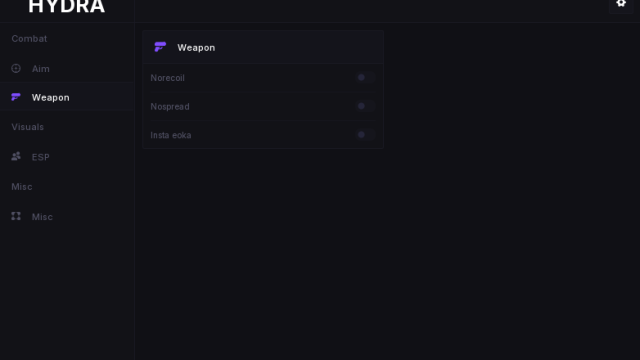
- F2 - cheat menu key
- DEL - panic key. Use it if you wanna close cheat proccess. It is recommended to press before closing the game.
- Don't resize the window when playing with the cheat. This can harm the work of the cheat.
What to do if the software does not work?:
To ensure the software works correctly, follow these steps:
1. Using DControl, disable Windows Defender + completely remove all other antiviruses. Necessarily!!!
2. Disable UAC. Necessarily!!!
3. Disable all items in the Exploit Protection tab [DEP, ASLR, CFG, etc.] In rare cases, for some cheats.
4. Disable Smart Screen. Necessarily!!!
5. Disable Firewall. Necessarily!!!
6. Install DirectX and Microsoft Visual C++
Microsoft Visual C++
DirectX
7. Disable kernel isolation. Necessarily!!!
8. Remove Faceit and Valorant [Vanguard] anti-cheat. [Do not remove Vanguard if the cheat is intended for the game Valorant]. Necessarily!!!
9. Faceit - [Open a command prompt as administrator and type [sc stop faceit] ]. Necessarily!!!
Vanguard - [Open a command prompt as administrator and type [sc delete vgc] + [sc delete vgk] ]. Necessarily!!!
11. Restart your computer. If you have uninstalled your antivirus, Vanguard or Faceit. Necessarily!!!
Write a review