Naim
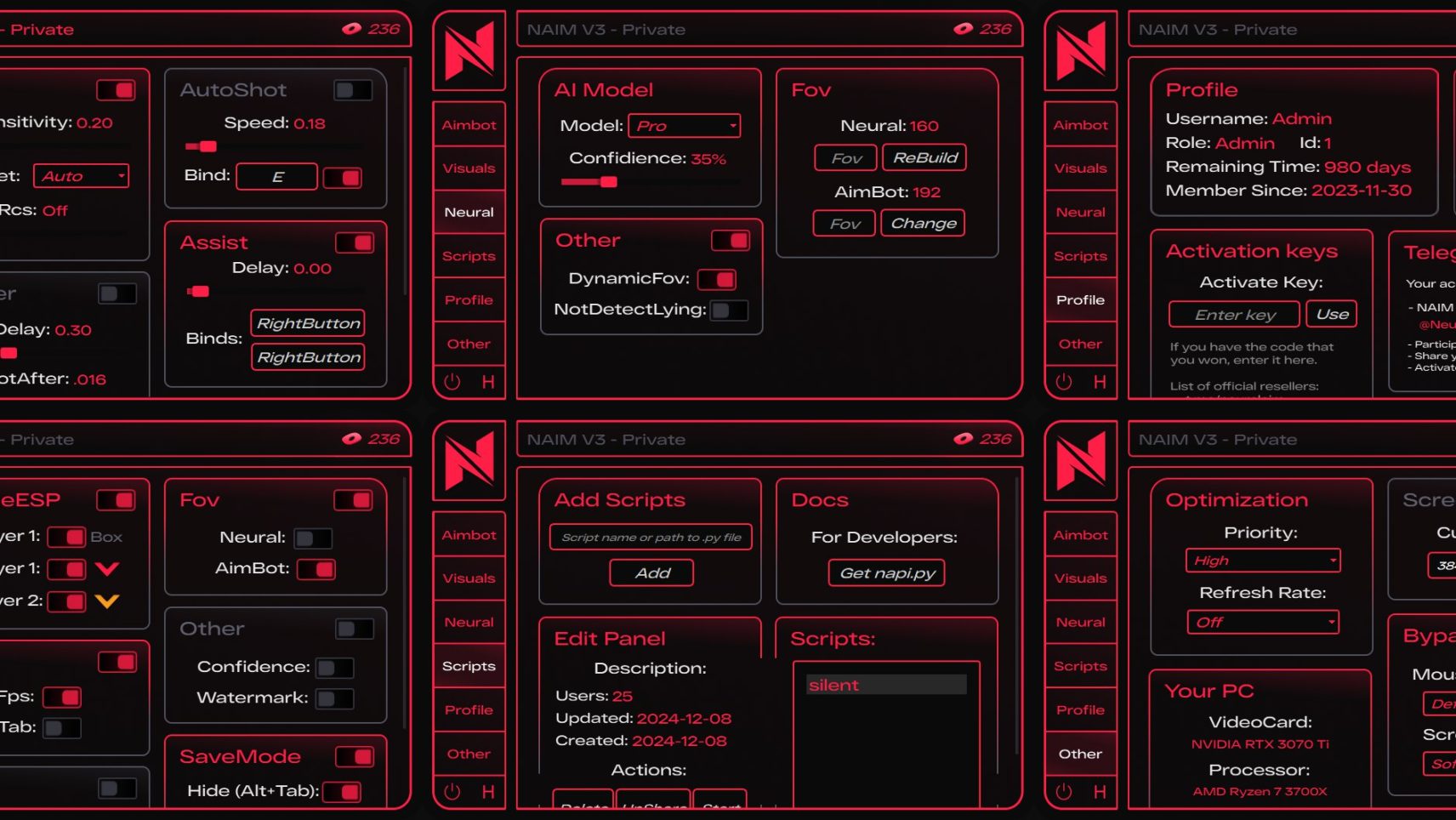
Naim is a revolution in the world of gaming assistants. Our neurochit uses deep learning technology to adapt to any game automatically. Unlike standard cheats, Naim analyzes the gameplay in real time and adapts to your actions, creating a perfectly natural behavior.
How to install
NAIM Cheat: Quick Start Guide
Step-by-Step Activation:
1️⃣ After purchase, you will receive a key in your personal account.
2️⃣ Contact this person (Link) to receive your loader (each user gets a unique build).
3️⃣ After opening the menu, immediately go to the "OTHER" section, find "MOUSE MOVEMENT", and select "PRIVATE".
Performance Optimization for NAIM:
⚠ Do NOT use frame sync!
🔹 Limit your FPS for better performance.
🔹 Set low graphics settings in-game and disable anti-aliasing.
🔹 Enable maximum performance mode for your GPU and CPU.
Important Usage Rules:
🚫 Do not share your unique NAIM build.
🚫 Avoid suspicious file/folder names.
🚫 Do not add metadata to NAIM executables.
🚫 Do not use other cheats alongside NAIM.
🚫 Do not run NAIM from Downloads or Desktop—use a dedicated folder.
🚫 Do not open multiple instances of NAIM.
Setup Video Tutorial:
Game Compatibility Demo:
🎮 Delta Force (and other supported games).
RUST:
What to do if the software does not work?:
To ensure the software works correctly, follow these steps:
1. Using DControl, disable Windows Defender + completely remove all other antiviruses. Necessarily!!!
2. Disable UAC. Necessarily!!!
3. Disable all items in the Exploit Protection tab [DEP, ASLR, CFG, etc.] In rare cases, for some cheats.
4. Disable Smart Screen. Necessarily!!!
5. Disable Firewall. Necessarily!!!
6. Install DirectX and Microsoft Visual C++
Microsoft Visual C++
DirectX
7. Disable kernel isolation. Necessarily!!!
8. Remove Faceit and Valorant [Vanguard] anti-cheat. [Do not remove Vanguard if the cheat is intended for the game Valorant]. Necessarily!!!
9. Faceit - [Open a command prompt as administrator and type [sc stop faceit] ]. Necessarily!!!
Vanguard - [Open a command prompt as administrator and type [sc delete vgc] + [sc delete vgk] ]. Necessarily!!!
11. Restart your computer. If you have uninstalled your antivirus, Vanguard or Faceit. Necessarily!!!
Similar products
LAGSWITCH
- 1 д
- 7 д
- 30 д
- 90 д
Write a review