MEMEZ Lite
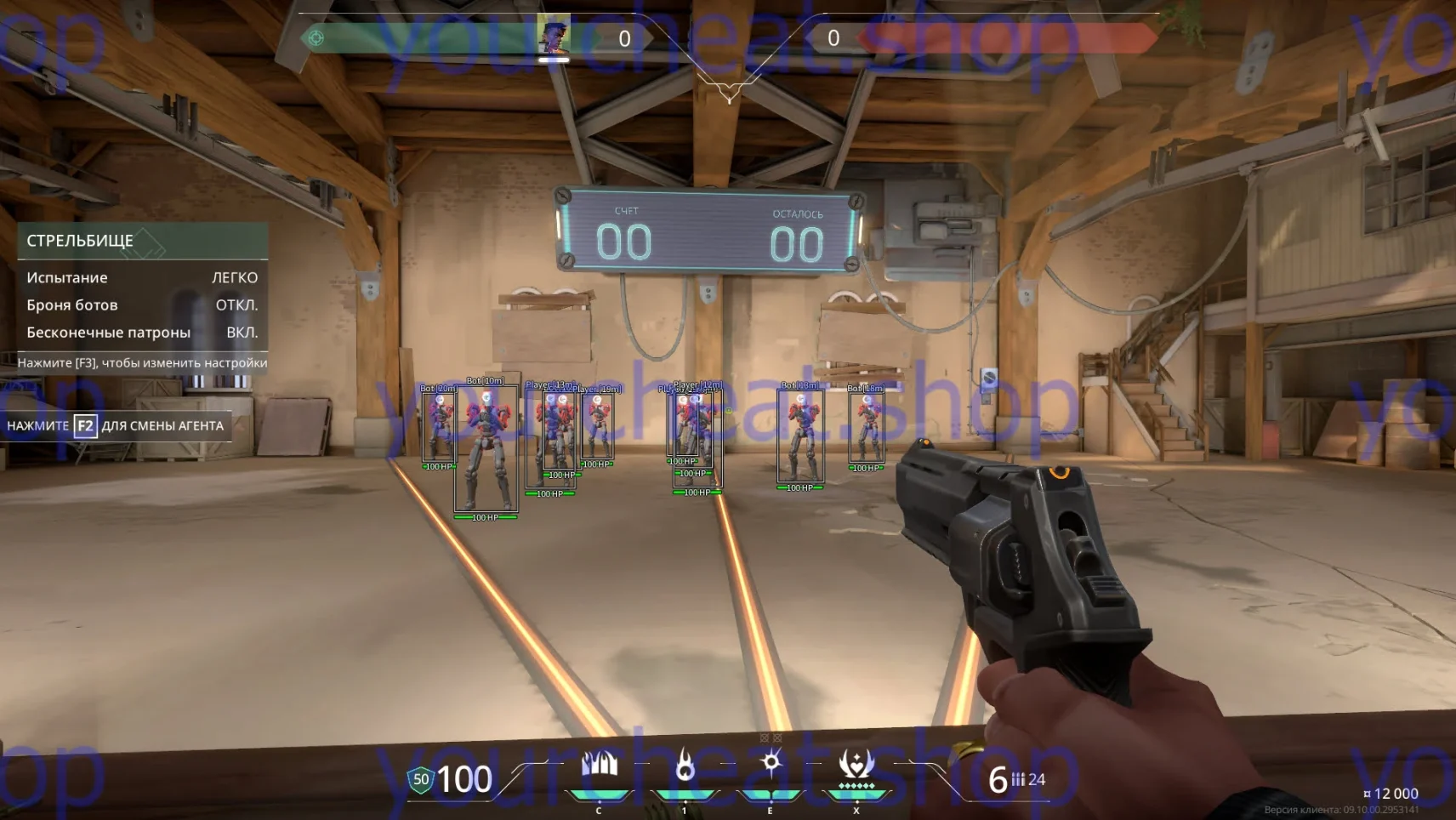
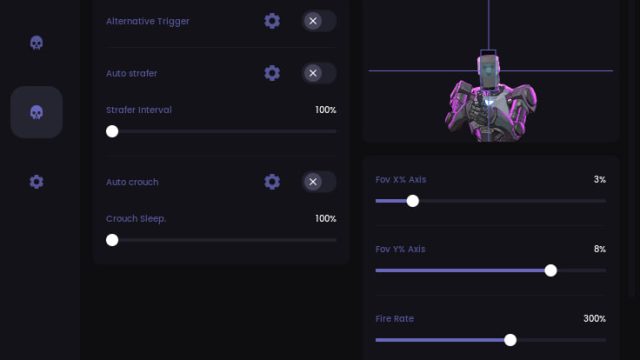
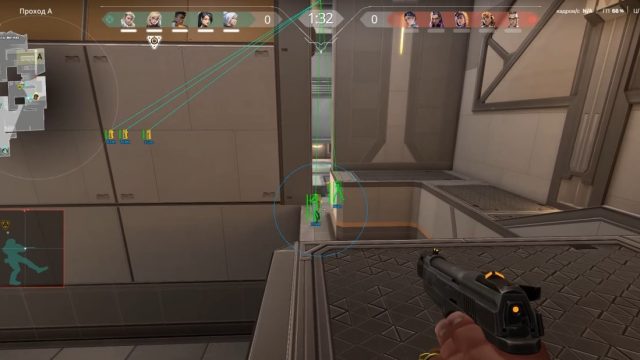
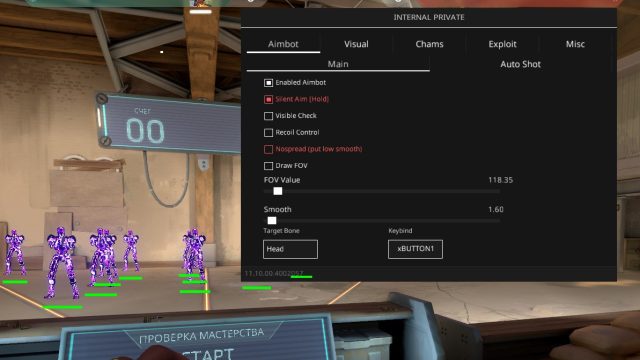
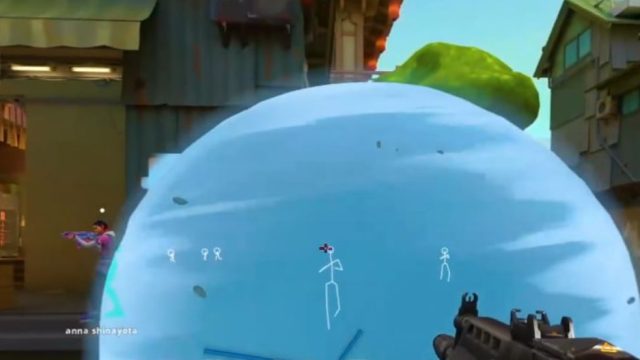
MEMEZ is a private cheat for Valorant with a Wallhack (ESP) feature that allows you to see enemies through walls. A simple and secure solution to control the game and dominate your opponents. MEMEZ guarantees accuracy, convenience and reliable protection against anti-cheat.
How to install
1. MANDATORY SYSTEM SETTINGS
1.1 Enabling virtualization in the BIOS
1.1 Enabling virtualization in the BIOS
Intel: Enable Intel Virtualization and Intel VT-d
AMD: Enable AMD-V, SVM, or Virtualization Technology
1.2 Configuring Windows:
Turning on Hyper-V:
Press Win + R → enter optionalfeatures → Enter
In the list, find and select the "Hyper-V Platform" components to install
, click on the plus and tick the boxes everywhere.
Click "OK"
Open CMD on behalf of the admin and enter:
bcdedit /set hypervisorlaunchtype auto
1.3 Removing anti-cheats/antiviruses
Be sure to REMOVE third-party anti-cheats and antiviruses:
Faceit, GameGuard, AnticheatExpert, Kaspersky, 360 Total Security, Avast
1.4 Download this batch file if you have Windows 11 Link
(Click on the link to save as if nothing is swinging after clicking on the link)
Run, apply the changes, restart the PC
1.5 Install the components:
x86: https://aka.ms/vs/17/release/vc_redist.x86.exe
x64: https://aka.ms/vs/17/release/vc_redist.x64.exe
DirectX: https://microsoft.com/ru-ru/download/details.aspx?id=35
2. SETTING UP DISCORD
In the discord settings, go to the "Game Overlay" tab
, TURN on "Use Overlay" and TURN OFF "Use outdated overlay"
In the same overlay tab, make sure that the overlay initializes to the Valorant game.
If this does not happen, then the game is not in windowed/fullscreen window mode.
Turn on "Hardware Acceleration" (you can find it using the function search on the top left in the discord settings)
3. INSTALLING THE LAUNCHER
Download the launcher: Link
Enter your activation code in the console that appears and press Enter
If everything is successful, you will see the message "Press f1 in the main menu".
Press F1, wait for the software to load, the menu is on INSERT
THE CHEAT STARTS STRICTLY BEFORE THE GAME!
4. MANAGEMENT
The menu opens/closes with INSERT
For stripped-down keyboards: Press Win + R → Enter osk → Enter → Use the virtual Insert button
Updating bx to F5
5. SOLVING COMMON MISTAKES
5.1 Synchronize time after entering the key → Go to the date and time settings → click "Synchronize"
5.2 Connection error/Error with DLL after launching loader → Start loader with VPN
5.3 The insert menu is not displayed/There is no cheat logo →
check the initialization of the overlay in the "Game overlay" tab in the discord,
check the enabled "Hardware acceleration" in the discord
5.4 If there are any other errors, please contact support
What to do if the software does not work?:
To ensure the software works correctly, follow these steps:
1. Using DControl, disable Windows Defender + completely remove all other antiviruses. Necessarily!!!
2. Disable UAC. Necessarily!!!
3. Disable all items in the Exploit Protection tab [DEP, ASLR, CFG, etc.] In rare cases, for some cheats.
4. Disable Smart Screen. Necessarily!!!
5. Disable Firewall. Necessarily!!!
6. Install DirectX and Microsoft Visual C++
Microsoft Visual C++
DirectX
7. Disable kernel isolation. Necessarily!!!
8. Remove Faceit and Valorant [Vanguard] anti-cheat. [Do not remove Vanguard if the cheat is intended for the game Valorant]. Necessarily!!!
9. Faceit - [Open a command prompt as administrator and type [sc stop faceit] ]. Necessarily!!!
Vanguard - [Open a command prompt as administrator and type [sc delete vgc] + [sc delete vgk] ]. Necessarily!!!
11. Restart your computer. If you have uninstalled your antivirus, Vanguard or Faceit. Necessarily!!!
Оставить отзыв можно после покупки и входа в аккаунт. Все отзывы проходят проверку администратора.