Memez External
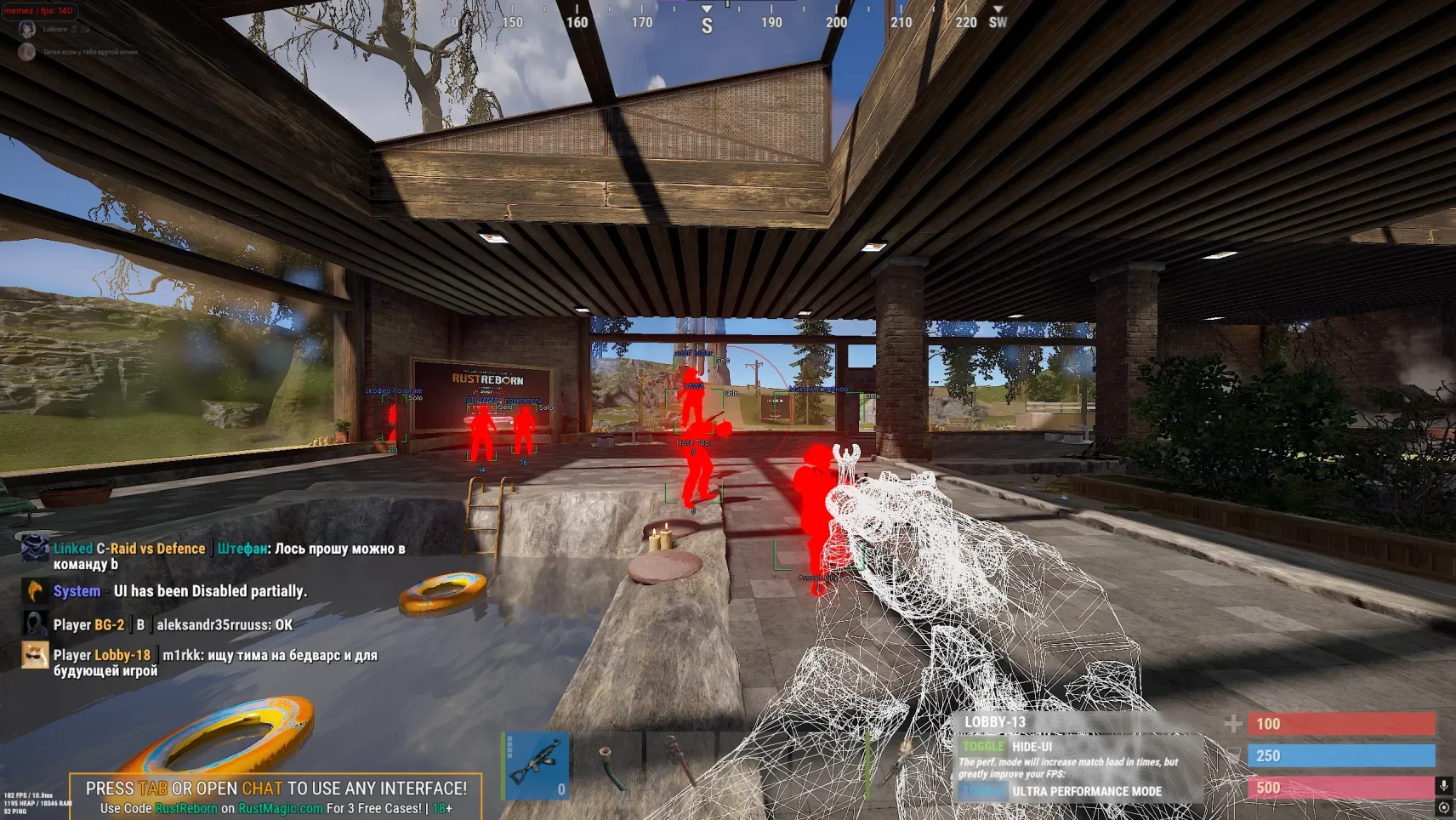
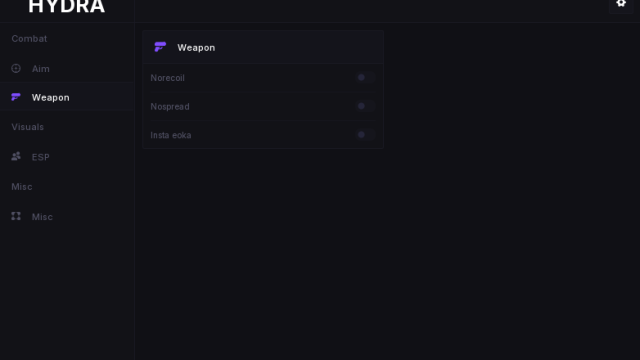
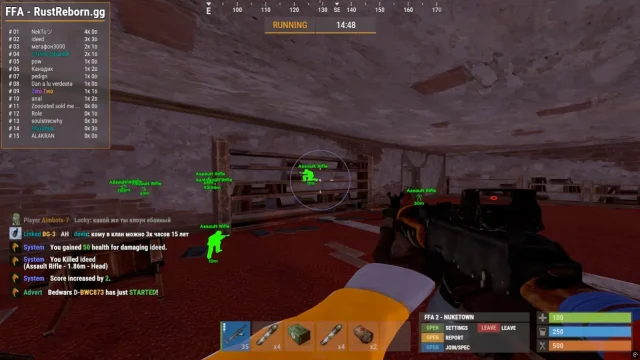
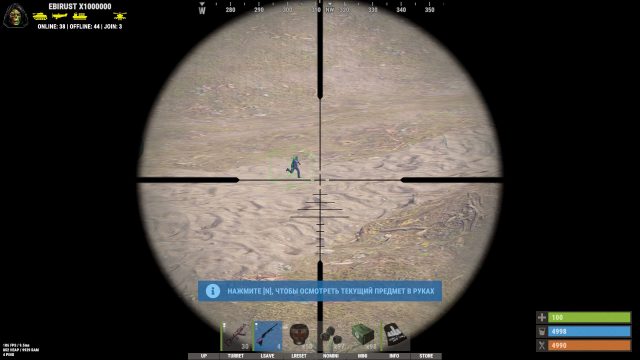
Memez External is a revolutionary external cheat for Rust that works without injection into gameplay, making it virtually undetectable. With it, you get a powerful ESP with intelligent filtering (players, buildings, resources), a smart aim assistant with a natural trajectory, and multi-level protection from EAC. Thanks to the unique driver masking technology, Memes External ensures the absolute security of your account, while maintaining maximum performance even on weak PCs. This cheat is ideal for careful players, streamers and clans who value stability and invisibility. With an intuitive interface and automatic updates, you can start dominating within 2 minutes of installation. Memez External is not just a cheat, but your technological advantage in the brutal world of Rust.
How to install
Video review of private cheat Rust
1. SETTING UP DISCORD
Update/Download the latest version of the discord.
Disable the outdated overlay:
— Open the Discord Settings (the gear at the bottom left).
— Go to the "Game Overlay" section
— Disable the "Use outdated overlay" option.
— Enable the "Use Overlay" option.
— Restart Discord.
Enable hardware acceleration:
— Go to the Advanced tab
- Activate Hardware Acceleration.
— Restart Discord.
Run Discord as an administrator:
— Find the root folder of the discord.
— Find the file in this folder discord.exe .
— Right-click on the file → "Run as administrator".
2. INSTALLING THE LAUNCHER
Download the launcher from the official source:
→ link
Before launching, disable the antivirus or add the file to the exceptions!
— Launch the launcher as an administrator.
— Enter your activation code in the console that appears.
— Press enter.
Step 2: Disable Windows Defender
— In case of an error "WdFilter.sys " download the tool:
→ Link
— Turn off all the checkboxes in "Virus protection"
— Run the program and disable the Defender completely
3. CHEAT ACTIVATION
—Close Rust completely – check through the Task Manager (Ctrl+ Shift + Esc) to prevent the game from running in the background.
—Launch the cheat launcher – right-click → Run as administrator.
— Enter the activation key in the appropriate field.Next, press Enter on your keyboard
— Wait for the inscription: Waiting for Rust... – this means that the cheat is ready to work.
— Open Steam and run Rust. Connect to the server
— Wait for the world to fully load (the appearance of the character in the game).F2,and press F2
— The console must remain open! If it closes, go to the "Troubleshooting" section.
— If the menu appears, the cheat is activated successfully.
4. ERROR CORRECTION
The console crashes after pressing F2:
— Disable hypervisor and virtualization:
• Press Win + R → type optionalfeatures → Enter.
• Uncheck the following items:
- Hyper-V
- Virtual machine platform
- Windows subsystem for Linux
• Restart your computer.
What to do if the software does not work?:
To ensure the software works correctly, follow these steps:
1. Using DControl, disable Windows Defender + completely remove all other antiviruses. Necessarily!!!
2. Disable UAC. Necessarily!!!
3. Disable all items in the Exploit Protection tab [DEP, ASLR, CFG, etc.] In rare cases, for some cheats.
4. Disable Smart Screen. Necessarily!!!
5. Disable Firewall. Necessarily!!!
6. Install DirectX and Microsoft Visual C++
Microsoft Visual C++
DirectX
7. Disable kernel isolation. Necessarily!!!
8. Remove Faceit and Valorant [Vanguard] anti-cheat. [Do not remove Vanguard if the cheat is intended for the game Valorant]. Necessarily!!!
9. Faceit - [Open a command prompt as administrator and type [sc stop faceit] ]. Necessarily!!!
Vanguard - [Open a command prompt as administrator and type [sc delete vgc] + [sc delete vgk] ]. Necessarily!!!
11. Restart your computer. If you have uninstalled your antivirus, Vanguard or Faceit. Necessarily!!!
Write a review