MASON lite
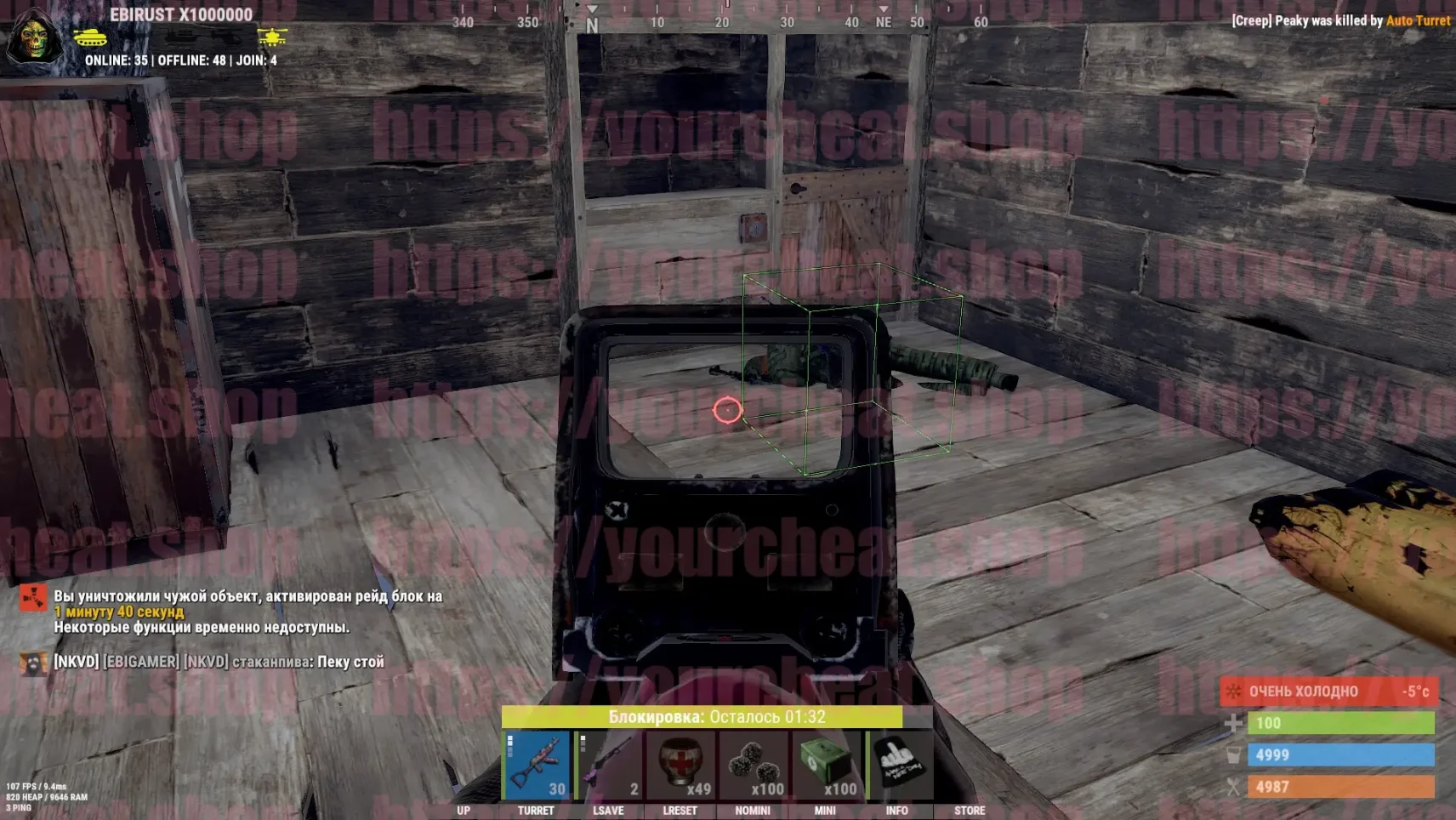
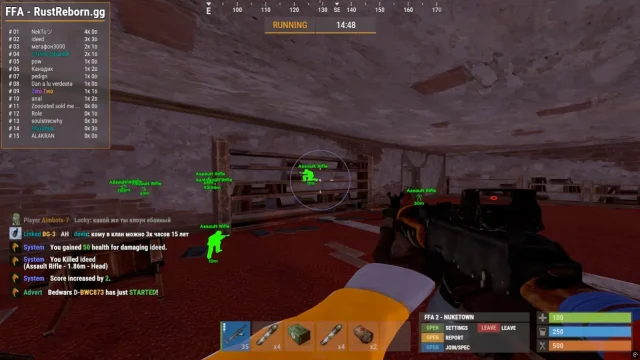
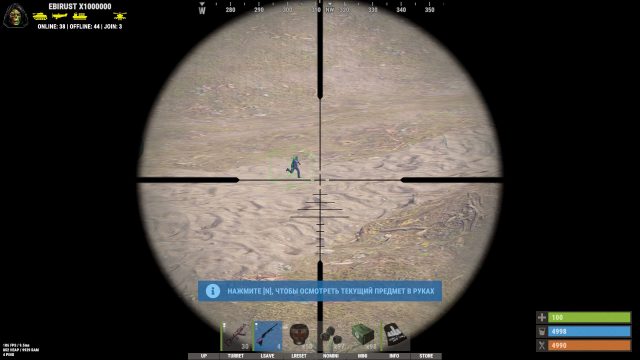
MASON Lite for Rust is a simple and effective cheat created specifically for those who want to gain an advantage with minimal interference in the game. The only and powerful Wallhack feature
How to install
How to run cheat
* Note:
First, perform the following steps:
- In the game settings, BE SURE to enable the “OCCLUSION CULLING” option, save the settings and close the game;
- Disable “Windows Defender”, remove any installed antivirus, since simply disabling it will not be enough;
- For Windows 11, you first need to download the file from the link: run the file, agree to the changes in the registry, then restart the computer and continue following the instructions;
- Remove third-party anti-cheats: Faceit, Riot Vanguard (Uninstallation MUST be performed through the Revo Uninstaller program, after uninstallation, restart the computer);
- Disable Windows test mode (if enabled).
-
-
Launch the game and in the game settings, set the display mode to "Fullscreen in Window", then close the game.
-
Download the loader from the link:
Link
Use the key you received after payment. -
Run the downloaded file as Administrator. In the loader window that opens, select your game from the list, click on it, and then press the "Launch" button.
-
Wait for the loader to close. If the injection is successful, the loader will display a checkmark (✓) and close. An additional window will then appear requesting a computer reboot. Click "Yes", then restart your computer.
-
After reboot, run the loader as Administrator again. Select your game from the list on the left and press the "Launch" button. Wait for the loader to close automatically. Upon successful injection, the loader will show a checkmark (✓) and close. Another window will appear with the message:
"Please, launch ABI"
Click "Ok", and then immediately launch the game manually.
Note: Ensure the game is set to "Fullscreen in Window" mode before proceeding. Always run the loader as Administrator.
-
What to do if the software does not work?:
To ensure the software works correctly, follow these steps:
1. Using DControl, disable Windows Defender + completely remove all other antiviruses. Necessarily!!!
2. Disable UAC. Necessarily!!!
3. Disable all items in the Exploit Protection tab [DEP, ASLR, CFG, etc.] In rare cases, for some cheats.
4. Disable Smart Screen. Necessarily!!!
5. Disable Firewall. Necessarily!!!
6. Install DirectX and Microsoft Visual C++
Microsoft Visual C++
DirectX
7. Disable kernel isolation. Necessarily!!!
8. Remove Faceit and Valorant [Vanguard] anti-cheat. [Do not remove Vanguard if the cheat is intended for the game Valorant]. Necessarily!!!
9. Faceit - [Open a command prompt as administrator and type [sc stop faceit] ]. Necessarily!!!
Vanguard - [Open a command prompt as administrator and type [sc delete vgc] + [sc delete vgk] ]. Necessarily!!!
11. Restart your computer. If you have uninstalled your antivirus, Vanguard or Faceit. Necessarily!!!
Write a review