Mason
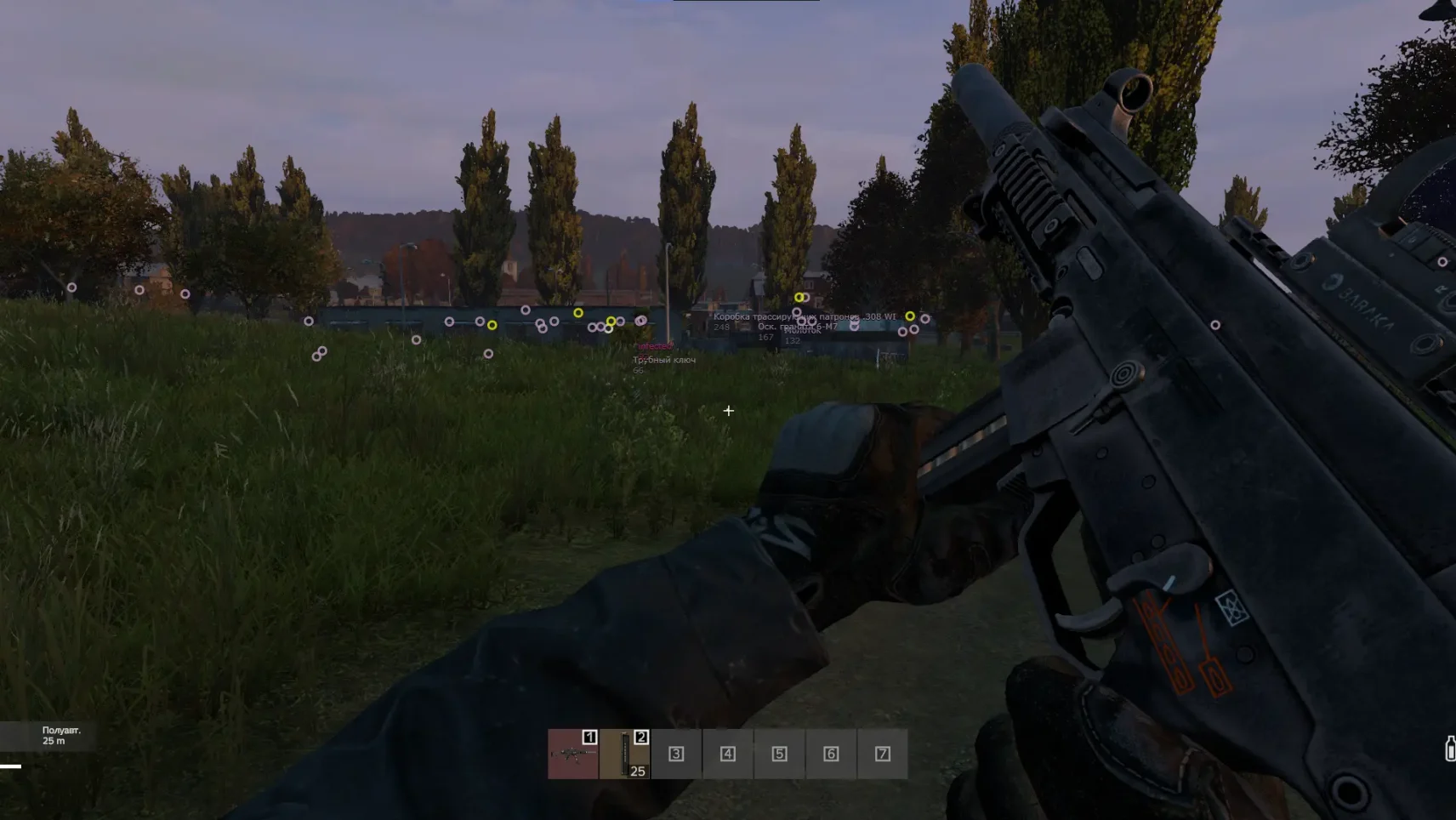
Are you tired of endless survival alone? MASON is your ticket to the elite of DayZ. This is not just a cheat, but your personal strategist in a cruel world where only the smartest survive.
Imagine: You see enemies through walls, your weapon hits the target with frightening accuracy, and the best loot comes into your hands. At the same time, the system is completely invisible to anti—cheats – no bans, just a pure advantage.
But we warn you: This is a weapon for the chosen ones. If you’re ready to play for real, MASON is waiting for you.
How to install
Cheat Software Installation & Usage Guide
-
Initial Game Setup
-
Launch your game and navigate to display settings
-
Select "Fullscreen Windowed" mode
-
Close the game completely
-
Loader Installation
-
Download the loader from: link
-
Use your unique activation key received after purchase
-
Right-click the downloaded file → "Run as Administrator"
-
Injection Process
-
In the loader interface:
-
Select your game from the list
-
Click "Run" and wait for completion
-
-
Successful injection shows a verification checkmark
-
System will prompt for mandatory reboot - select "Yes"
-
Post-Installation
-
After reboot:
-
Relaunch loader as Administrator
-
Reselect your game → Click "Run"
-
Immediately launch the game manually after loader closes
-
-
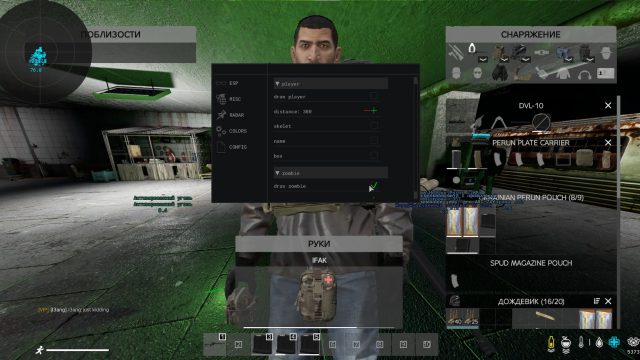
In-game activation: Press "HOME" key at main menu
▬▬▬▬▬▬▬▬▬▬▬▬▬▬▬▬▬▬▬▬▬▬▬▬
Configuration Management
-
Setting Preservation
-
Configure cheat settings in-game
-
Navigate to: CONFIGURATION → "Save config to clipboard"
-
Backup Creation
-
Create new text document (.txt) on desktop
-
Right-click → Paste clipboard contents
-
Save file with encoded configuration data
-
Profile Loading
-
For subsequent sessions:
-
Open your config file
-
Select all (Ctrl+A) → Copy (Ctrl+C)
-
In-game: CONFIGURATION → "Load config from clipboard"
-
▬▬▬▬▬▬▬▬▬▬▬▬▬▬▬▬▬▬▬▬▬▬▬▬
Troubleshooting
For technical issues: the link
What to do if the software does not work?:
To ensure the software works correctly, follow these steps:
1. Using DControl, disable Windows Defender + completely remove all other antiviruses. Necessarily!!!
2. Disable UAC. Necessarily!!!
3. Disable all items in the Exploit Protection tab [DEP, ASLR, CFG, etc.] In rare cases, for some cheats.
4. Disable Smart Screen. Necessarily!!!
5. Disable Firewall. Necessarily!!!
6. Install DirectX and Microsoft Visual C++
Microsoft Visual C++
DirectX
7. Disable kernel isolation. Necessarily!!!
8. Remove Faceit and Valorant [Vanguard] anti-cheat. [Do not remove Vanguard if the cheat is intended for the game Valorant]. Necessarily!!!
9. Faceit - [Open a command prompt as administrator and type [sc stop faceit] ]. Necessarily!!!
Vanguard - [Open a command prompt as administrator and type [sc delete vgc] + [sc delete vgk] ]. Necessarily!!!
11. Restart your computer. If you have uninstalled your antivirus, Vanguard or Faceit. Necessarily!!!
Write a review