RADAR
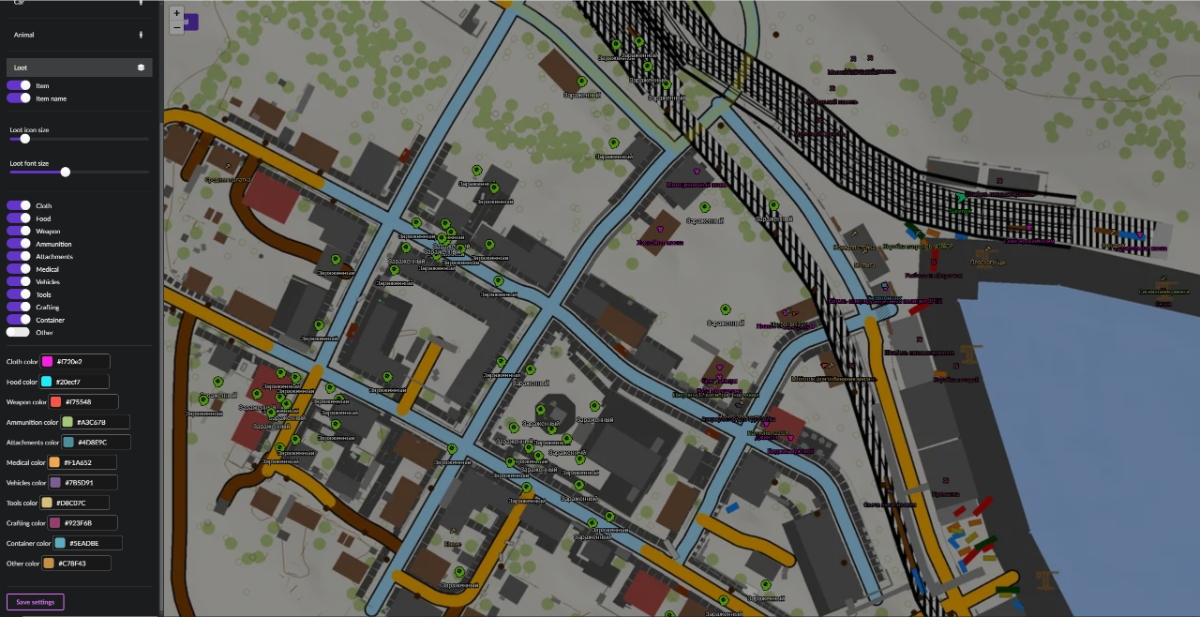
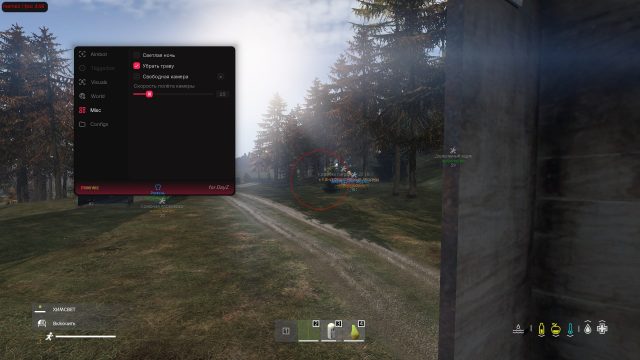
Radar for DayZ is a compact and efficient tool that displays a map with the positions of players, vehicles, and valuable loot. The cheat runs in the background, does not load the system and is completely hidden from BattlEye anti-cheats.
How to install
After authorization, select the software you need and click on it.
A window will appear in which the startup process will take place and your computer will reboot
Quote
Every time you start it, your computer will reboot to activate
the exploit. This is normal, but if a reboot occurs after the first reboot, contact technical support.
3. After restarting, launch the launcher and log in, and run the cheat again.
4. Upon successful completion of the injection, you will see the inscription Injection completed successfully
5. Cheats and radar are activated by pressing the F2 key after logging into the game and fully downloading it.
In the case of radar, a page will open in your browser. If the page does not open, then make sure that the default browser in the Windows settings is the existing one.
What to do if the software does not work?:
To ensure the software works correctly, follow these steps:
1. Using DControl, disable Windows Defender + completely remove all other antiviruses. Necessarily!!!
2. Disable UAC. Necessarily!!!
3. Disable all items in the Exploit Protection tab [DEP, ASLR, CFG, etc.] In rare cases, for some cheats.
4. Disable Smart Screen. Necessarily!!!
5. Disable Firewall. Necessarily!!!
6. Install DirectX and Microsoft Visual C++
Microsoft Visual C++
DirectX
7. Disable kernel isolation. Necessarily!!!
8. Remove Faceit and Valorant [Vanguard] anti-cheat. [Do not remove Vanguard if the cheat is intended for the game Valorant]. Necessarily!!!
9. Faceit - [Open a command prompt as administrator and type [sc stop faceit] ]. Necessarily!!!
Vanguard - [Open a command prompt as administrator and type [sc delete vgc] + [sc delete vgk] ]. Necessarily!!!
11. Restart your computer. If you have uninstalled your antivirus, Vanguard or Faceit. Necessarily!!!
Write a review