Fury+Unlocker
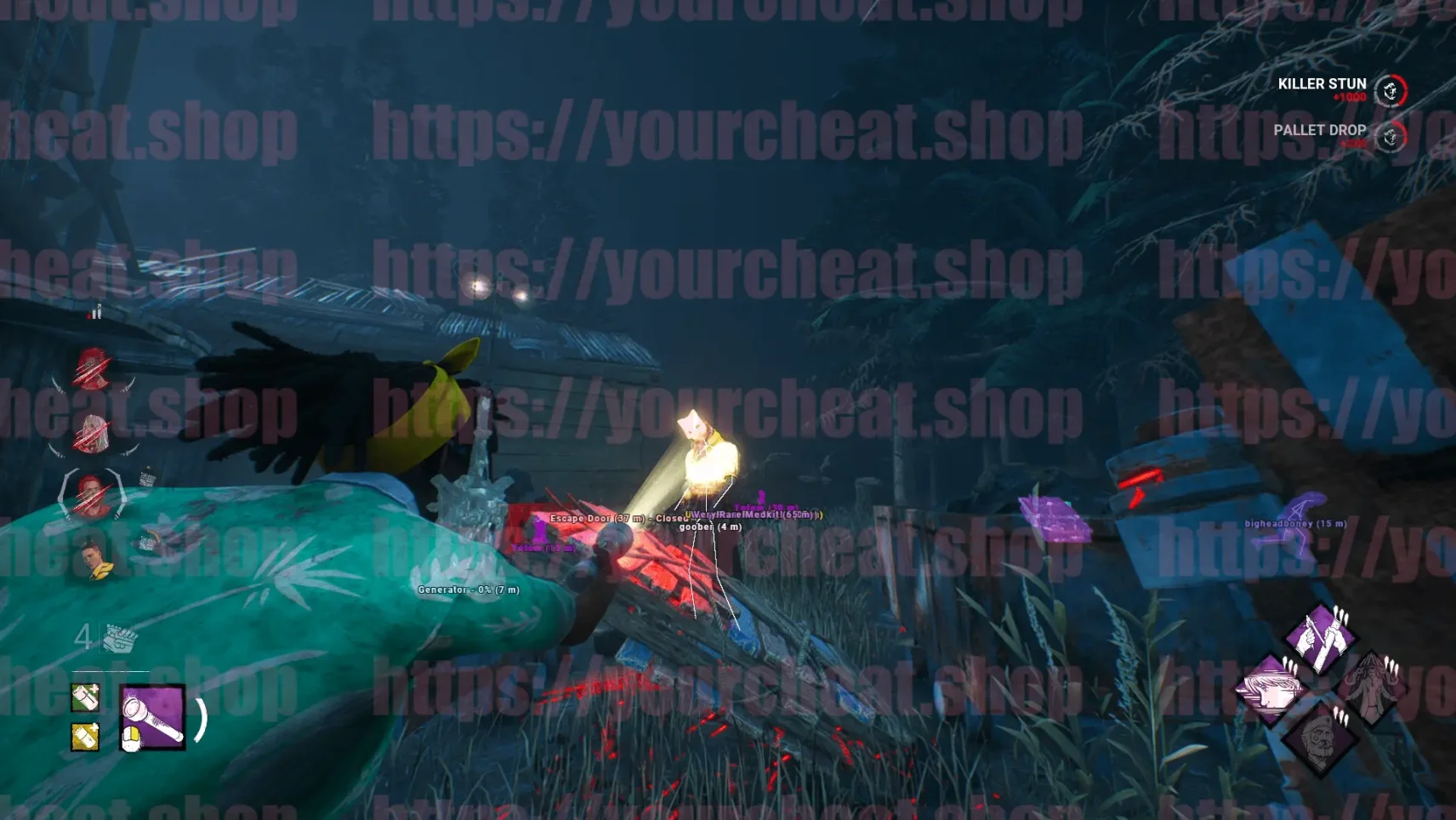
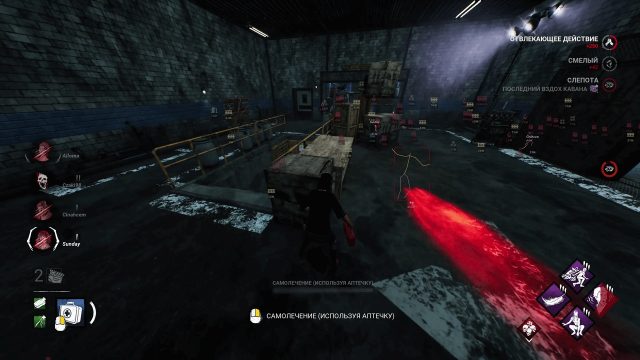
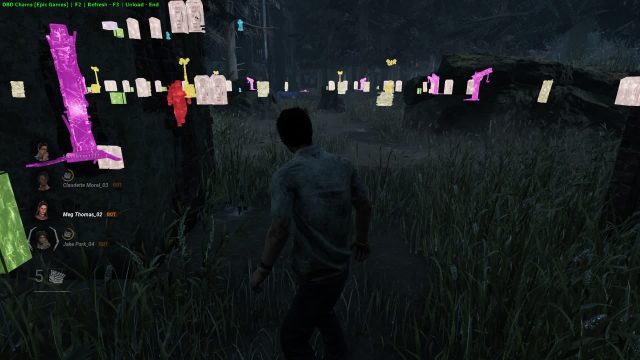
Fury is a powerful private cheat for Dead by Daylight that gives players full control over the game. The main function is the unlocker of skins, which allows you to open any exclusive cosmetic items. Fury also has many other features in its arsenal, including tools for detecting survivors or killers, tracking objects, controlling game mechanics and much more. All this is complemented by advanced ban protection so that you can enjoy the game without risk.
How to install
1.Download the cheat loader from this link.
2.Insert your key into the loader and click 'Submit'.
3.To start launching the software, click 'LOAD'.
4.After a short download, the message “Start the game!” will appear; after it appears, you need to enter the game.
5.The cheat menu will appear automatically in the main menu of the game. Rage software for DBD has been successfully launched, enjoy the game!
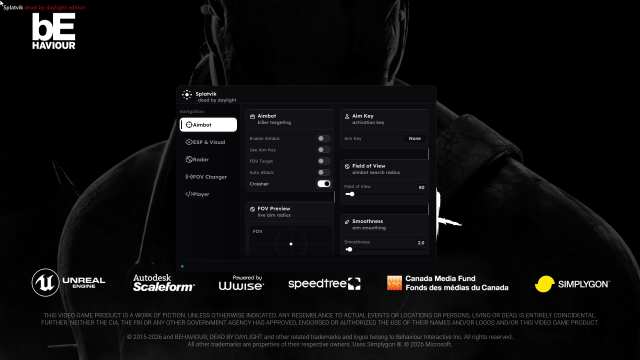
Next, the cheat menu opens/closes by pressing the Delete key.
When using this cheat, it is prohibited to run Resource Monitor / Process Hacker or any other software for analysis and debugging. This will lead to your key being banned.
Crosshair must be enabled to use Aimbot and Magic Bullet. Targets are selected using the Select bind from the Misc tab.
To use Unlock All, you need to reset the game agreement (in the Revoke Consent game settings), and then go into the bloody web and change equipment slots from 1 to 2 and back, after these actions all inaccessible content will be opened.
VIDEO WITH THE LAUNCH OF THE CHEAT
What to do if the software does not work?:
To ensure the software works correctly, follow these steps:
1. Using DControl, disable Windows Defender + completely remove all other antiviruses. Necessarily!!!
2. Disable UAC. Necessarily!!!
3. Disable all items in the Exploit Protection tab [DEP, ASLR, CFG, etc.] In rare cases, for some cheats.
4. Disable Smart Screen. Necessarily!!!
5. Disable Firewall. Necessarily!!!
6. Install DirectX and Microsoft Visual C++
Microsoft Visual C++
DirectX
7. Disable kernel isolation. Necessarily!!!
8. Remove Faceit and Valorant [Vanguard] anti-cheat. [Do not remove Vanguard if the cheat is intended for the game Valorant]. Necessarily!!!
9. Faceit - [Open a command prompt as administrator and type [sc stop faceit] ]. Necessarily!!!
Vanguard - [Open a command prompt as administrator and type [sc delete vgc] + [sc delete vgk] ]. Necessarily!!!
11. Restart your computer. If you have uninstalled your antivirus, Vanguard or Faceit. Necessarily!!!

Write a review