Wh Chams
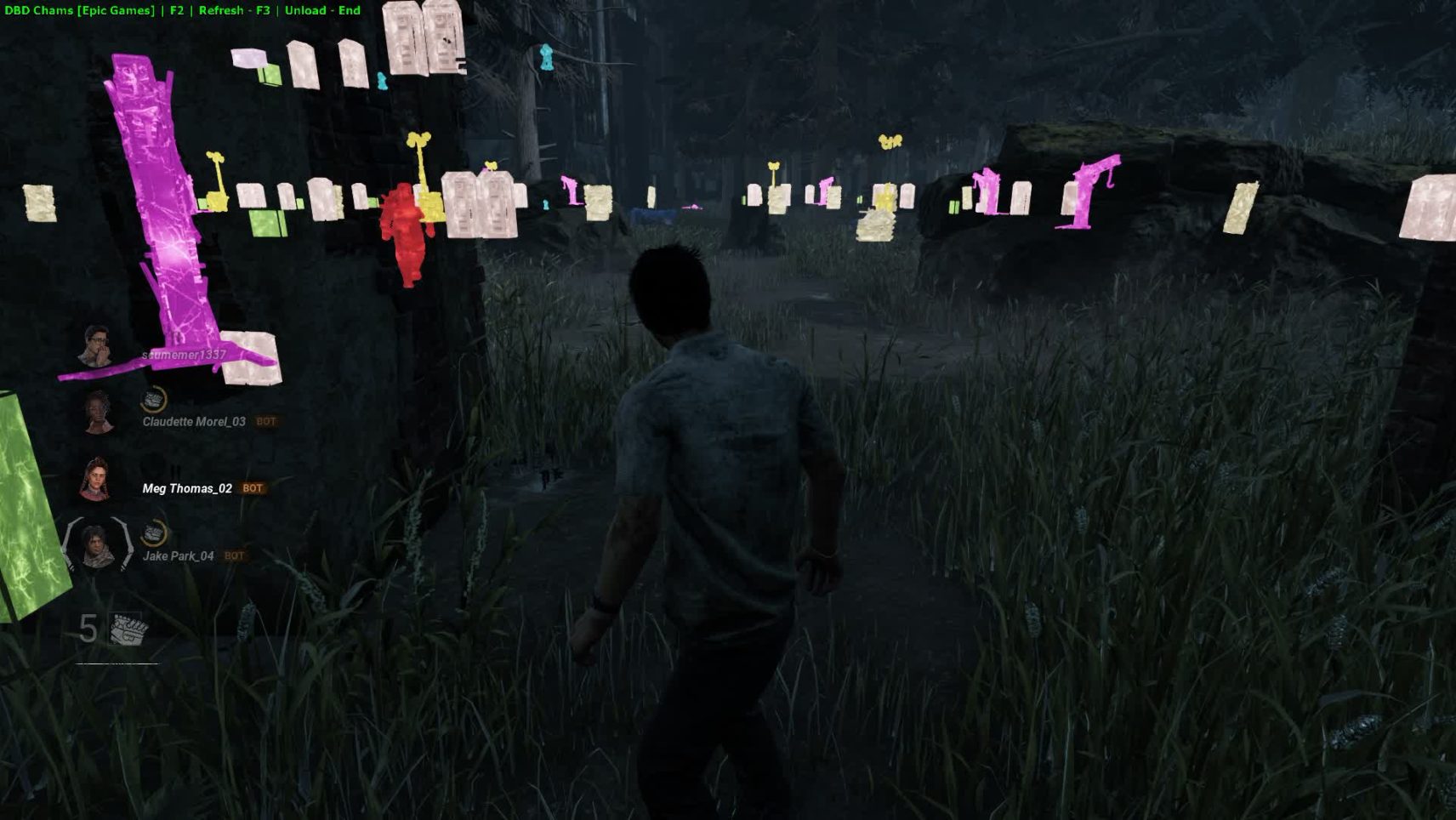
Wh Chams for Dead by Daylight – total illumination of the enemy
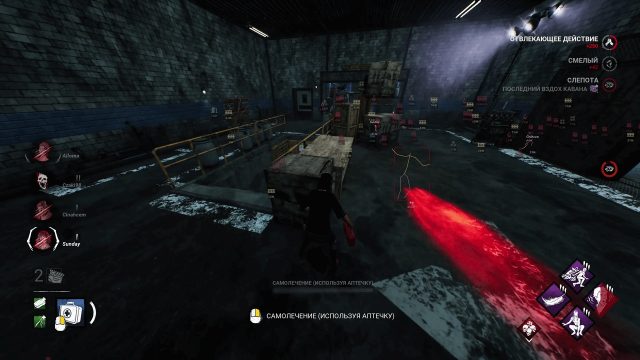
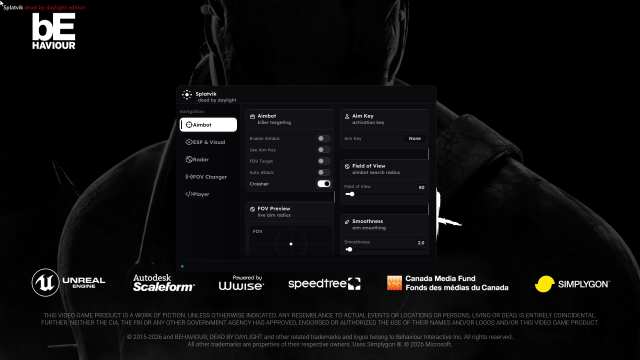
In Dead by Daylight, success depends on information: where the killer is, where to run, which of the allies is in trouble, and where an important object is hidden. Wh Chams is a solution that gives you full visual awareness. Unlike classic ESPs, which simply show information in text, Chams highlight models of players, auras, and objects in bright colors right through the walls. You can see the killer, survivors, generators, hooks, crates and other elements in real time, without delays and unnecessary elements on the screen.
How to install
Download the launcher - Link
Place the launcher on the flash drive
Launch the launcher and register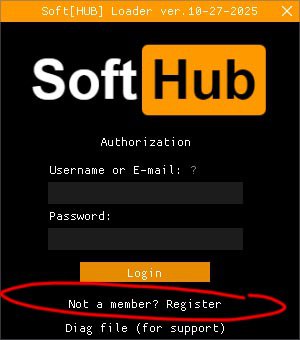
After authorization, insert the key by clicking on the Activate Key button
After that, you will have a subscription, select it and click Load.
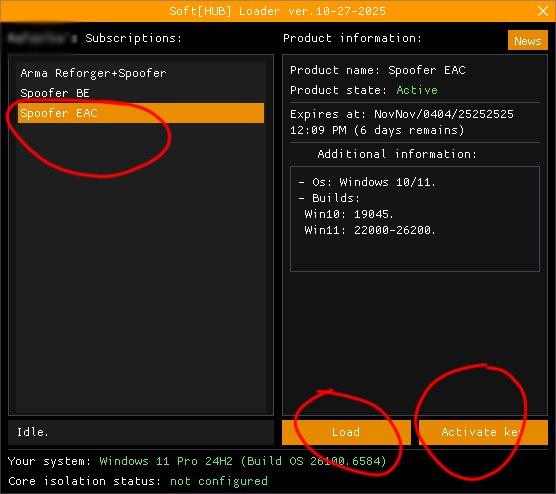
After that, after successful download, go to the game, the cheat menu will appear in the game, close the cheat on F2. If the menu does not appear, most likely your game is not in a window without a frame. That is, the cheat will not work in full-screen mode!
What to do if the software does not work?:
To ensure the software works correctly, follow these steps:
1. Using DControl, disable Windows Defender + completely remove all other antiviruses. Necessarily!!!
2. Disable UAC. Necessarily!!!
3. Disable all items in the Exploit Protection tab [DEP, ASLR, CFG, etc.] In rare cases, for some cheats.
4. Disable Smart Screen. Necessarily!!!
5. Disable Firewall. Necessarily!!!
6. Install DirectX and Microsoft Visual C++
Microsoft Visual C++
DirectX
7. Disable kernel isolation. Necessarily!!!
8. Remove Faceit and Valorant [Vanguard] anti-cheat. [Do not remove Vanguard if the cheat is intended for the game Valorant]. Necessarily!!!
9. Faceit - [Open a command prompt as administrator and type [sc stop faceit] ]. Necessarily!!!
Vanguard - [Open a command prompt as administrator and type [sc delete vgc] + [sc delete vgk] ]. Necessarily!!!
11. Restart your computer. If you have uninstalled your antivirus, Vanguard or Faceit. Necessarily!!!

Write a review