Ошибка перевода
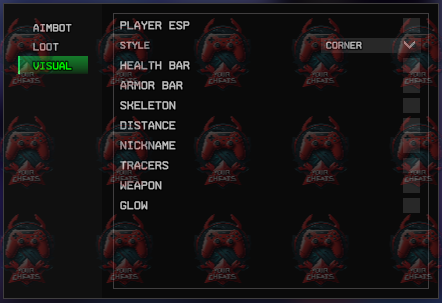
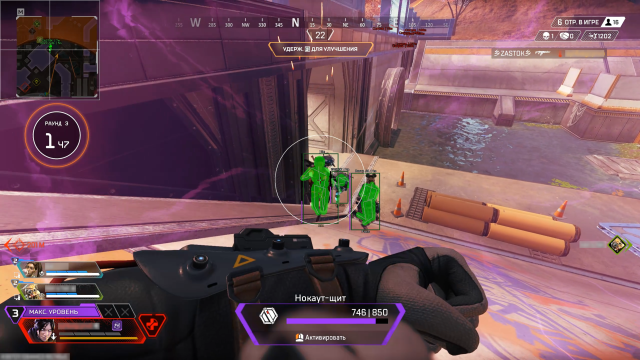
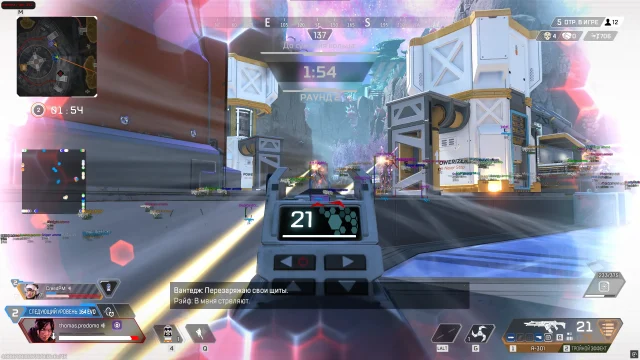
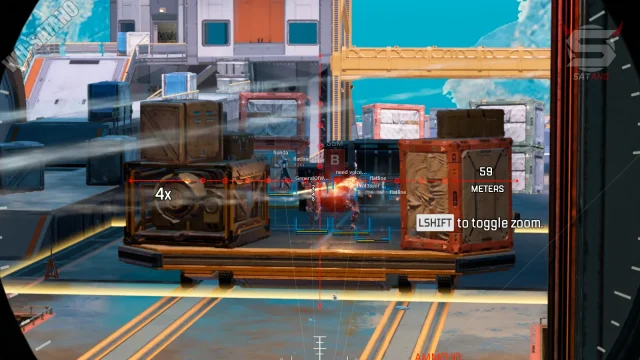
The Dullwave cheat for Apex Legends is your key to the top 1! Nullwave provides excellence in every game. Stay one step ahead of your enemies and manage matches with maximum confidence, seeing enemies through walls, and a good aimbot
How to install
How to download and run the cheat?
Startup process:
Download the cheat loader from the link.
- After payment, you will receive an activation key, a link to this guide, and a link to the loader.
- Before launching the loader, prepare your system:
- Fully disable Windows Defender (Real-time protection). If you have other antivirus software installed, it is recommended to uninstall it as it may interfere with the software launch.
- We strongly recommend using Defender Control to disable Defender. You can download it from this link. Archive password: sordum.
- Fully uninstall the following software from Control Panel (Programs and Features): Faceit AC, Riot Vanguard, GameGuard, ACE (AntiCheatExpert). These anticheats interfere with cheat software.
- Additionally, we recommend launching all cheats from a USB stick. This significantly reduces the risk of getting banned.
- Once everything is ready, download the loader from the link you received with your key and this guide.
- Make sure the game is closed! Launching the cheat while the game is running can result in a ban.
- Run the cheat loader as administrator.
- Paste your key into the loader window and press Enter. After first activation, the loader may close — reopen it again.
- When you launch the Call of Duty software, at this point you will need to select the version of the game you are going to play. Enter the number of one of the suggested options and click Etner to continue.
- After a short loading period, you'll see the message: "Press start game and press F2".
- If you launched the cheat from a USB stick<--(RECOMMENDED), remove it at this stage.
- Start the game and press F2.
- If the injection was successful, you will hear a sound notification.
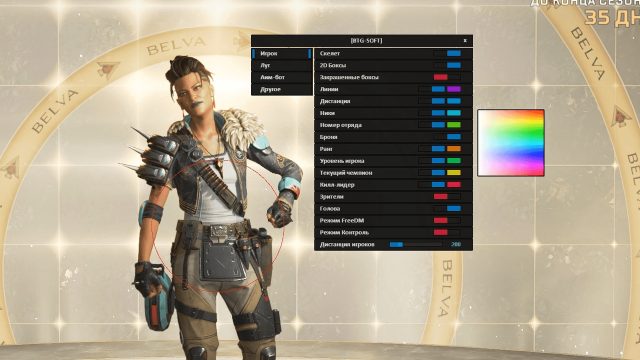
- The cheat menu will appear. Dullwave software is now successfully running!
What to do if the software does not work?:
To ensure the software works correctly, follow these steps:
1. Using DControl, disable Windows Defender + completely remove all other antiviruses. Necessarily!!!
2. Disable UAC. Necessarily!!!
3. Disable all items in the Exploit Protection tab [DEP, ASLR, CFG, etc.] In rare cases, for some cheats.
4. Disable Smart Screen. Necessarily!!!
5. Disable Firewall. Necessarily!!!
6. Install DirectX and Microsoft Visual C++
Microsoft Visual C++
DirectX
7. Disable kernel isolation. Necessarily!!!
8. Remove Faceit and Valorant [Vanguard] anti-cheat. [Do not remove Vanguard if the cheat is intended for the game Valorant]. Necessarily!!!
9. Faceit - [Open a command prompt as administrator and type [sc stop faceit] ]. Necessarily!!!
Vanguard - [Open a command prompt as administrator and type [sc delete vgc] + [sc delete vgk] ]. Necessarily!!!
11. Restart your computer. If you have uninstalled your antivirus, Vanguard or Faceit. Necessarily!!!
Write a review