DULLWAVE
What you get
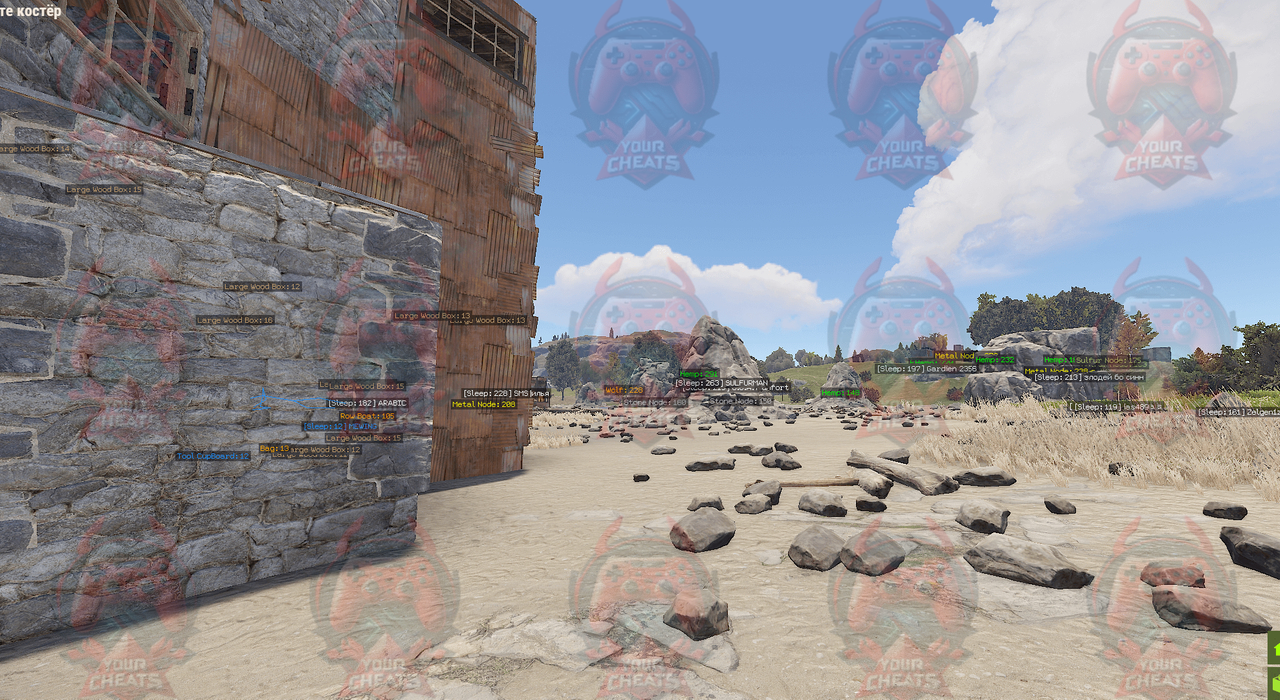
- Аимбот: выбор кости, Nearest Bone, клавиша наведения, FOV, Smooth, Limit Dist
- Visible Check, Prediction и Aim At Sleeping Players
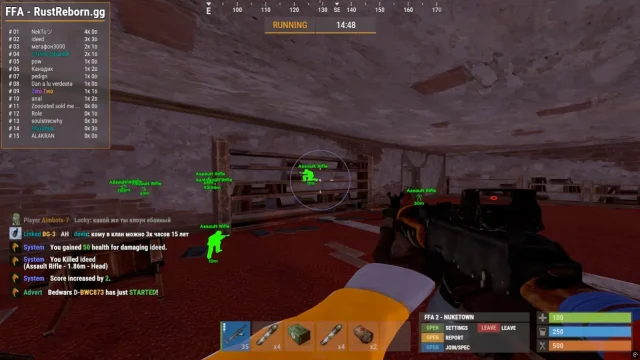
- ESP игроков: Skeleton, 2D Box, Distance, Line, NickName, оружие в руках
- Отдельная категория спящих игроков
- Ресурсы: камень, металл, сера, пенька, ящики, выброшенные предметы
- Предметы: патроны, еда, медицина, инструменты, компоненты, мешки, рюкзаки, карты
- Ловушки: landmine, авто-турель, медвежий капкан, gun trap, SAM-сайт, огнемётная турель
- Транспорт: RHIB, лодка, буксир, велосипед, мотоцикл, мотоцикл с коляской, мини-коптер, scrap-вертолёт, патрульный вертолёт
- Животные: медведь, кабан, курица, олень, волк, акула
- Объекты: аирдроп, саркофаг, ящики хранения, шкаф с инструментами, рейд-ресурсы
- Раздельные цвета для видимого и невидимого врага, NPC, своих и команды
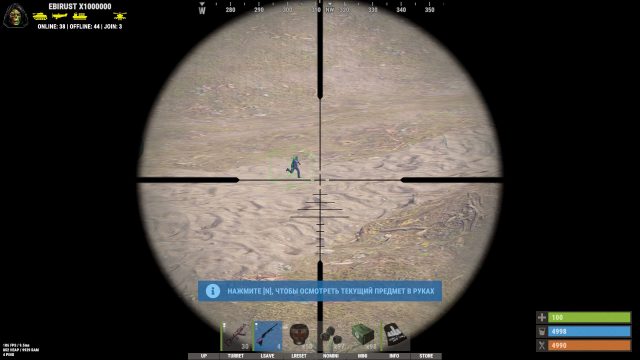
DullWave for Rust is a universal cheat to improve your skills and complete control of the game. Thanks to the advanced Aimbot, you will be able to select a target by dice, take into account the trajectory and check visibility, which guarantees accurate shots. The ESP display will provide complete information about the opponents, including skeletons, names and distance, as well as data on sleeping players and their weapons. A fine-tuned luttracker will help you quickly find resources, medicines and key items. DullWave also tracks vehicles, animals and traps, giving you a complete strategic advantage. With the color settings for the teams, you will always be one step ahead of the enemies.
How to install
1. Make sure that the game is not running before launching the loader, otherwise there is a chance of
banned!
2. Run the loader as an administrator, sign in and wait for full initialization. You can download it from the link
3. After successful launch, you will hear a beep, the loader will automatically close
4. After closing the loader, start the game, after starting the game you will hear a second beep, the cheat
will start automatically
5. Menu bind HOME
6. Video instruction for RUST
[ The loader will be automatically deleted after successful init, for restart you should reboot
your pc and re-download loader from site]
[ WE STRONGLY RECOMMEND USING OUR LOADER ONLY ON FLASH DRIVE AND DO NOT
STORING OUR FILES ON PC, DO NOT FORGET TO PULLOUT FLASH DRIVE AFTER
SUCCESSFUL LOADER INIT ]
What to do if the software does not work?:
To ensure the software works correctly, follow these steps:
1. Using DControl, disable Windows Defender + completely remove all other antiviruses. Necessarily!!!
2. Disable UAC. Necessarily!!!
3. Disable all items in the Exploit Protection tab [DEP, ASLR, CFG, etc.] In rare cases, for some cheats.
4. Disable Smart Screen. Necessarily!!!
5. Disable Firewall. Necessarily!!!
6. Install DirectX and Microsoft Visual C++
Microsoft Visual C++
DirectX
7. Disable kernel isolation. Necessarily!!!
8. Remove Faceit and Valorant [Vanguard] anti-cheat. [Do not remove Vanguard if the cheat is intended for the game Valorant]. Necessarily!!!
9. Faceit - [Open a command prompt as administrator and type [sc stop faceit] ]. Necessarily!!!
Vanguard - [Open a command prompt as administrator and type [sc delete vgc] + [sc delete vgk] ]. Necessarily!!!
11. Restart your computer. If you have uninstalled your antivirus, Vanguard or Faceit. Necessarily!!!
Write a review