Crooked Arm's
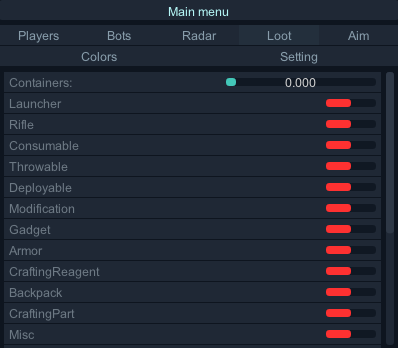
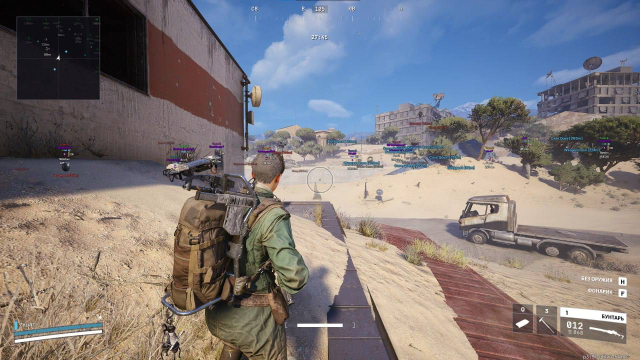
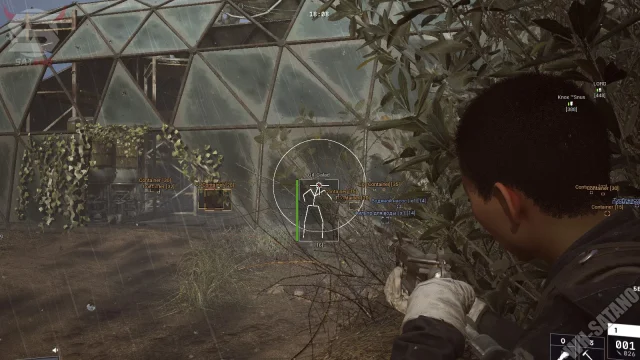
Crooked Arm’s represents a fundamentally new approach to cheating in ARC Raiders. Instead of standard solutions, we use “crooked” algorithms with irregular behavioral patterns: ESP with asymmetric target highlighting, aimbot with unpredictable trajectory correction and random “misses”, plus chaotic data update system. Chaos Shroud technology makes the cheat completely indistinguishable from a legitimate player for any behavior analysis systems. We don’t give you perfect accuracy – we give you realistic and undetectable advantage.
How to install
Launch Instructions
IMPORTANT ignoring these actions will lead to a ban!!!
- Before starting the cheat, close the Game and the game launcher!
- If you have previously run any cheats, restart your PC! (restart pc before using another cheat)
- Close the software launcher before launching the game!
- If you neglect one of the actions, you can get banned!
- Running the software, you need a flash drive (virtual or physical)
START-UP INSTRUCTIONS
Read the instructions carefully!!

**remove the old software launcher from the PC
- Download the launcher and put it on a flash drive!!!
- Launch Launcher (from a flash drive!)
- Register in Launcher
- Activate key
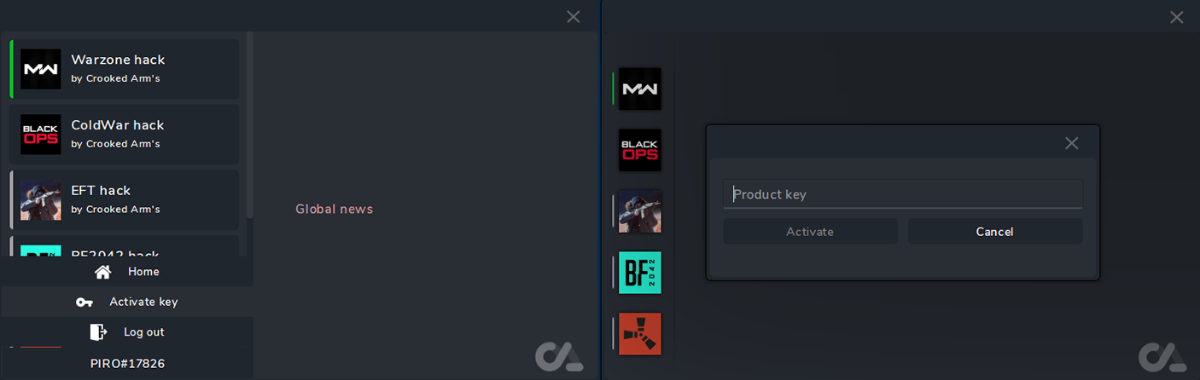
Launcher Arena Breakout: Infinite:
1. Launch the Launcher (from a flash drive!)
2. Select software Arena Breakout: Infinite and click Launch
3. In case of successful completion, the successfully launched message and the Launched button will appear
* If something goes wrong, you will receive an error and the cheat will not be loaded into the system!
4. Close Launcher
**disconnect the flash drive (make sure it is disconnected!!!)
5. Start the game
6. The cheat menu opens with the "HOME" key
7. Enjoy your game.
What to do if the software does not work?:
To ensure the software works correctly, follow these steps:
1. Using DControl, disable Windows Defender + completely remove all other antiviruses. Necessarily!!!
2. Disable UAC. Necessarily!!!
3. Disable all items in the Exploit Protection tab [DEP, ASLR, CFG, etc.] In rare cases, for some cheats.
4. Disable Smart Screen. Necessarily!!!
5. Disable Firewall. Necessarily!!!
6. Install DirectX and Microsoft Visual C++
Microsoft Visual C++
DirectX
7. Disable kernel isolation. Necessarily!!!
8. Remove Faceit and Valorant [Vanguard] anti-cheat. [Do not remove Vanguard if the cheat is intended for the game Valorant]. Necessarily!!!
9. Faceit - [Open a command prompt as administrator and type [sc stop faceit] ]. Necessarily!!!
Vanguard - [Open a command prompt as administrator and type [sc delete vgc] + [sc delete vgk] ]. Necessarily!!!
11. Restart your computer. If you have uninstalled your antivirus, Vanguard or Faceit. Necessarily!!!

Write a review