COVCHEG
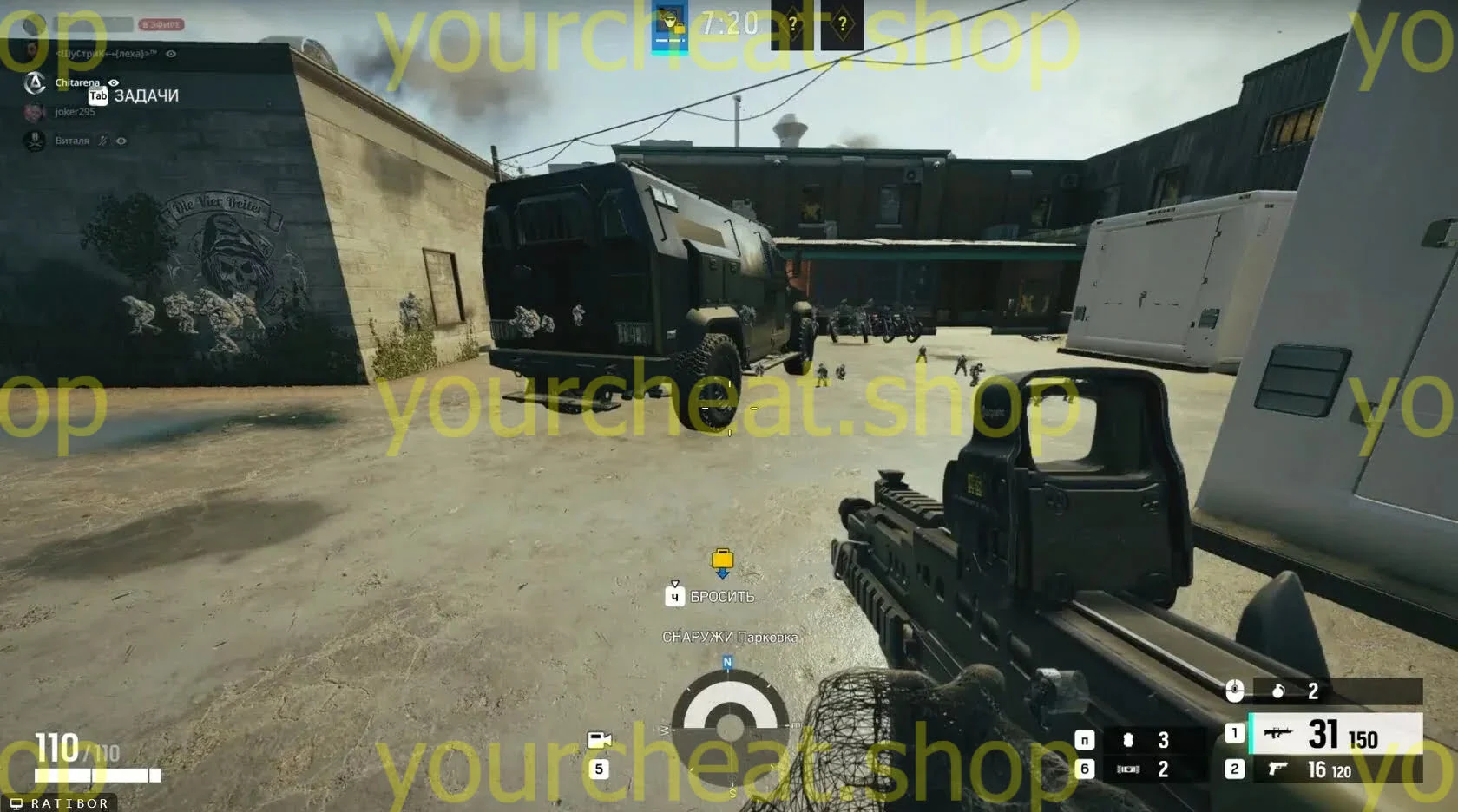
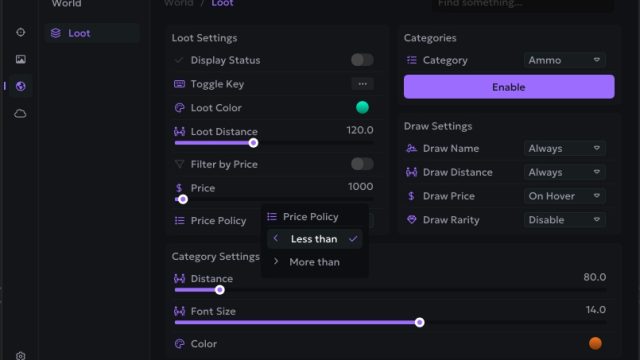
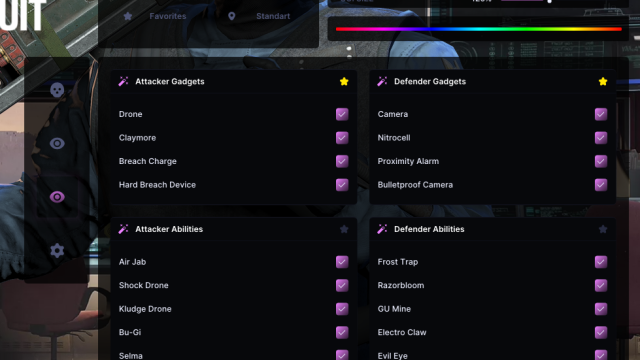
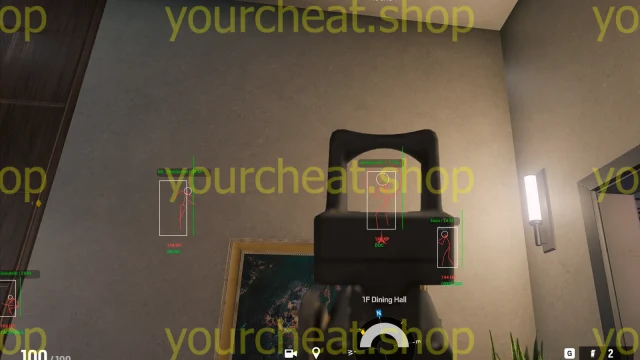
Get absolute supremacy in Rainbow Six Siege with KOVCHEG! This private cheat allows you to see all the opponents, increasing your chances of winning. Anti-cheat protection will ensure the security of your account. Check out the features of KOVCHEG and become the best player on the server!
How to install
Instructions for launching СOVCHEG software on Rainbow Six Siege.
Loader: Click
Preparing the system:
Make sure that you have removed the following software: Vanguard, Faceit, Kaspersky Antivirus.
Downloading software:
1.Unzip all the files into one folder and run loader.exe then enter your product key.
2.Select the game and press the start button.
3.Following the loader's instructions, start the game without pressing F5 in the loader.
1.It is important to run the Directx 11 version of the game.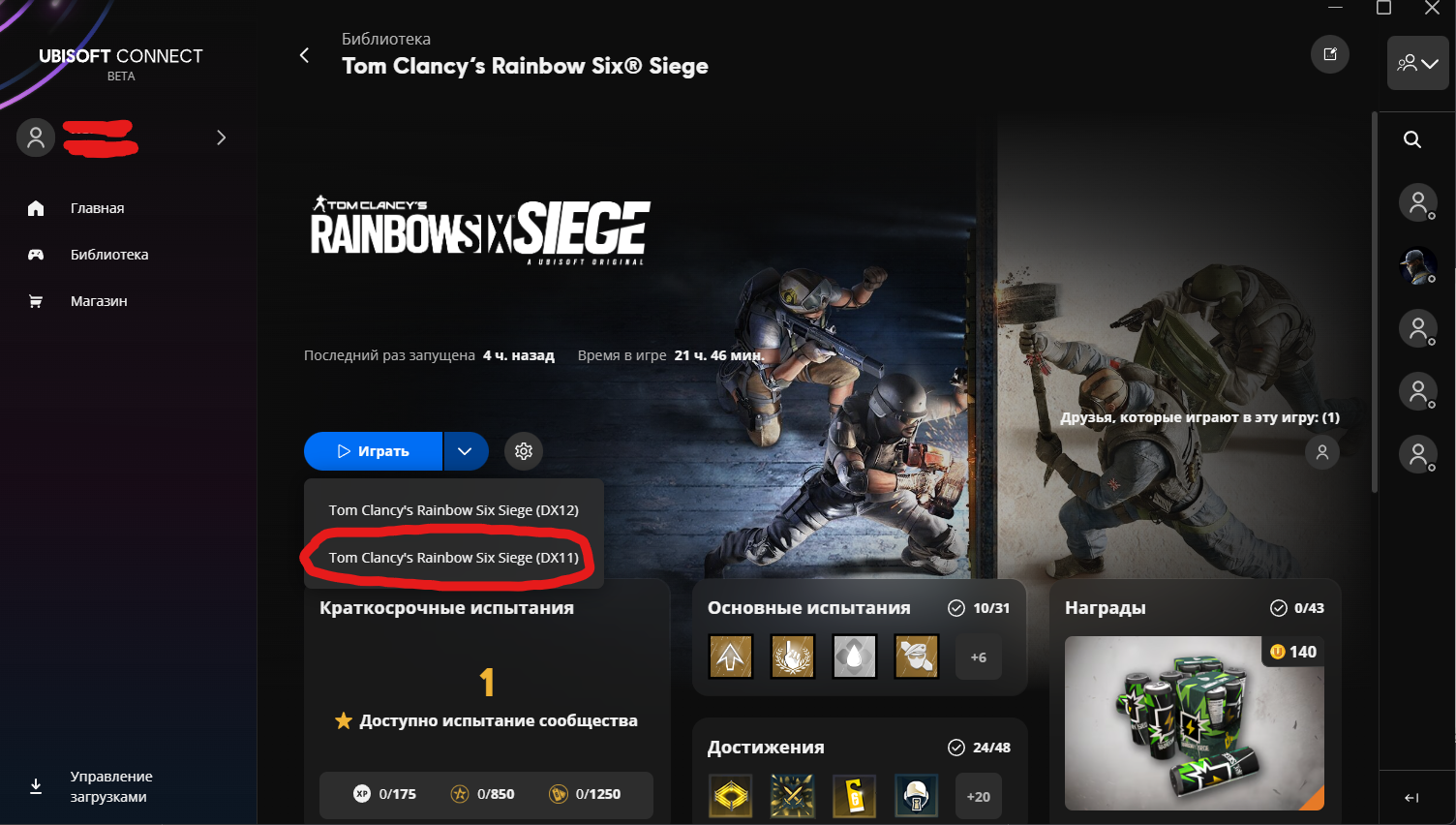
1.When the main menu of the game is loaded, perform the OBS configuration:
1.Download OBS from this link (Installation is required from this link).
2.run OBS as an administrator and perform the following configuration in OBS. (Together r5apex.exe in the screenshot, you will need to select RainbowSix.exe ):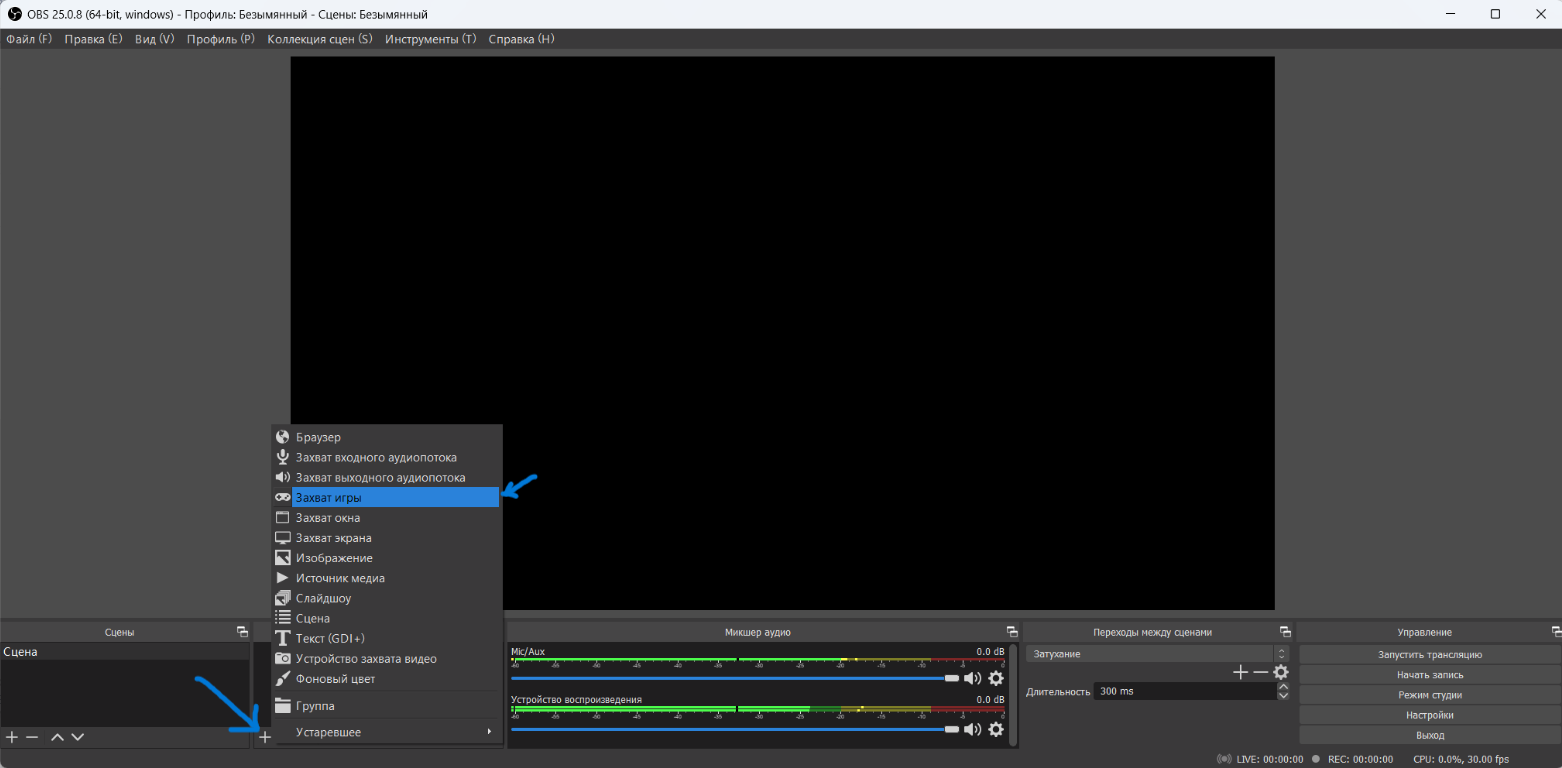
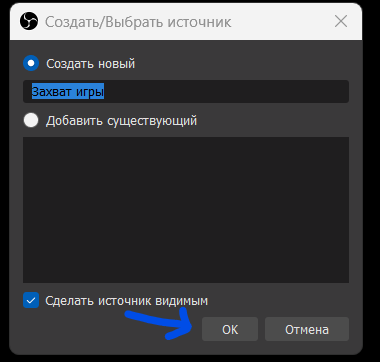
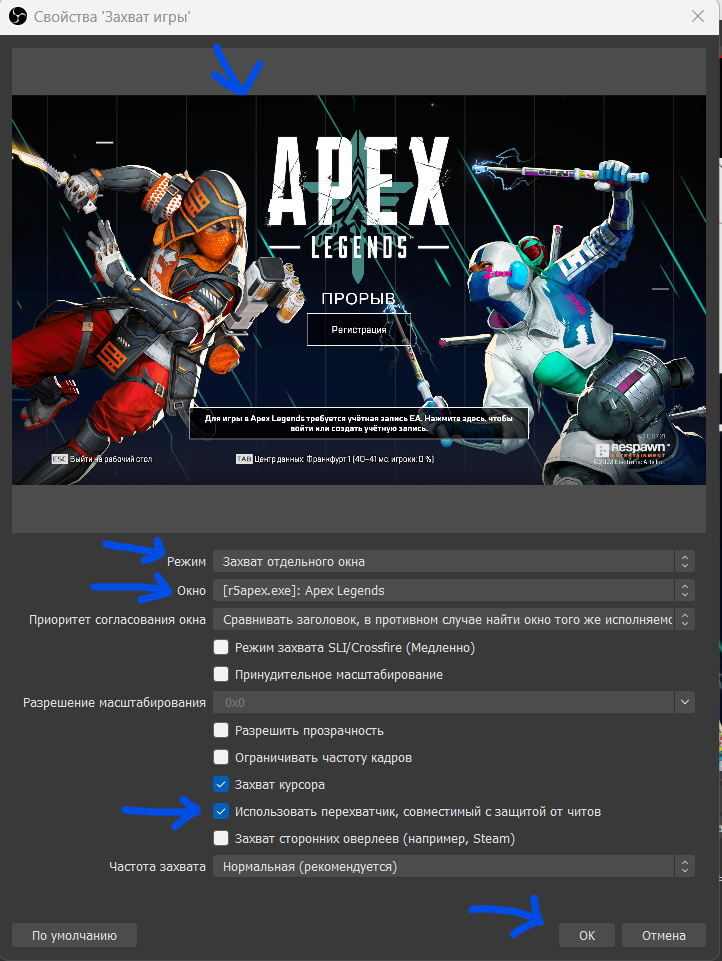
3.Wait until the image of the game appears in any OBS window (As in the screenshot above)
2.Press F5 in the loader window and follow its instructions.
3.If the loader has written “Change game window mode and Press F5”, then follow these steps:
1.Go to the game settings
2.Switch the window mode. For example, from fullscreen to frameless or vice versa.
3.Apply the changes
4.Press F5 in the loader.
The loader should notify you about the successful download of the software. No more additional settings are required. Enjoy using it!
Write a review