Aimbot+Trigger
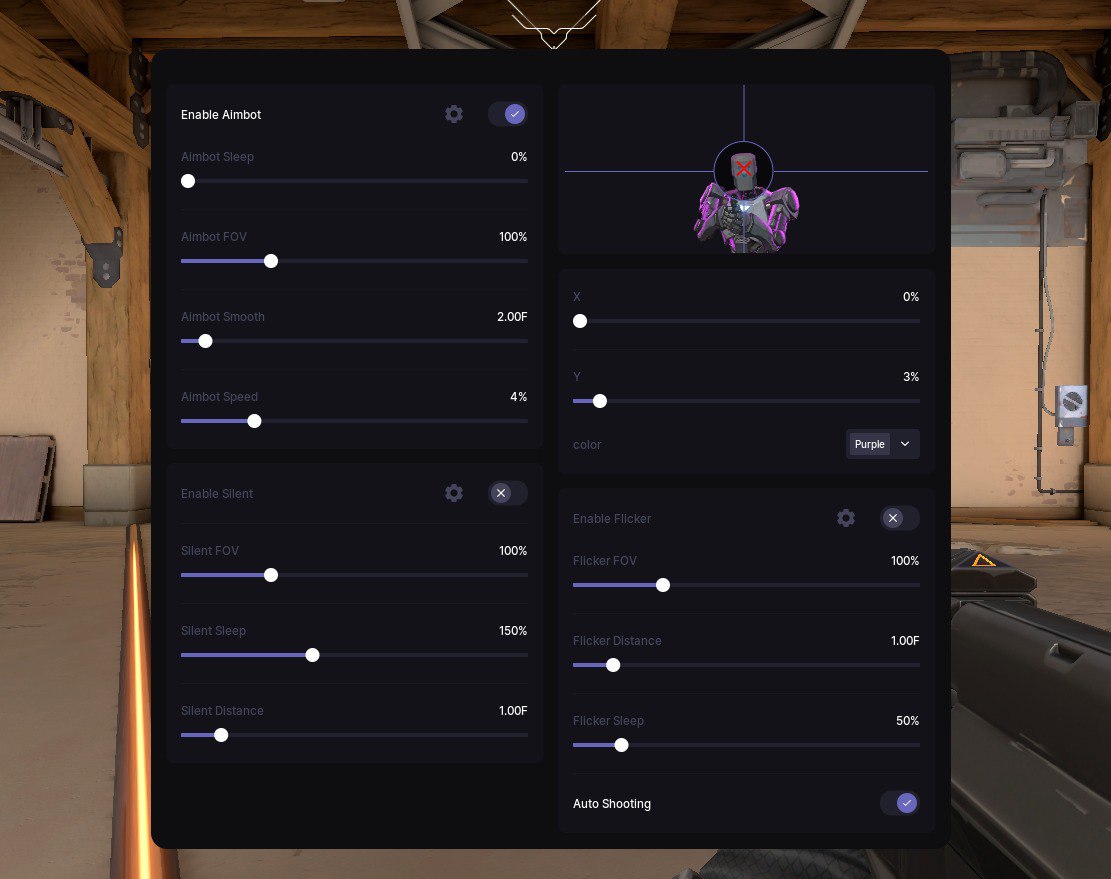
ColorBot with silent Aim for Valorant is Your Hidden Advantage
ColorBot is the most secure and unobtrusive cheat for Valorant, based on pixel color analysis, which makes it elusive for Vanguard. Unlike standard cheats, it is not embedded in the game, but only reads the image on the screen, ensuring zero risk of a ban.
How to install
STAGE #1: PREPARATION
Step 1: Loading the loader
— Download the loader: Link
— Enter the key in the loader window
— Press the Enter key
Step 2: Removing anti-cheats
— Delete FaceIt AC, GameGuard
— Make sure there are no other antiviruses
STAGE #2: RUNNING THE CHEAT
Step 1: Enter the key
— Enter the key in the loader window
— Press Enter
Step 2: Launch the game
— Launching the game
Step 3: Disable The Raw Input Buffer
— Go to the "General" section in the settings
— Scroll down and find the "Direct mouse input buffer" option
PROBLEM SOLVING
The launcher closes without errors:
— Win + I → Time and Language
— Synchronize your watch
What to do if the software does not work?:
To ensure the software works correctly, follow these steps:
1. Using DControl, disable Windows Defender + completely remove all other antiviruses. Necessarily!!!
2. Disable UAC. Necessarily!!!
3. Disable all items in the Exploit Protection tab [DEP, ASLR, CFG, etc.] In rare cases, for some cheats.
4. Disable Smart Screen. Necessarily!!!
5. Disable Firewall. Necessarily!!!
6. Install DirectX and Microsoft Visual C++
Microsoft Visual C++
DirectX
7. Disable kernel isolation. Necessarily!!!
8. Remove Faceit and Valorant [Vanguard] anti-cheat. [Do not remove Vanguard if the cheat is intended for the game Valorant]. Necessarily!!!
9. Faceit - [Open a command prompt as administrator and type [sc stop faceit] ]. Necessarily!!!
Vanguard - [Open a command prompt as administrator and type [sc delete vgc] + [sc delete vgk] ]. Necessarily!!!
11. Restart your computer. If you have uninstalled your antivirus, Vanguard or Faceit. Necessarily!!!

Write a review