Collapse
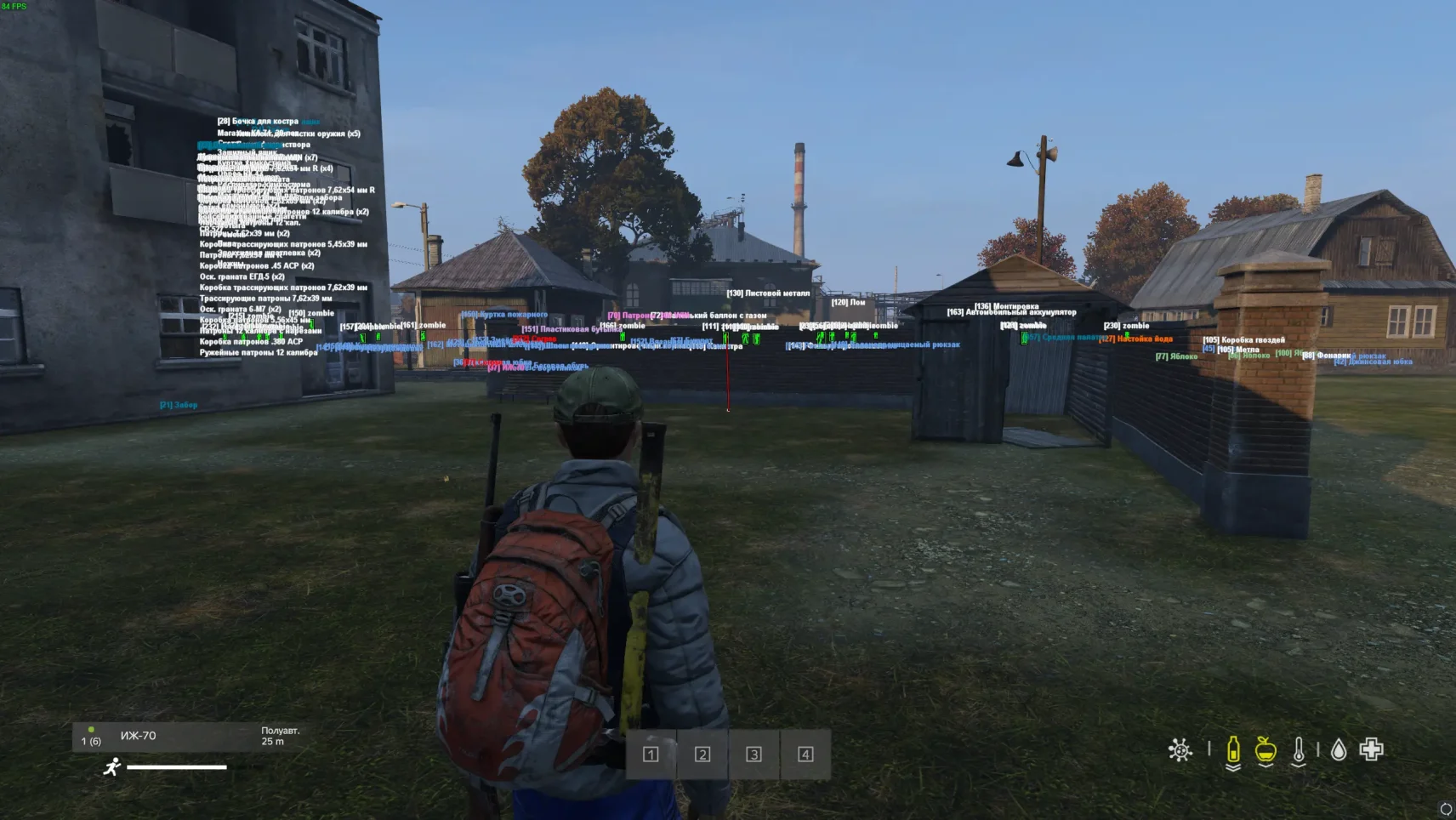
Collapse — A Budget Cheat for DayZ with Full Functionality
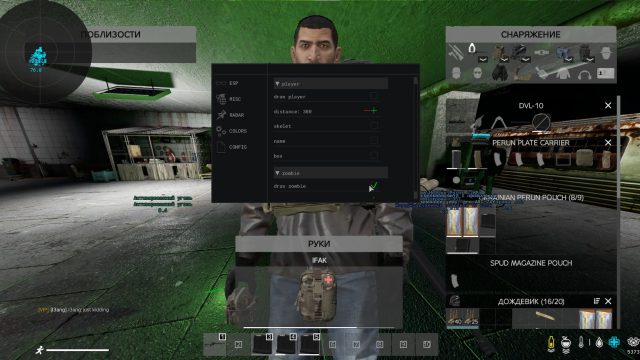
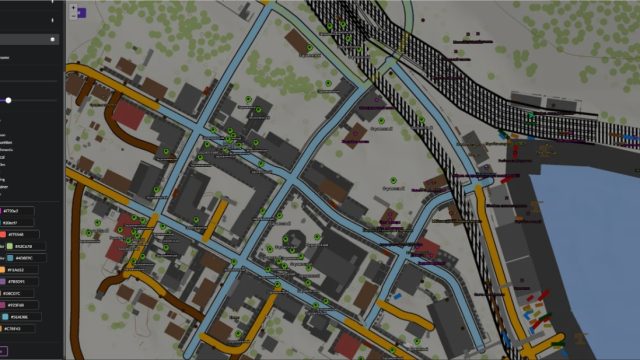
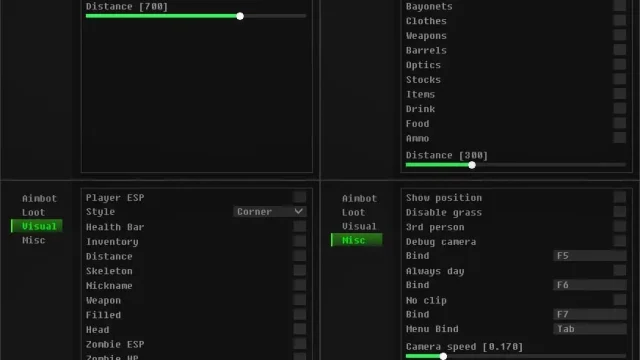
Collapse is an affordable but powerful solution for DayZ that includes everything you need to play comfortably. Don’t overpay for unnecessary features — there are only effective tools at a low price.
How to install
DOWNLOAD LOADER
1. Run the cheat
1) Run cheat as administrator
2) Enter the key and wait for the green inscription and the closing of the console
3) Come into the game
Fasts keys
1) You can close and open the product menu by pressing the insert key or it can be called ins
Error correction - if you have any errors, follow the steps below
1. If bsodit (blue screen crashes), the cheat does not load or if there is a menu and the cheat does not respond
1) Turn off the checkboxes in the game settings (start the game without a cheat, go to "settings" in the "game" item and turn on "Auto-cleaning of RAM" and "Using only the physical core") in the screenshot below, the marked data is ticked
2) Enable viralization in the bios, an extreme way can help if the first one did not help (there are many guides on google and youtube how to do this in your bios)
2. If you get error ERR:6, ERR:6 (0xC0000022) and " Please disable all anti viruses / anti cheats " in the loader
1) Delete Faceit, Vanguard, ESEA, EAC
2) Remove antiviruses and Disable Windows Defender
3) Disable secure boot in the BIOS (as a last resort if the first 2 points didn't help)
3. If you get the error ERR:6 (0xC0000035) in the loader
Go to the control panel / uninstall programs / remove Intel Network as in the screenshot below
4. If the cheat loader closes quickly without visible labels and errors
(as in the video below)
https://youtu.be/LFbnIiIaCzs
So maybe your processor is old and does not support avx instructions, to check if your processor supports avx instructions, you need to download the CPU-Z program that shows information about your processor and check if you have AVX inscriptions in the "instructions" item as in the screenshot below
(if there are no such inscriptions, then your processor does not support AVX instructions and the cheat will not work for you)
What to do if the software does not work?:
To ensure the software works correctly, follow these steps:
1. Using DControl, disable Windows Defender + completely remove all other antiviruses. Necessarily!!!
2. Disable UAC. Necessarily!!!
3. Disable all items in the Exploit Protection tab [DEP, ASLR, CFG, etc.] In rare cases, for some cheats.
4. Disable Smart Screen. Necessarily!!!
5. Disable Firewall. Necessarily!!!
6. Install DirectX and Microsoft Visual C++
Microsoft Visual C++
DirectX
7. Disable kernel isolation. Necessarily!!!
8. Remove Faceit and Valorant [Vanguard] anti-cheat. [Do not remove Vanguard if the cheat is intended for the game Valorant]. Necessarily!!!
9. Faceit - [Open a command prompt as administrator and type [sc stop faceit] ]. Necessarily!!!
Vanguard - [Open a command prompt as administrator and type [sc delete vgc] + [sc delete vgk] ]. Necessarily!!!
11. Restart your computer. If you have uninstalled your antivirus, Vanguard or Faceit. Necessarily!!!
Write a review