ANCIENT
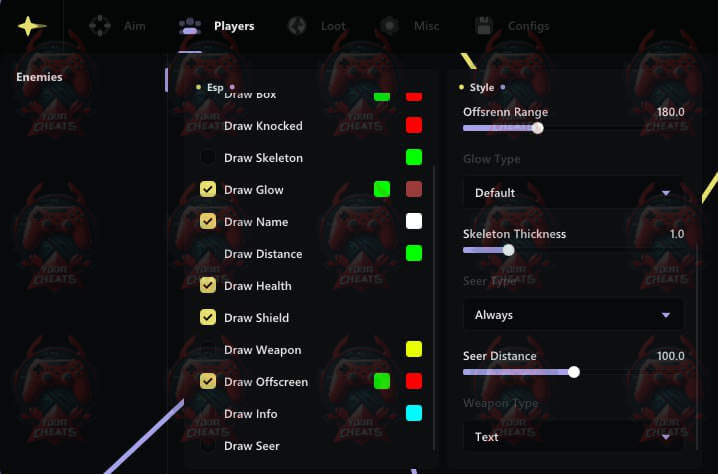
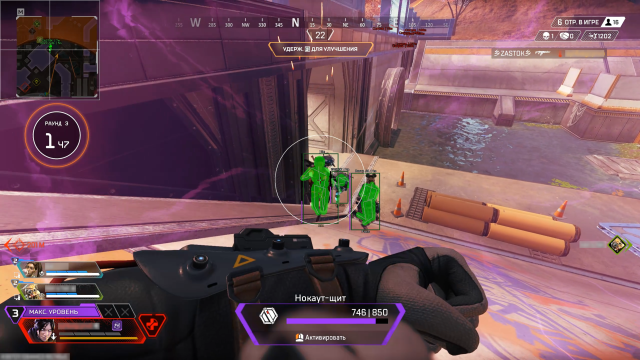
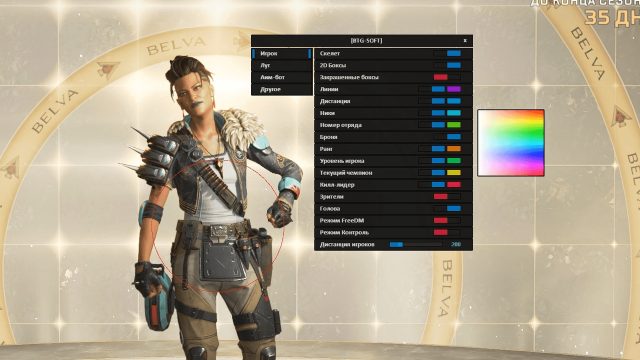
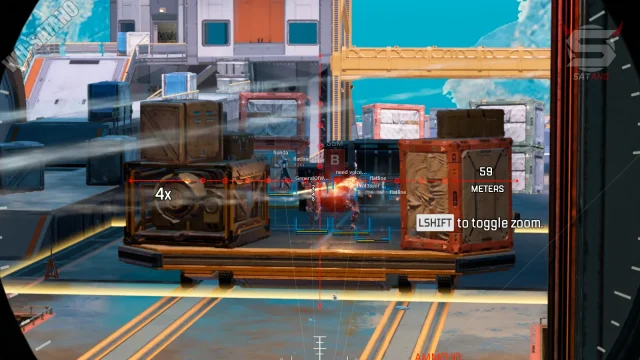
To buy an ANCIENT cheat for Apex Legends means to get an absolute advantage in every match. This software will open up new opportunities for you to win, providing control over the game and confidence in success. With ANCIENT, every battle becomes a step towards triumph!
How to install
How to download and run the cheat?
Startup process:
Loader: Follow the link
Before starting, you need to enable GeForce Experience overlay, if you have an AMD video card, then you need to install SteelSeries. Nvidia video cards support GeForce and SteelSeries, AMD video cards only support SteelSeries.
GeForce Experience does not support full screen mode: GeForce Experience link To use GeForce Experience overlay, you need to open settings, go to Generals and enable IN-GAME OVERLAY
SteelSeries supports full-screen mode: steelseries link To use SteelSeries you need to go to settings in the GENERAL -> General section you need to enable Sonar, then go to the SONAR -> Shortcuts tab, set the Master - Volume Up bind for example the 'F7' key, you need to press this bind before injection
To run our product, you will need: Disable antivirus
Launch loader
Insert key
Press injection
After the injection, the loader will close itself, this means that you can start the game. The menu is called by the 'Insert' button
If you want to run a cheat along with any spoofer, then always run the cheat loader first, and then only the spoofer. Otherwise your key will break.
What to do if the software does not work?:
To ensure the software works correctly, follow these steps:
1. Using DControl, disable Windows Defender + completely remove all other antiviruses. Necessarily!!!
2. Disable UAC. Necessarily!!!
3. Disable all items in the Exploit Protection tab [DEP, ASLR, CFG, etc.] In rare cases, for some cheats.
4. Disable Smart Screen. Necessarily!!!
5. Disable Firewall. Necessarily!!!
6. Install DirectX and Microsoft Visual C++
Microsoft Visual C++
DirectX
7. Disable kernel isolation. Necessarily!!!
8. Remove Faceit and Valorant [Vanguard] anti-cheat. [Do not remove Vanguard if the cheat is intended for the game Valorant]. Necessarily!!!
9. Faceit - [Open a command prompt as administrator and type [sc stop faceit] ]. Necessarily!!!
Vanguard - [Open a command prompt as administrator and type [sc delete vgc] + [sc delete vgk] ]. Necessarily!!!
11. Restart your computer. If you have uninstalled your antivirus, Vanguard or Faceit. Necessarily!!!

Write a review