Unicore
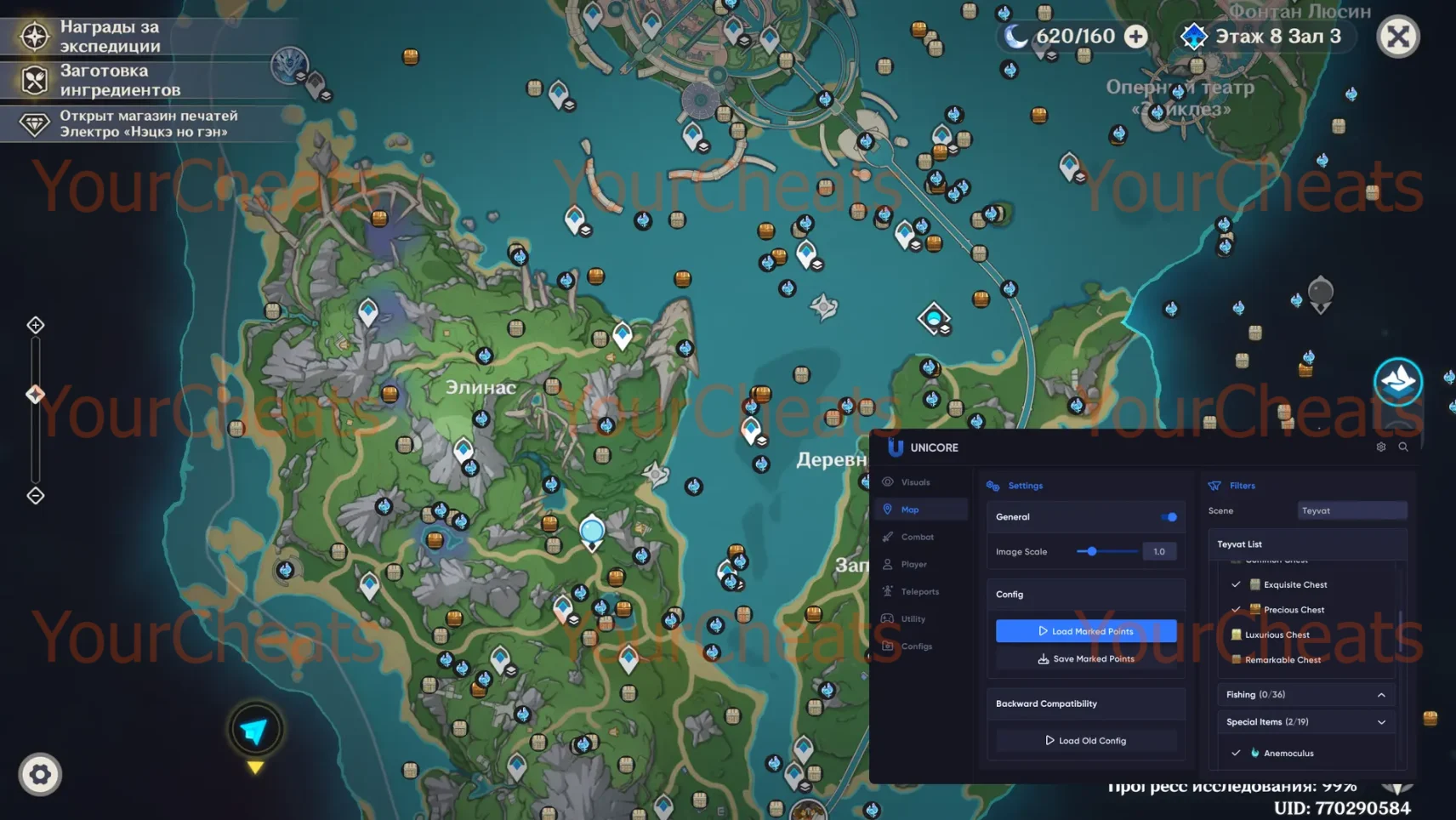
Unicore — Unlimited Possibilities in Genshin Impact!
Unicore is not just a cheat, but a revolution in the world of Genshin Impact. With this powerful tool, you will gain absolute control over the gameplay.
Your game will change forever: instant passage of difficult challenges, access to the rarest resources and full control over the game world is now a reality. Join the thousands of players who have already chosen Unicore from YourCheats and discover Genshin Impact from a new perspective!
How to install
How to inject:
-
- After successful payment, you will receive a key to activate the cheat.
- Before downloading and running the cheat, it is recommended to disable Windows Defender and all antiviruses on your PC. The game must also be closed.
- Download the software loader from (ccылка для загрузки #1 | ссылка для загрузки #2)
- Run the file you just downloaded as an administrator.
- Paste your key in the "Key" field and click "Login".
- The cheat loader window will open. Here you can see information about the status of the software and the duration of your subscription.
- Click on the "Start Load" button to start the cheat injection.
- Launch the game and join the server.
- After your character and game world fully loaded press F2. The injection is accompanied by a sound signal (2 beeps).
- Software launched successfully. Show/hide menu - key Insert.
To use the teleportation feature on the map, you need to open the map, move the cursor over the desired point and press Alt + LMB (Click).
Where can I find loader? As well as cfg
link Download cfg
Put the config in the uni folder on the C drive
Some words about safety:
All features are safe except features with “risky” marker.
After game session please restart your PC to make full cheat unload from system and be 100% safe if you want to play games with anticheats (EasyAntiCheat, BattleEye, Valorant, etc.etc.)
What to do if the software does not work?:
To ensure the software works correctly, follow these steps:
1. Using DControl, disable Windows Defender + completely remove all other antiviruses. Necessarily!!!
2. Disable UAC. Necessarily!!!
3. Disable all items in the Exploit Protection tab [DEP, ASLR, CFG, etc.] In rare cases, for some cheats.
4. Disable Smart Screen. Necessarily!!!
5. Disable Firewall. Necessarily!!!
6. Install DirectX and Microsoft Visual C++
Microsoft Visual C++
DirectX
7. Disable kernel isolation. Necessarily!!!
8. Remove Faceit and Valorant [Vanguard] anti-cheat. [Do not remove Vanguard if the cheat is intended for the game Valorant]. Necessarily!!!
9. Faceit - [Open a command prompt as administrator and type [sc stop faceit] ]. Necessarily!!!
Vanguard - [Open a command prompt as administrator and type [sc delete vgc] + [sc delete vgk] ]. Necessarily!!!
11. Restart your computer. If you have uninstalled your antivirus, Vanguard or Faceit. Necessarily!!!
Similar products
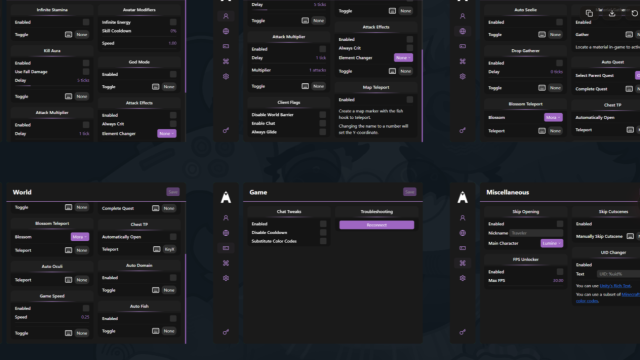
ANTIADDICT
- 1 д
- 3 д
- 7 д
- 30 д

Shika
- 3 д
- 7 д
- 30 д
- ∞
Write a review