Splatvik
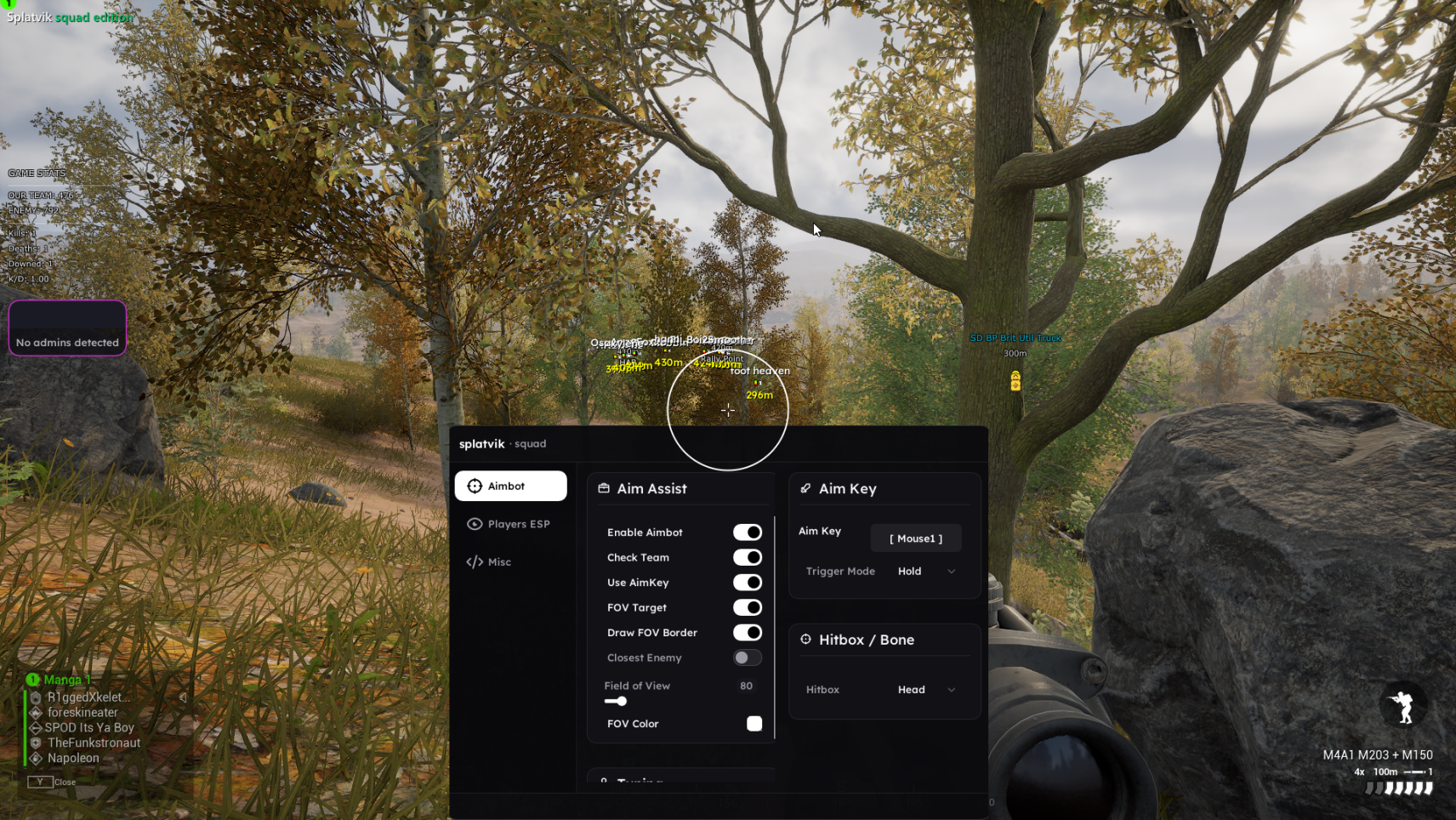
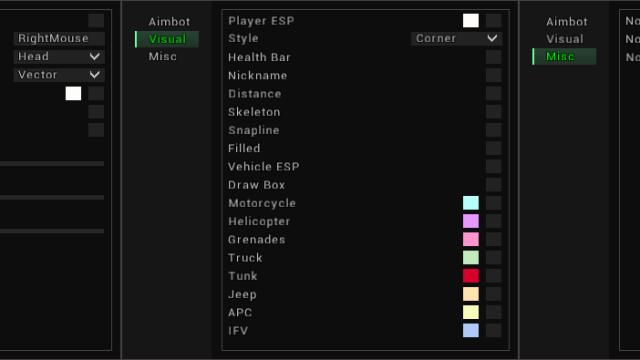
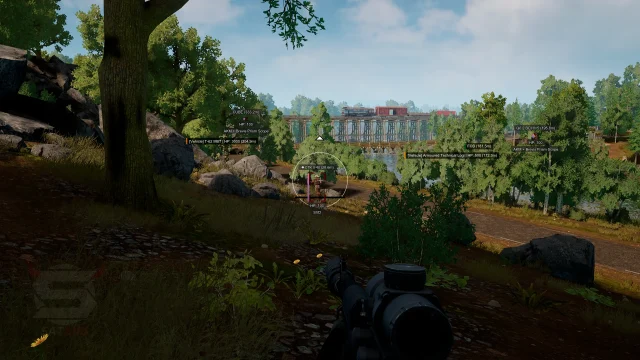
Splatvik is an ESP solution for SQUAD that gives you full awareness of the battlefield without automatic intervention. You can see through walls and at any distance: the positions of enemy and allied players with precise distance, health, and status (standing, running, or lying); all vehicles (tanks, armored personnel carriers, and transports) with the type and level of damage; active respawn points (radio stations, FOBs, and trenches); commander markers, and smoke screens. Additionally, it displays projectiles, mines, and shot indicators.
Security is ensured by hardware memory reading and EAC bypassing — updates are released within 12-24 hours after each patch. Suitable for both ordinary fighters and squad commanders who want to coordinate actions with maximum efficiency. Getting started: purchase a key, download the client, launch the injector, then the game — settings are saved automatically. 24/7 support.
How to install
Disable Secure Boot
Windows refuses to load unsigned kernel drivers while Secure Boot is enabled, and our kernel-mode builds need one.
- Restart and enter your BIOS/UEFI — usually Del, F2 or F12 during boot.
- Find Secure Boot. It lives under Boot, Security or Authentication depending on your motherboard vendor.
- Set it to Disabled. On ASUS and Gigabyte boards you may need to change OS Type from "Windows UEFI mode" to "Other OS" first.
- Save and exit.
Verify: press Win+R, type msinfo32, and check that Secure Boot State reads Off.
Our Unity-based builds (Pro Soccer Online, Unturned) are user-mode only and skip this step entirely.
Pause antivirus protection
1. Using DControl, disable Windows Defender + completely remove all other antiviruses. Necessarily!!!
2. Disable UAC. Necessarily!!!
3. Disable all items in the Exploit Protection tab [DEP, ASLR, CFG, etc.] In rare cases, for some cheats.
4. Disable Smart Screen. Necessarily!!!
5. Disable Firewall. Necessarily!!!
6. Install DirectX and Microsoft Visual C++
Microsoft Visual C++
DirectX
7. Disable kernel isolation. Necessarily!!!
8. Remove Faceit and Valorant [Vanguard] anti-cheat. [Do not remove Vanguard if the cheat is intended for the game Valorant]. Necessarily!!!
9. Faceit - [Open a command prompt as administrator and type [sc stop faceit] ]. Necessarily!!!
Vanguard - [Open a command prompt as administrator and type [sc delete vgc] + [sc delete vgk] ]. Necessarily!!!
11. Restart your computer. If you have uninstalled your antivirus, Vanguard or Faceit. Necessarily!!!
Get your key
Keys look like SPLV-XXXX-XXXX-XXXX. Copy it with the button rather than selecting by hand — a trailing space is the single most common cause of "invalid key".
Download and run the loader
Download from the download page while signed in, so you get the build tied to your licence.
Run it as administrator — right click → Run as administrator. Without elevation the driver cannot map and you will get a permission error.
Authenticate and check status
Paste your key and press Authenticate. The loader shows four values:
| Field | What it should say |
|---|---|
| HWID | unbound on first use, bound after |
| Build | The current version — check it against the changelog |
| Expires | Days remaining on your subscription |
| Status | Must read undetected |
If Status is anything else, injection is blocked. That is the safety gate, and it has no override. Watch the status page — the moment it returns to undetected, the loader works again.
Launch the game, then inject
Order matters:
- Loader is open and authenticated.
- Launch the game.
- Wait for the main menu — not the splash screen, not a loading screen.
- Press Inject in the loader.
- In game, press Insert to open the menu.
- Press End at any time to unload everything instantly.
Injecting during a loading screen is the second most common failure we see. Wait for the menu.
Write a review