Radar
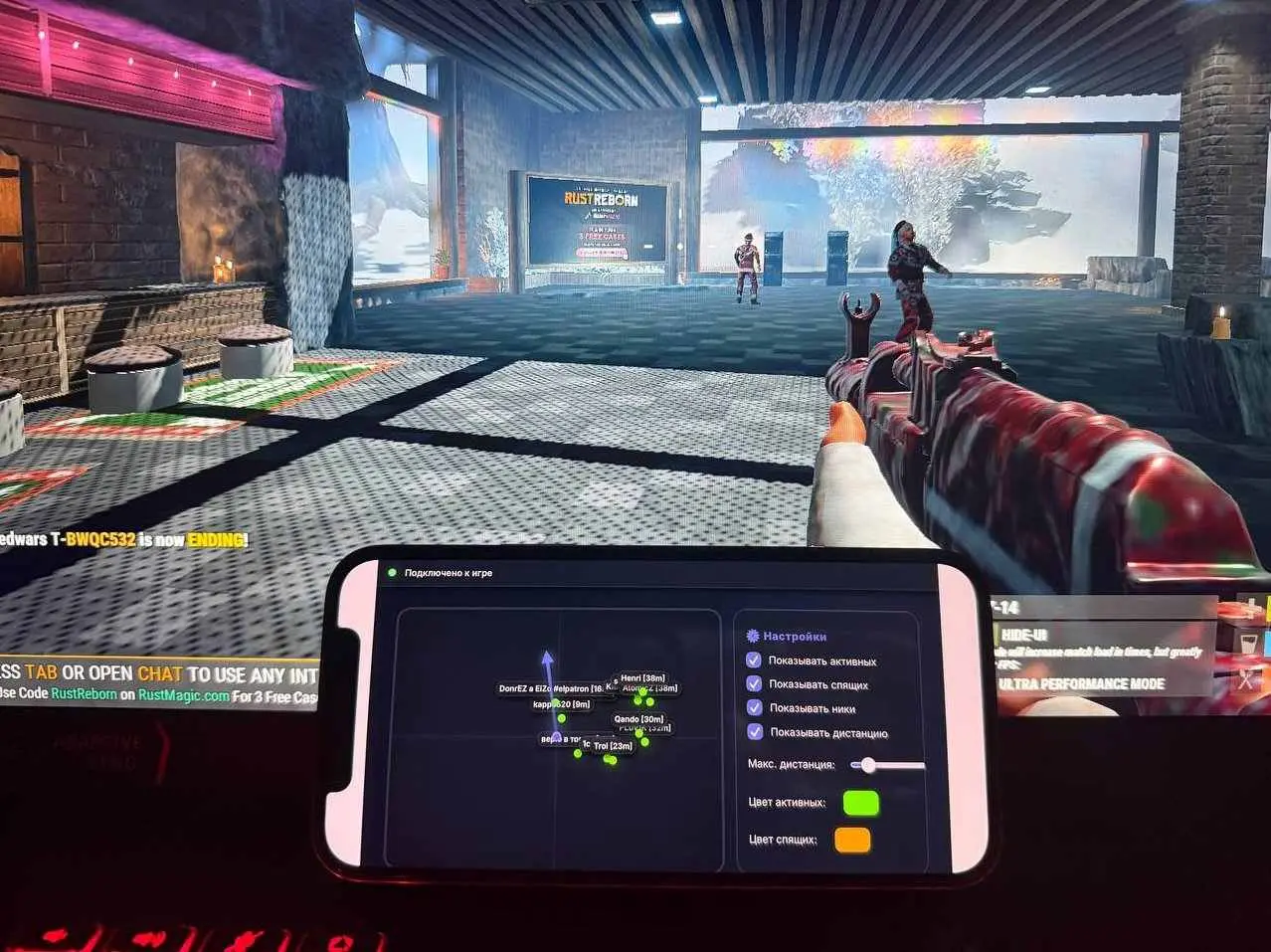
Radar on Rust — you only see enemies
No information noise. The only thing that is really needed to win is the exact position of the opponents on the map.
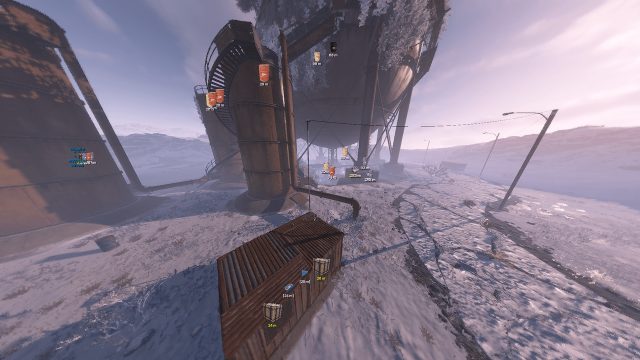
Our radar is designed for those who appreciate a clean interface and instant reaction. Unlike standard solutions, it does not clutter the screen with unnecessary objects: it does not show allies, resources, animals or buildings. Only enemies, and nothing superfluous.
How to install
-
Loader: Link
Instructions: Link
Do not leave the loader on your PC, store and run it only from a USB flash drive, and be sure to pull out the USB flash drive before logging into the game. -
What to do if the software does not work?:
-
To ensure the software works correctly, follow these steps:
1. Using DControl, disable Windows Defender + completely remove all other antiviruses. Necessarily!!!
2. Disable UAC. Necessarily!!!
3. Disable all items in the Exploit Protection tab [DEP, ASLR, CFG, etc.] In rare cases, for some cheats.
4. Disable Smart Screen. Necessarily!!!
5. Disable Firewall. Necessarily!!!
6. Install DirectX and Microsoft Visual C++
Microsoft Visual C++
DirectX
7. Disable kernel isolation. Necessarily!!!
8. Remove Faceit and Valorant [Vanguard] anti-cheat. [Do not remove Vanguard if the cheat is intended for the game Valorant]. Necessarily!!!
9. Faceit - [Open a command prompt as administrator and type [sc stop faceit] ]. Necessarily!!!
Vanguard - [Open a command prompt as administrator and type [sc delete vgc] + [sc delete vgk] ]. Necessarily!!!
11. Restart your computer. If you have uninstalled your antivirus, Vanguard or Faceit. Necessarily!!! <iframe width="560" height="315" src="https://www.youtube.com/embed/_wcoMDkm9-g?si=UDK16VKkQ3JLIDhj" title="YouTube video player" frameborder="0" allow="accelerometer; autoplay; clipboard-write; encrypted-media; gyroscope; picture-in-picture; web-share" referrerpolicy="strict-origin-when-cross-origin" allowfullscreen></iframe>
Write a review