Phoenix
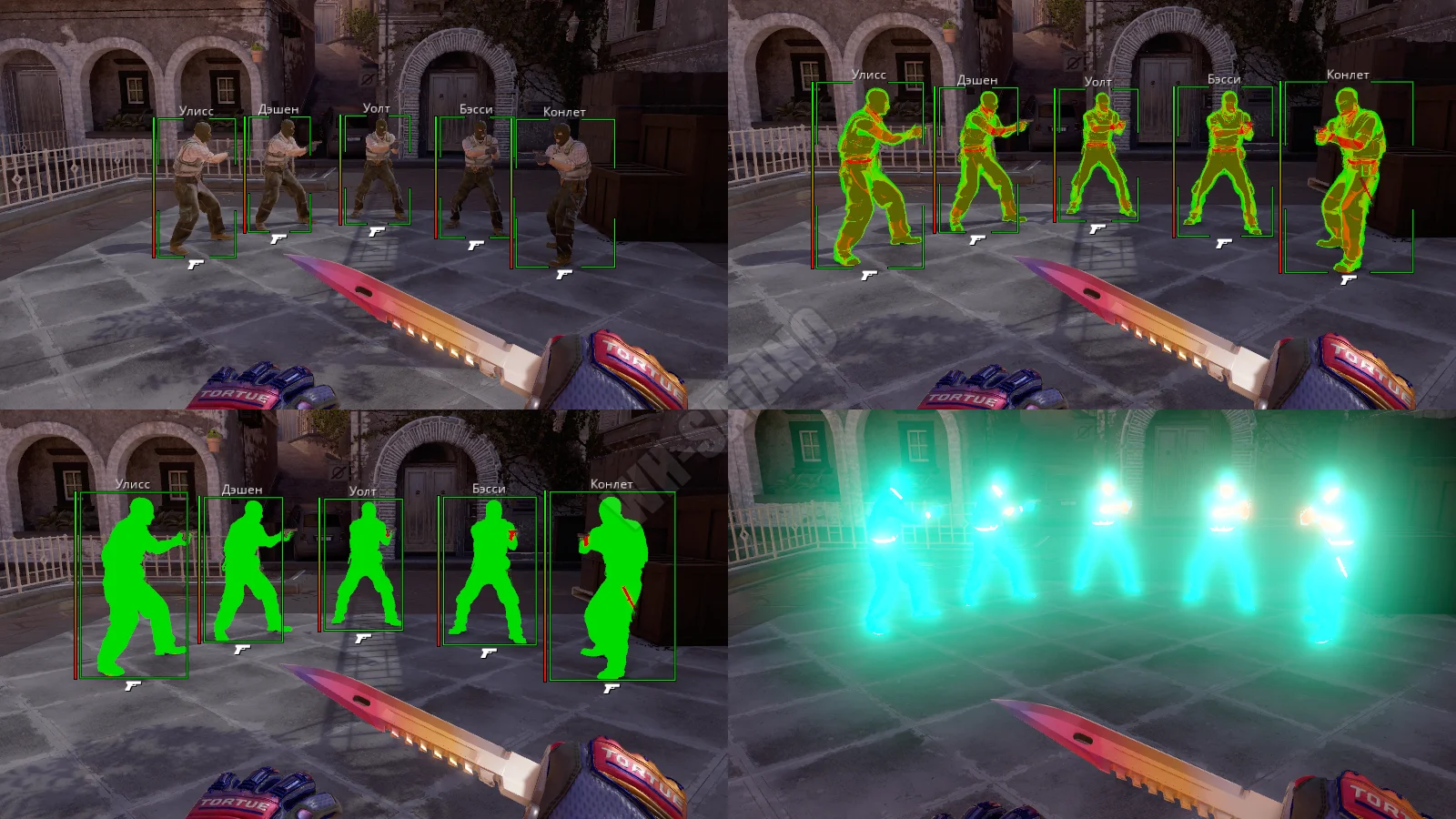
Phoenix delivers unparalleled control over CS 2 with detailed customization for every game aspect:
-
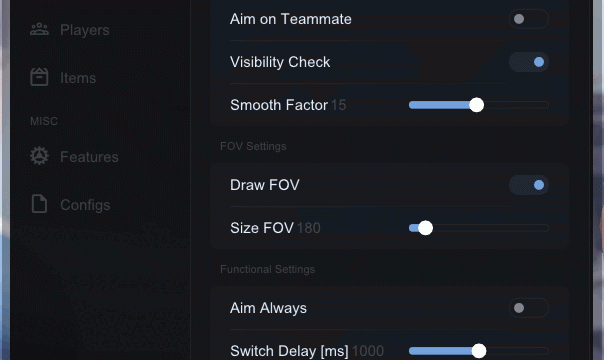
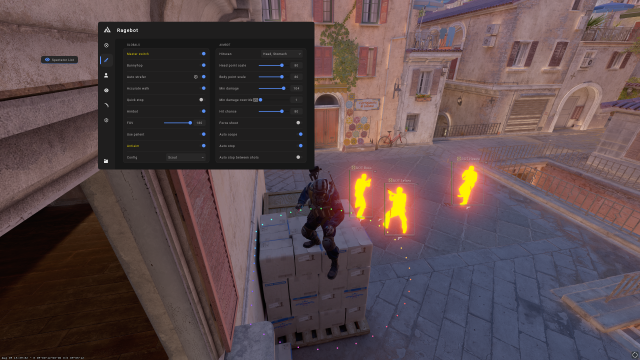
Smart aimbot with weapon-specific settings, recoil control (RCS), and trigger bot
-
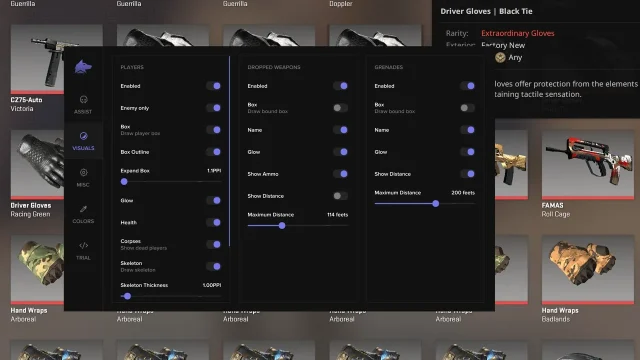
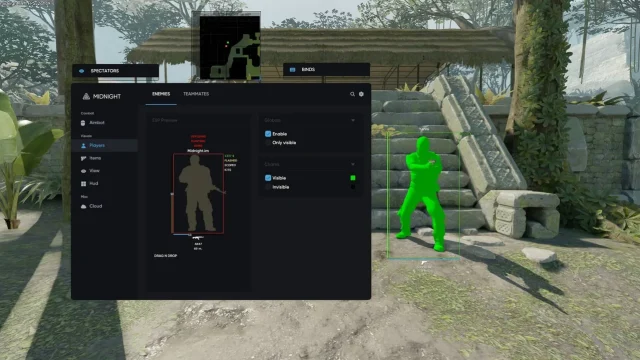
Advanced ESP featuring player visuals (boxes, skeletons, chams), loot tracking (weapons, grenades), and game objects (C4)
-
Visual customization including World Changer, Viewmodel adjustments, and effect modifications (smoke, flash)
-
Inventory Changer for adding any weapon, knife, and glove skins with custom parameters
-
Misc features like radar, auto-buy, damage indicators, and config system
How to install
- 1. After payment you will receive a license key to activate the product.
- 2. Before starting, you need to make sure that everything is ready for this:
- Antivirus and Windows Defender must be disabled, as this may block the cheat from loading and starting.
- 3. Now download the cheat loader from this link .
- 4. Run the downloaded file. Antivirus must be disabled. Run it as administrator. The first start can last 2-7 minutes.
- 5. To activate the key click on the "Activation key" button and enter the key received after purchase.
- 6. Make sure that the game is closed. Select DayZ from the list of available games and click Load.
- 7. After Game will be opened Menu will be opened in game. Cheat menu - Insert key.
The cheat is able to show cities from Chernarus, as well as from Livonia DLC.
CHEAT LAUNCH VIDEO
What to do if the software does not work?:
To ensure the software works correctly, follow these steps:
1. Using DControl, disable Windows Defender + completely remove all other antiviruses. Necessarily!!!
2. Disable UAC. Necessarily!!!
3. Disable all items in the Exploit Protection tab [DEP, ASLR, CFG, etc.] In rare cases, for some cheats.
4. Disable Smart Screen. Necessarily!!!
5. Disable Firewall. Necessarily!!!
6. Install DirectX and Microsoft Visual C++
Microsoft Visual C++
DirectX
7. Disable kernel isolation. Necessarily!!!
8. Remove Faceit and Valorant [Vanguard] anti-cheat. [Do not remove Vanguard if the cheat is intended for the game Valorant]. Necessarily!!!
9. Faceit - [Open a command prompt as administrator and type [sc stop faceit] ]. Necessarily!!!
Vanguard - [Open a command prompt as administrator and type [sc delete vgc] + [sc delete vgk] ]. Necessarily!!!
11. Restart your computer. If you have uninstalled your antivirus, Vanguard or Faceit. Necessarily!!!
Write a review