MEDUSA
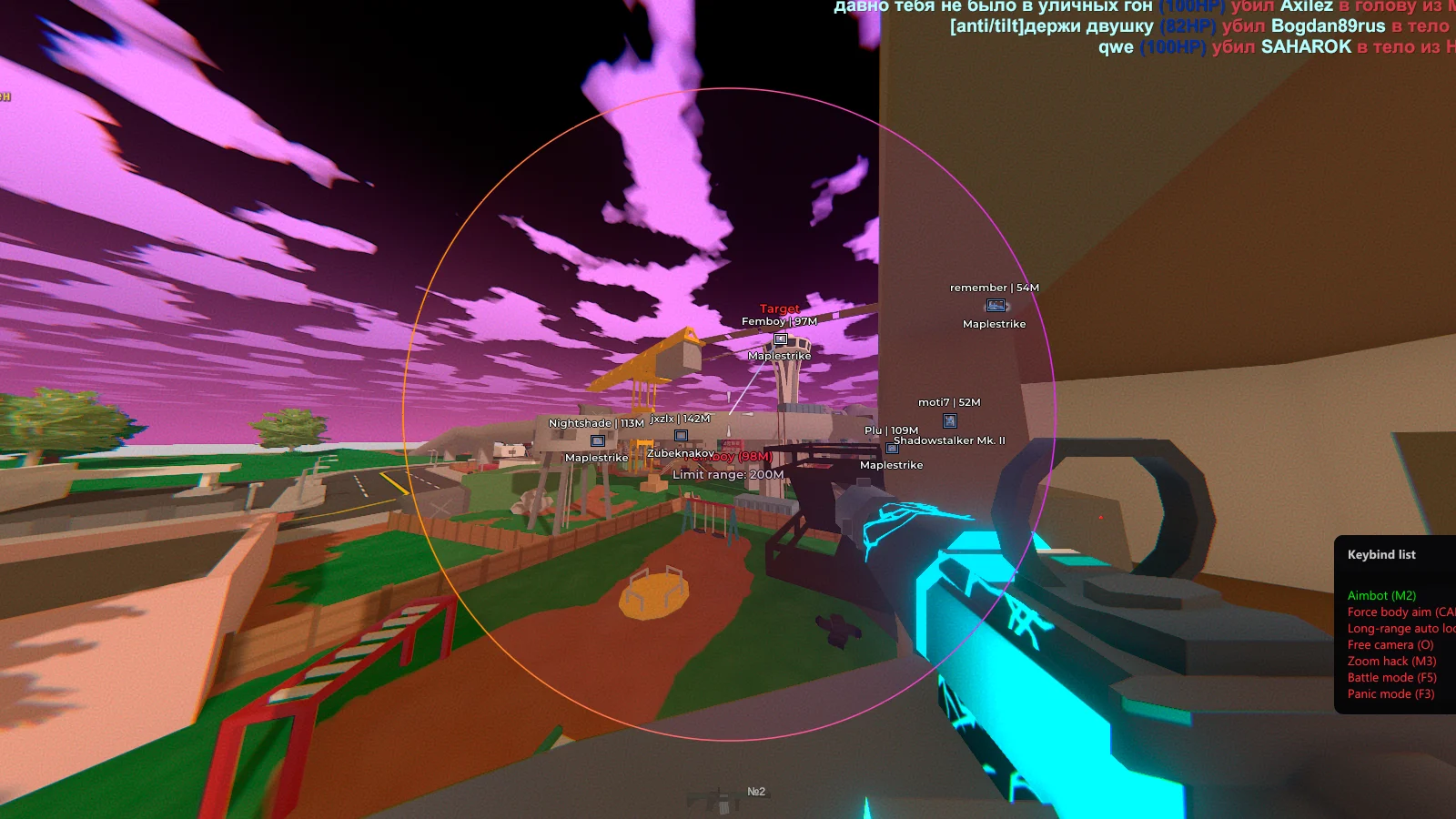
MEDUSA is your key to absolute excellence in Unturned. This private cheat offers full control over the game, from precise aimbots with intelligent targeting to advanced ESP that highlights players, loot, and equipment through walls. The system works via an external connection, eliminating the risk of detection by an anti-cheat.
Features include instant teleportation to key points on the map, automatic resource collection, and protection from unexpected attacks. MEDUSA adapts to any game build, from vanilla Unturned to popular modifications.
How to install
- After paying for the product in our store, you will receive a license key to activate the cheat subscription.
- Download the loader to run Medusa cheats using this link. To download, you will need to enter your key.
- We recommend that you enter the game without a cheat before launching and set the "Borderless (Borderless)" screen mode.
- Run the cheat loader as an administrator.
- Insert your key into the "License Key" field and click "Log In".
- Now you need to click "Inject" to continue running the software.
- After a short download, the loader will close, then the console will appear. You will need to wait a little, the console should close without errors.
- Run the game. After the game has fully loaded, wait 15 seconds and press F2 in the main menu. After a few seconds, the cheat menu will appear. The cheat has been successfully launched, use the Insert key to open/close the menu.
If you want to use this software together with any spoofer, always run the cheat loader first and activate the key, only after that you can run the spoofer.
When using this cheat, it is forbidden to launch Resource Monitor / Process Hacker or any other software for analysis and debugging. This will lead to a ban of your key.
Also, the process of launching Medusa software is shown in the video below.
What to do if the software does not work?:
To ensure the software works correctly, follow these steps:
1. Using DControl, disable Windows Defender + completely remove all other antiviruses. Necessarily!!!
2. Disable UAC. Necessarily!!!
3. Disable all items in the Exploit Protection tab [DEP, ASLR, CFG, etc.] In rare cases, for some cheats.
4. Disable Smart Screen. Necessarily!!!
5. Disable Firewall. Necessarily!!!
6. Install DirectX and Microsoft Visual C++
Microsoft Visual C++
DirectX
7. Disable kernel isolation. Necessarily!!!
8. Remove Faceit and Valorant [Vanguard] anti-cheat. [Do not remove Vanguard if the cheat is intended for the game Valorant]. Necessarily!!!
9. Faceit - [Open a command prompt as administrator and type [sc stop faceit] ]. Necessarily!!!
Vanguard - [Open a command prompt as administrator and type [sc delete vgc] + [sc delete vgk] ]. Necessarily!!!
11. Restart your computer. If you have uninstalled your antivirus, Vanguard or Faceit. Necessarily!!!
Similar products
Mason
- 1 д
- 7 д
- 30 д
Write a review