IGNITE
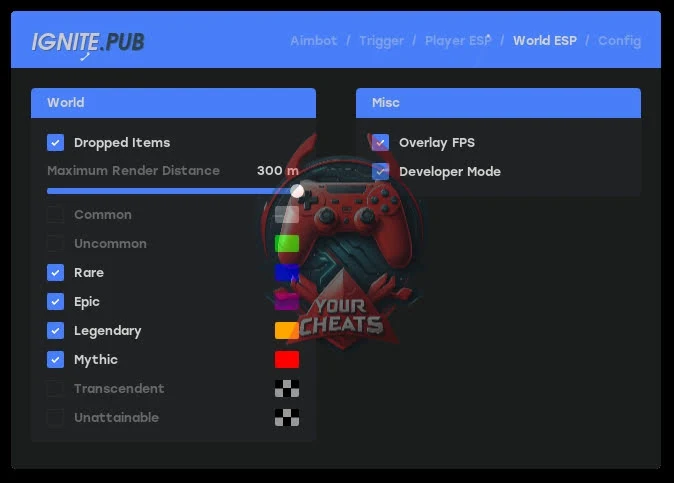
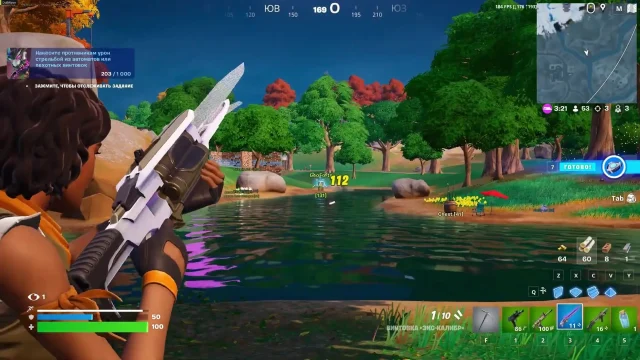
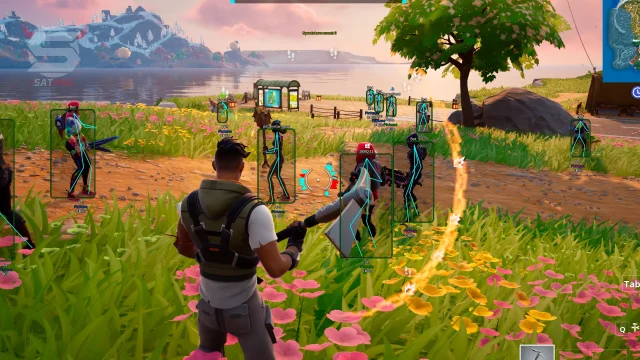
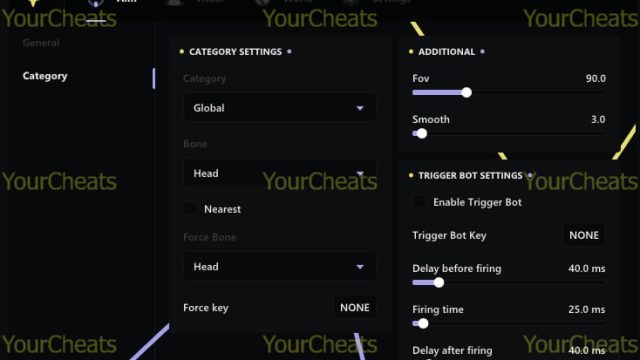
Looking for a reliable Fortnite shield? IGNITE is a combination of powerful features and protection. Enjoy an uncompromising aimbot and a convenient ESP. Do you want to win? Then buying Fortnite cheats is your next step!
How to install
Download Instructions:
1- Make sure that the following is installed on your computer MEDAL.TV (the Medal overlay should be running).
2- Run LOADER as an administrator.
3- Log in using your key (it will be saved after the first correct login, so you won't have to enter it again).
4- Select the product and launch it.
5- As soon as the loader closes, open the game.
6- After opening the game in the main menu, press "X" once. The cheat will load.
7- Press Insert to open the menu.
! If you are using a hardware ID spoofer:
- Make sure your TPM is disabled. For this:
1- Press the Windows + R button.
2- Type "tpm.msc" and press Enter.
If you are playing EAC or BE games, ALWAYS keep the tpm turned off.
LOADER - By link Pass-123
What to do if the software does not work?:
To ensure the software works correctly, follow these steps:
1. Using DControl, disable Windows Defender + completely remove all other antiviruses. Necessarily!!!
2. Disable UAC. Necessarily!!!
3. Disable all items in the Exploit Protection tab [DEP, ASLR, CFG, etc.] In rare cases, for some cheats.
4. Disable Smart Screen. Necessarily!!!
5. Disable Firewall. Necessarily!!!
6. Install DirectX and Microsoft Visual C++
Microsoft Visual C++
DirectX
7. Disable kernel isolation. Necessarily!!!
8. Remove Faceit and Valorant [Vanguard] anti-cheat. [Do not remove Vanguard if the cheat is intended for the game Valorant]. Necessarily!!!
9. Faceit - [Open a command prompt as administrator and type [sc stop faceit] ]. Necessarily!!!
Vanguard - [Open a command prompt as administrator and type [sc delete vgc] + [sc delete vgk] ]. Necessarily!!!
11. Restart your computer. If you have uninstalled your antivirus, Vanguard or Faceit. Necessarily!!!
Write a review