Crusader
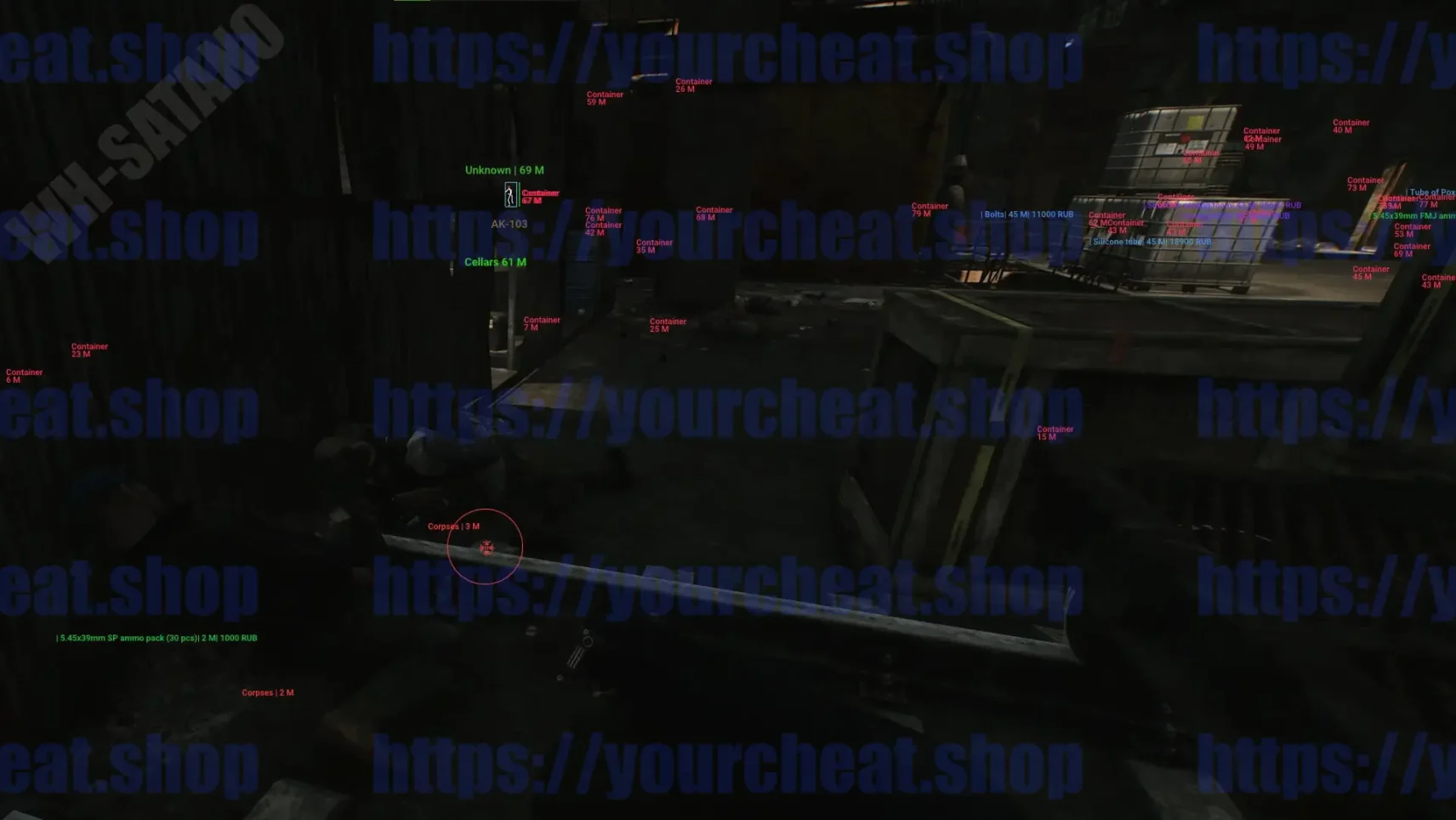
We are pleased to present you our new development for Escape From Tarkov — Crusader Hack EFT. This thoughtful and balanced cheat is ideal for those who appreciate simplicity and functionality without unnecessary details.
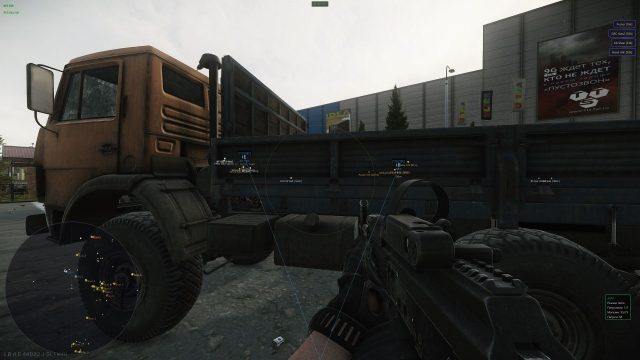
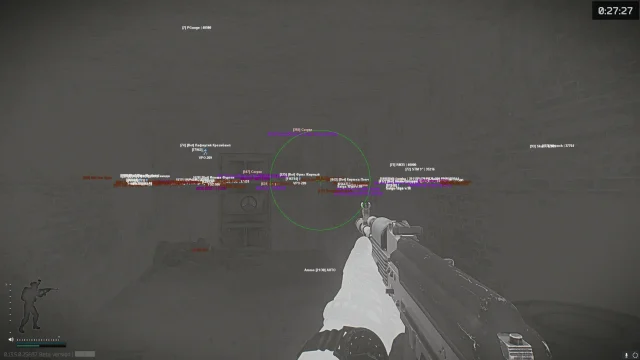
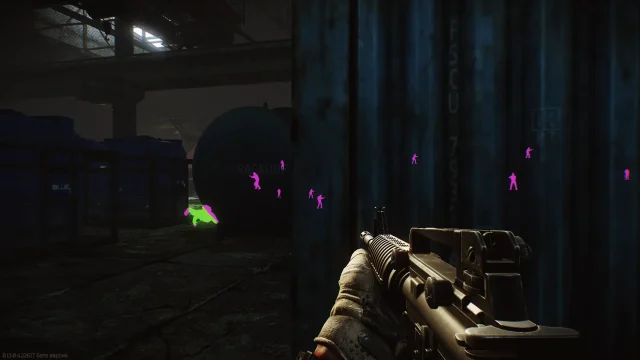
Crusader includes a basic vector aimbot, PlayersESP, loot tracker and other useful features for EFTs. Its distinctive feature is its unique visual style: carefully selected colors for ESP, an elegant menu and exclusive author's icons.
The software is perfectly optimized, so it does not cause lags and does not reduce FPS, even on computers with average performance. If you are looking for a high-quality and affordable Tark game solution, Crusader will be your ideal choice.
We are sure that this new product will not leave you indifferent! 😊
How to install
How to download and run Crusader correctly?
Step-by-step instructions for running the software:
- After payment, you will receive a key to activate access to the software.
- Download the loader using this link. The password for the archive is 123.
- Extract the files from the archive and place them in a separate folder. The folder name should be written in English letters, it is recommended to place this folder in the root of the C drive.
- Run the cheat loader as administrator.
- Insert your key into the "Serial Key" field and click "Sign In".
- After a short loading, you will see the Escape From Tarkov icon.
- Click the "Start Injection Process" button.
- The message "Please Open Escape From Tarkov" will appear, it's time to launch the game.
- When the game starts, press the "Insert" key while in the main menu.
- The cheat menu will appear in front of you. The key to close/open the menu is Insert.
If you plan to use Crusader with a spoofer, always run the cheat loader first, and then the spoofer.
Video showing the launch and gameplay.
To ensure the software works correctly, follow these steps:
1. Using DControl, disable Windows Defender + completely remove all other antiviruses. Necessarily!!!
2. Disable UAC. Necessarily!!!
3. Disable all items in the Exploit Protection tab [DEP, ASLR, CFG, etc.] In rare cases, for some cheats.
4. Disable Smart Screen. Necessarily!!!
5. Disable Firewall. Necessarily!!!
6. Install DirectX and Microsoft Visual C++
Microsoft Visual C++
DirectX
7. Disable kernel isolation. Necessarily!!!
8. Remove Faceit and Valorant [Vanguard] anti-cheat. [Do not remove Vanguard if the cheat is intended for the game Valorant]. Necessarily!!!
9. Faceit - [Open a command prompt as administrator and type [sc stop faceit] ]. Necessarily!!!
Vanguard - [Open a command prompt as administrator and type [sc delete vgc] + [sc delete vgk] ]. Necessarily!!!
11. Restart your computer. If you have uninstalled your antivirus, Vanguard or Faceit. Necessarily!!!

Write a review