CHAMS PRO
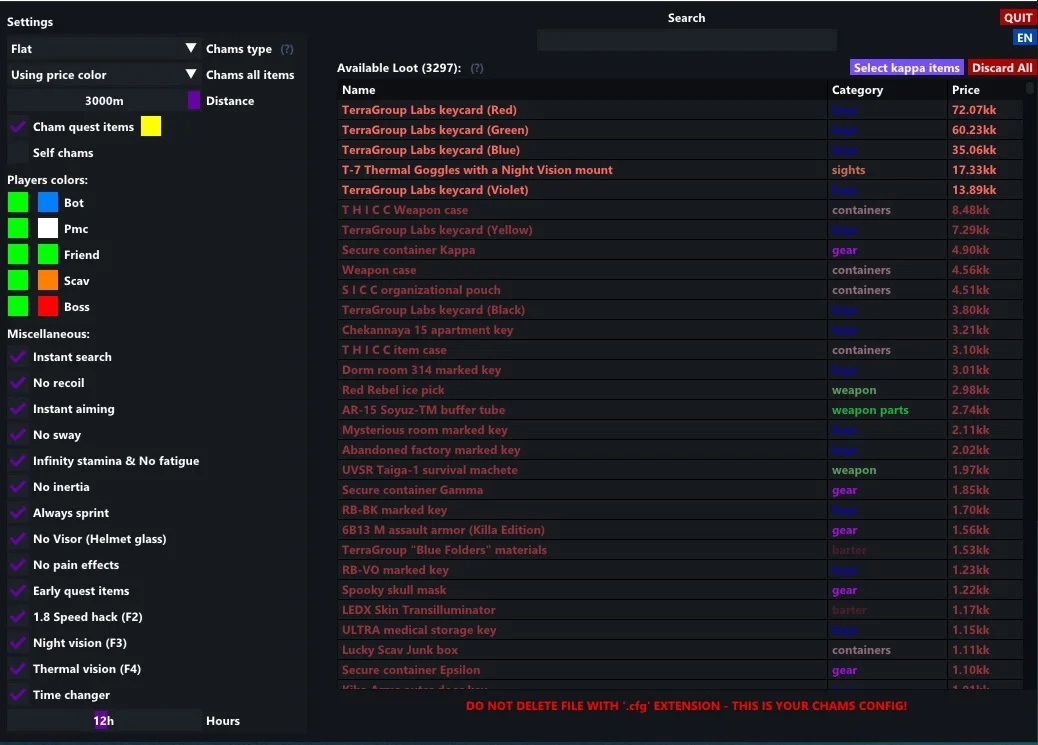
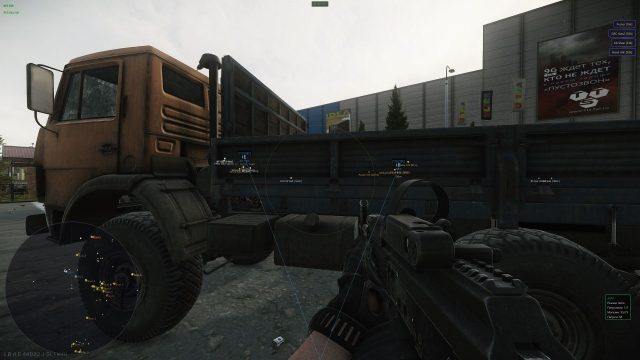
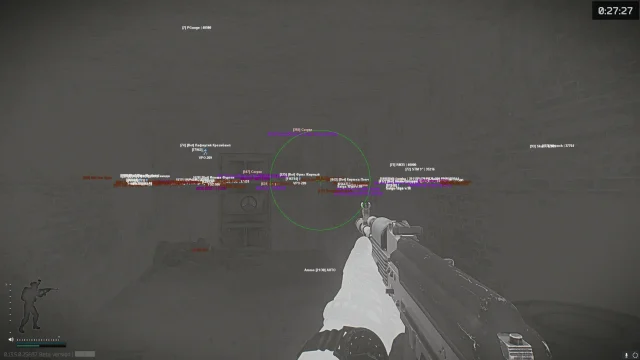
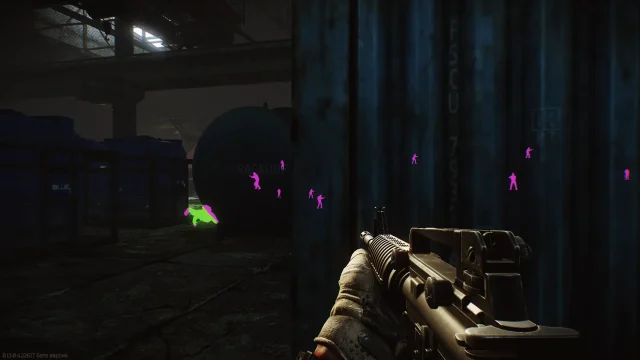
CHAMS PRO is a revolutionary cheat for Escape from Tarkov, offering a professional lighting system for models: UltraChams technology highlights enemies through walls, loot and (players, Scav, bosses), the Stealth Guard system bypasses BattlEye through driver protection. Dominate the raids with perfect visibility of all threats!
How to install
- After paying for the goods in our store, you will receive a license key to activate the subscription to the cheat.
- Download the loader to run Chams++ from this link. You will need to enter your key to download.
- Run the cheat loader as an administrator.
- Paste your key in the "License Key" field and click "Log In".
- Now you need to press "Inject" to run the program further.
- After a small download, a window with cheat settings will appear in front of you. Set the settings that are convenient for you and close it.
- After closing the settings window and a small load, the console (black window) will display "awaitng game window", which means that you need to start the game.
- Launch the game and when it's fully loaded, press the F2 key in the game's main menu. The Chams++ cheat has been successfully launched, when you enter the match, all the features you have selected will work.
What to do if the software does not work?:
To ensure the software works correctly, follow these steps:
1. Using DControl, disable Windows Defender + completely remove all other antiviruses. Necessarily!!!
2. Disable UAC. Necessarily!!!
3. Disable all items in the Exploit Protection tab [DEP, ASLR, CFG, etc.] In rare cases, for some cheats.
4. Disable Smart Screen. Necessarily!!!
5. Disable Firewall. Necessarily!!!
6. Install DirectX and Microsoft Visual C++
Microsoft Visual C++
DirectX
7. Disable kernel isolation. Necessarily!!!
8. Remove Faceit and Valorant [Vanguard] anti-cheat. [Do not remove Vanguard if the cheat is intended for the game Valorant]. Necessarily!!!
9. Faceit - [Open a command prompt as administrator and type [sc stop faceit] ]. Necessarily!!!
Vanguard - [Open a command prompt as administrator and type [sc delete vgc] + [sc delete vgk] ]. Necessarily!!!
11. Restart your computer. If you have uninstalled your antivirus, Vanguard or Faceit. Necessarily!!!

Write a review