AUTHORITY
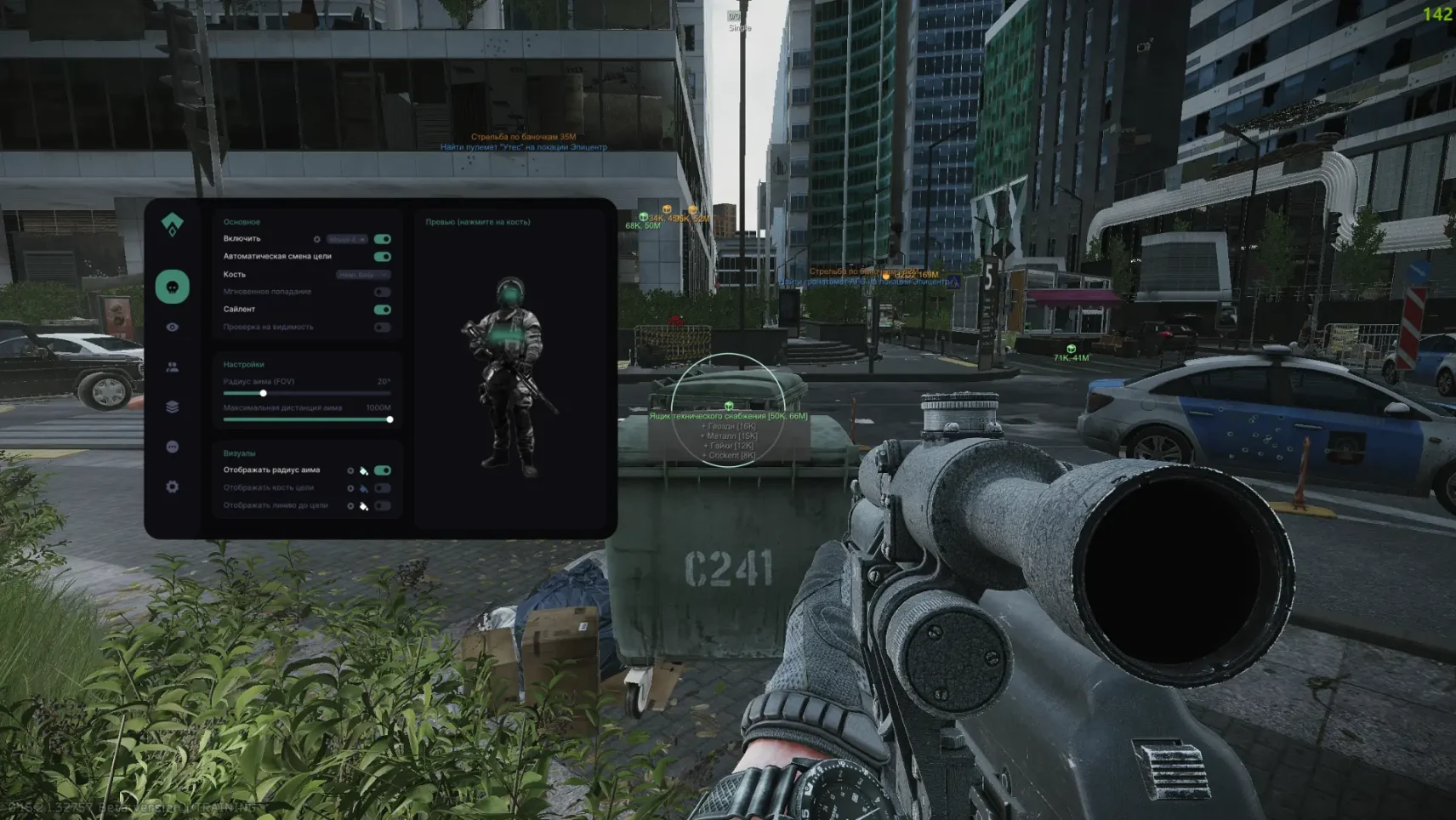
AUTHORITY is your absolute control in Escape from Tarkov
This is not just a cheat, it is a revolutionary tool that rethinks the very approach to the game. The AUTHORITY operates through a patented external data analysis system, completely eliminating direct interference in the gameplay.
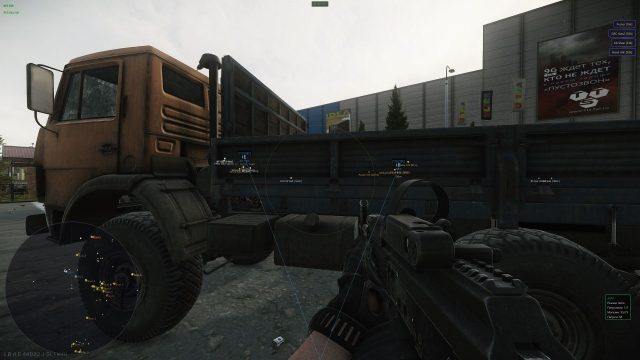
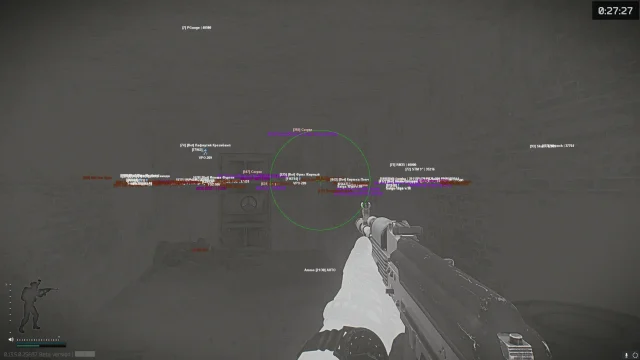
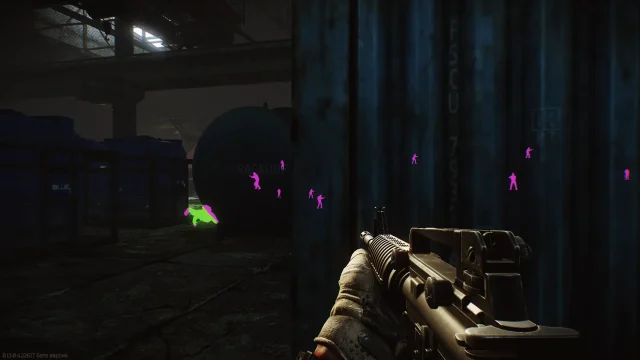
You get full information about what is happening at the location.
How to install
Download the loader from the link
Run the downloaded loader. It always runs itself as administrator
Insert your key and click ‘Log In’
Wait for the download and click on the ‘Inject’ button
Wait for a successful load, in the case of like Chams, you'll just be asked to log into the game and press F2. For other products the instructions are written below
Some of our products have an inbuilt spoofer, during the download you will be prompted to activate it
Next you will be asked to enter the seed key for the spoofer, you can save your seed and each time the spoofer will give out the same serial numbers. If you don't have a seed key or you want to randomly generate a hwid - write 0 and press Enter
Next, you will be prompted to clean the system from traces of anti-cheat. It is recommended to do this every time you run the spoofer/receive a ban!
After successful spoofing and cleaning, you will have a window with old and new serial numbers. To check if they have changed, I recommend using hwid checker (you can download it on this page).
Next you will continue to run, wait until you see this window
After a successful launch, go into the game and wait for the game to fully load, then press F2. Congratulations you have successfully launched!
What to do if the software does not work?:
To ensure the software works correctly, follow these steps:
1. Using DControl, disable Windows Defender + completely remove all other antiviruses. Necessarily!!!
2. Disable UAC. Necessarily!!!
3. Disable all items in the Exploit Protection tab [DEP, ASLR, CFG, etc.] In rare cases, for some cheats.
4. Disable Smart Screen. Necessarily!!!
5. Disable Firewall. Necessarily!!!
6. Install DirectX and Microsoft Visual C++
Microsoft Visual C++
DirectX
7. Disable kernel isolation. Necessarily!!!
8. Remove Faceit and Valorant [Vanguard] anti-cheat. [Do not remove Vanguard if the cheat is intended for the game Valorant]. Necessarily!!!
9. Faceit - [Open a command prompt as administrator and type [sc stop faceit] ]. Necessarily!!!
Vanguard - [Open a command prompt as administrator and type [sc delete vgc] + [sc delete vgk] ]. Necessarily!!!
11. Restart your computer. If you have uninstalled your antivirus, Vanguard or Faceit. Necessarily!!!

Write a review