Aggressive
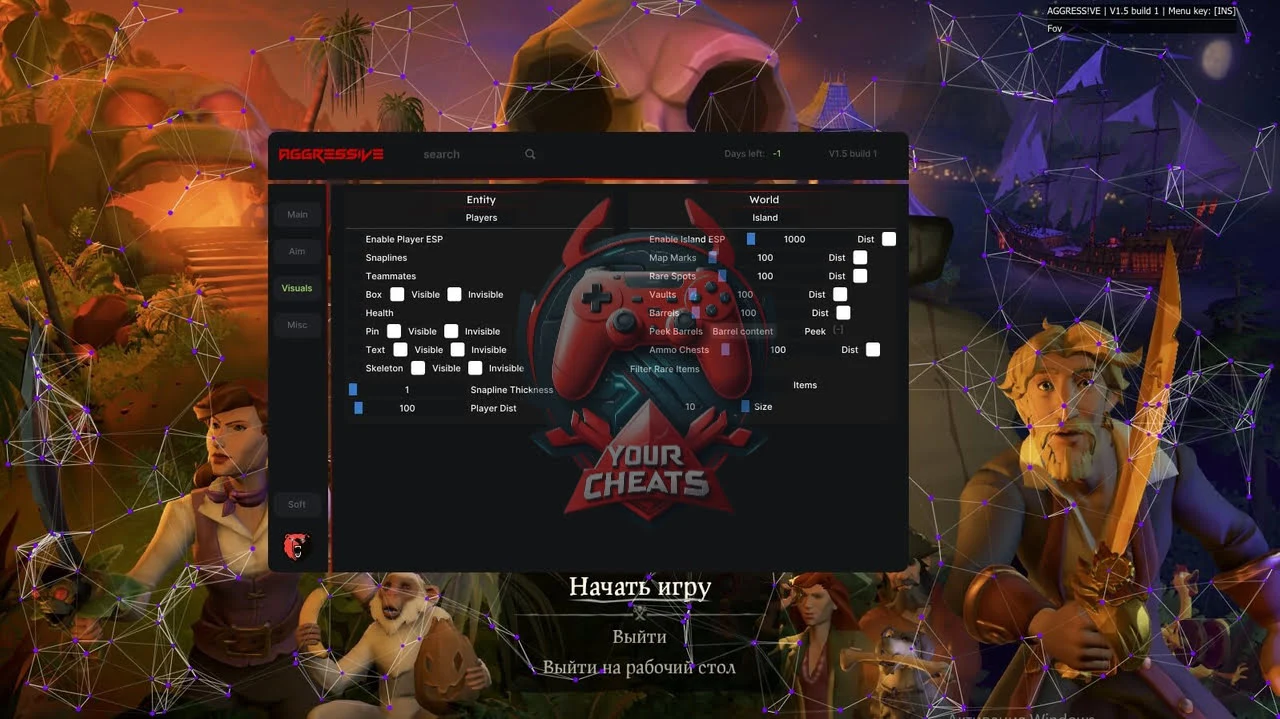
Feel like a real pirate with Aggressive cheat for Sea of Thieves! A simple and reliable tool will open access to hidden features, including searching for enemies and resources through ESP. Optimized for stable operation and protected from banks. Buy Aggressive cheat — your opportunity to become a legend of the seas!
How to install
LOADER - Link PASSWORD - AGE
1.Download hwid checker from your profile
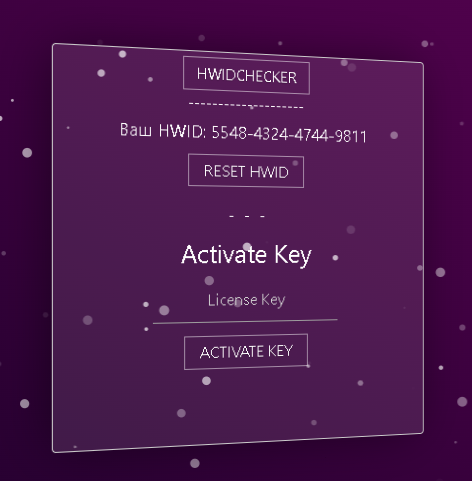
2.It gives you the hwid
3. Embed it on the website
4.And you can activate the key. And download the loader
It is necessary to enable the game overlay in Discord, as well as disable any protection on the computer (Windows defender, firewall)
1. Remove the loader from the archive and place it in any folder
2. Run the loader as an administrator
3.Press the BYPASS button
4. After that, a button should appear. Injection. Don't press it
5. Launch the game
4. When the discord overlay is loaded, you need to go to the loader and click Injection . After that, the menu will appear
If you have Windows 11, then you need to disable blocking of vulnerable drivers
Instruction manual - By the link
What to do if the software does not work?:
To ensure the software works correctly, follow these steps:
1. Using DControl, disable Windows Defender + completely remove all other antiviruses. Necessarily!!!
2. Disable UAC. Necessarily!!!
3. Disable all items in the Exploit Protection tab [DEP, ASLR, CFG, etc.] In rare cases, for some cheats.
4. Disable Smart Screen. Necessarily!!!
5. Disable Firewall. Necessarily!!!
6. Install DirectX and Microsoft Visual C++
Microsoft Visual C++
DirectX
7. Disable kernel isolation. Necessarily!!!
8. Remove Faceit and Valorant [Vanguard] anti-cheat. [Do not remove Vanguard if the cheat is intended for the game Valorant]. Necessarily!!!
9. Faceit - [Open a command prompt as administrator and type [sc stop faceit] ]. Necessarily!!!
Vanguard - [Open a command prompt as administrator and type [sc delete vgc] + [sc delete vgk] ]. Necessarily!!!
11. Restart your computer. If you have uninstalled your antivirus, Vanguard or Faceit. Necessarily!!!
Similar products

Arcane
- 1 д
- 7 д
- 30 д
Write a review